Workflow Maps: Clean up workflows and empty folders
What's new?
You can now use Cleanup in Workflow Maps to identify workflows and folders worth reviewing, including:
- workflows with default names
- workflows with no enrollments in the last 60 days
- empty folders
Why this matters
Over time, test workflows, unfinished experiments, and empty folders make an account harder to understand. Cleanup gives you a starting point for reviewing that clutter and keeping the account organized.
How it works
Go to Automation > Workflows > Workflow Maps, then open Cleanup in the left rail.
- Review default workflow names: Workflows that still use a default name, such as "Untitled Workflow" or a name based on a trigger, are listed.
- Review low-activity workflows: Workflows that have had no enrollments in the last 60 days are listed, making it easier to find workflows that may no longer be in use.
- Empty folders: Folders without workflows are listed, so you can remove the ones that are no longer needed.
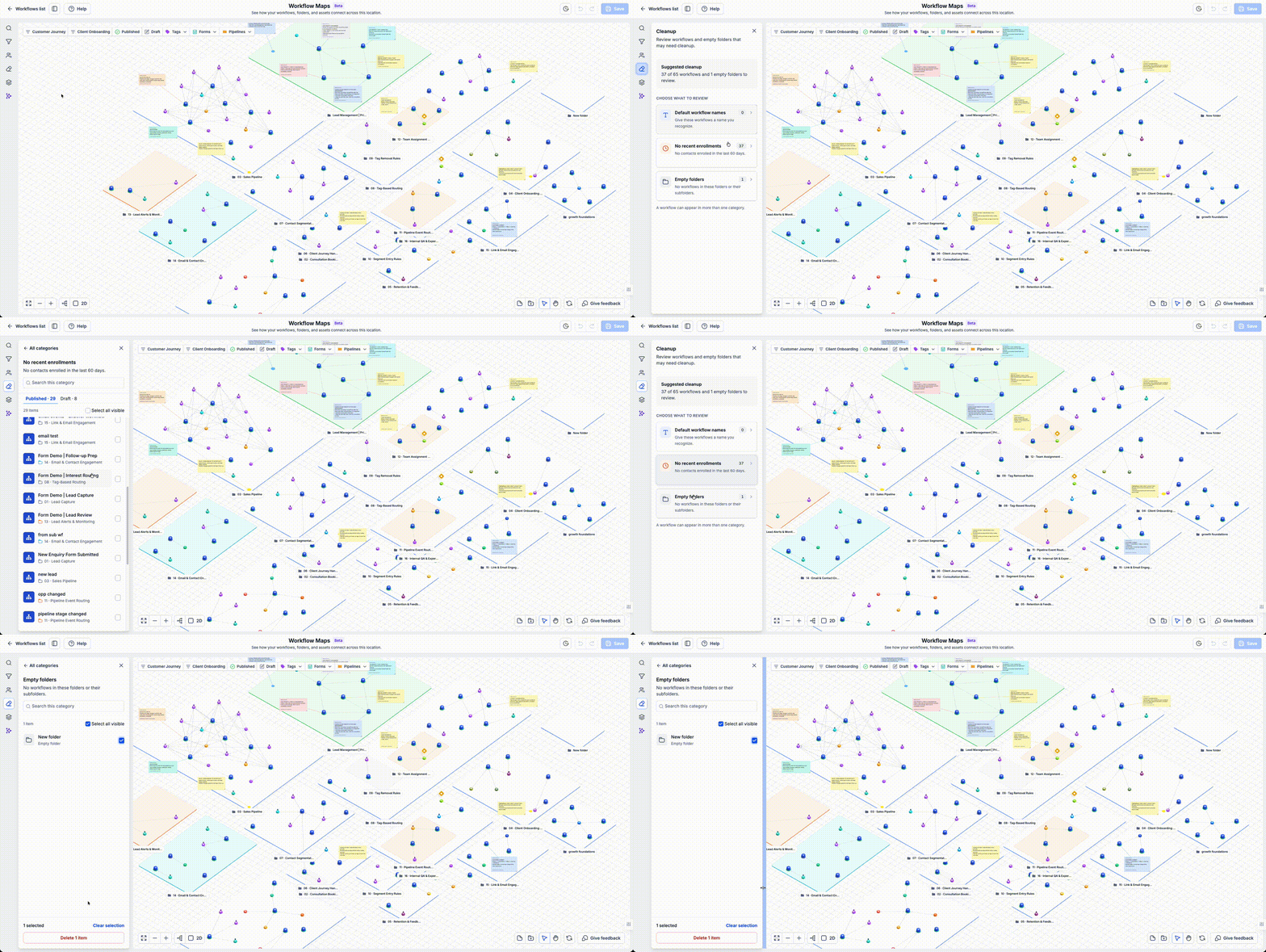
You can delete any workflows or folders that you no longer need. Deleting workflows and folders here follows the same rules as deleting them from the regular Workflows page. Workflows with active enrollments, for example, cannot be deleted.
Removing unused workflows and folders also reduces the total workflow count for an account, which may free capacity for other work.