Rich Elements in Conversation AI: Buttons, Lists, Images and Files on WhatsApp, Messenger, Instagram and Live Chat
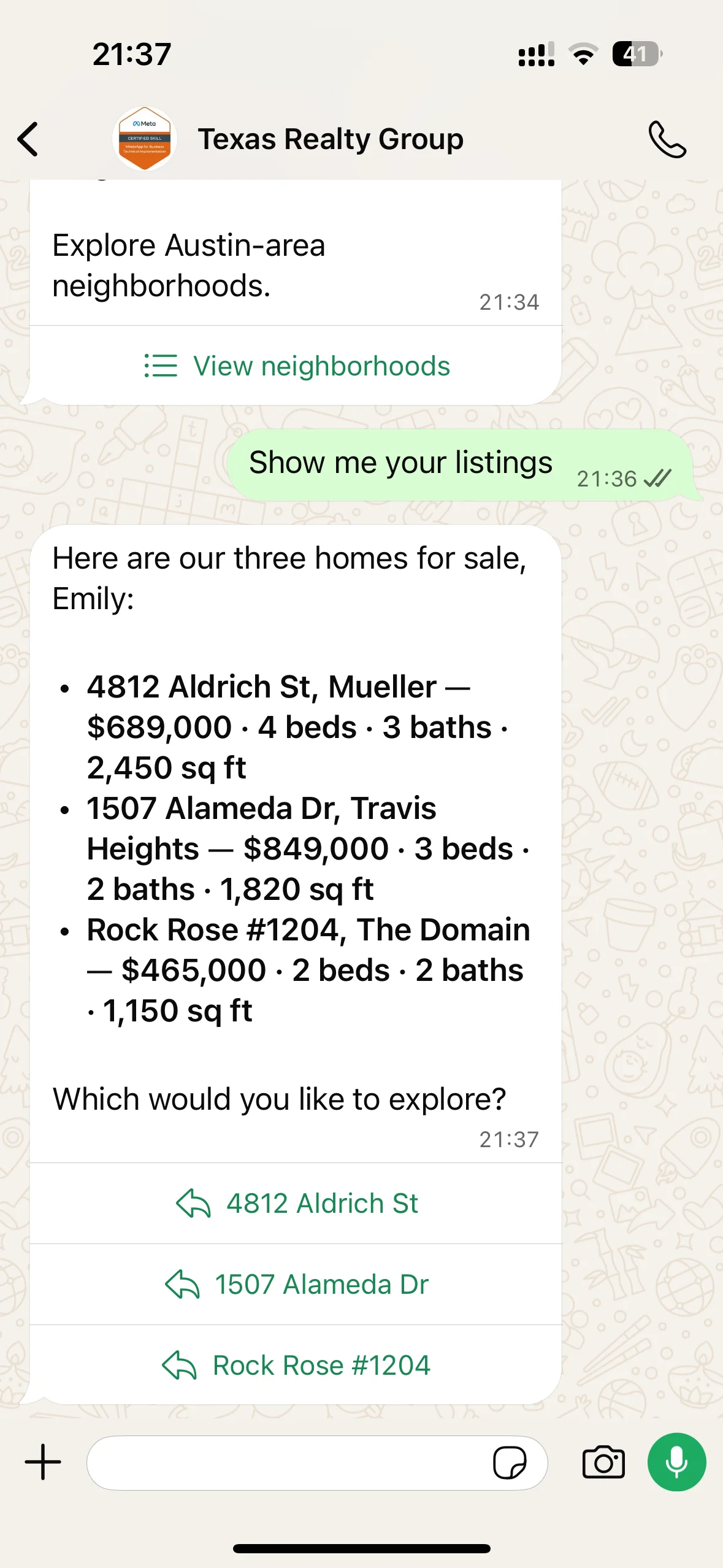
Conversation AI agents can now reply with rich elements, including quick reply buttons, link buttons, lists, images, and files. This update makes conversations more interactive and easier to navigate, especially on WhatsApp, Messenger, Instagram, and Live Chat.
Key Capabilities
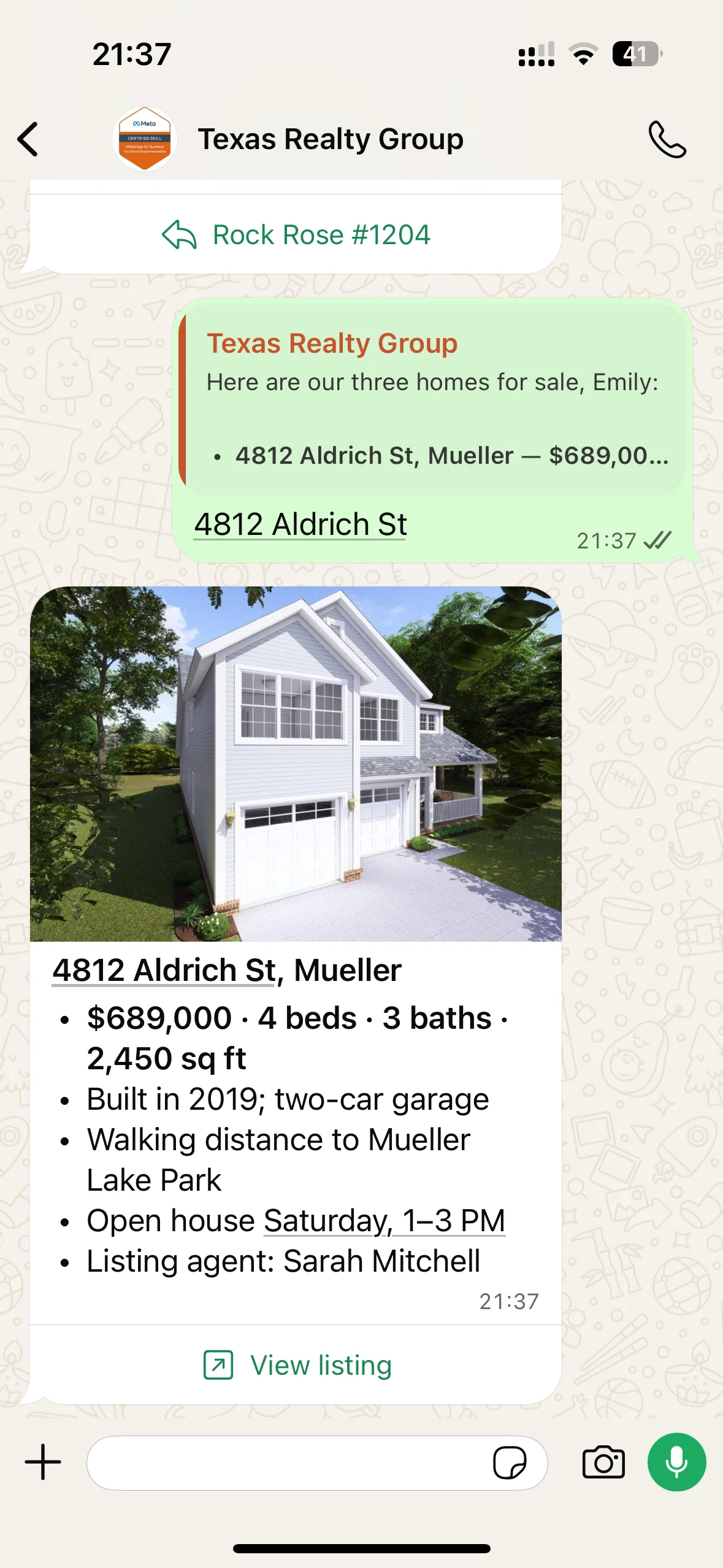
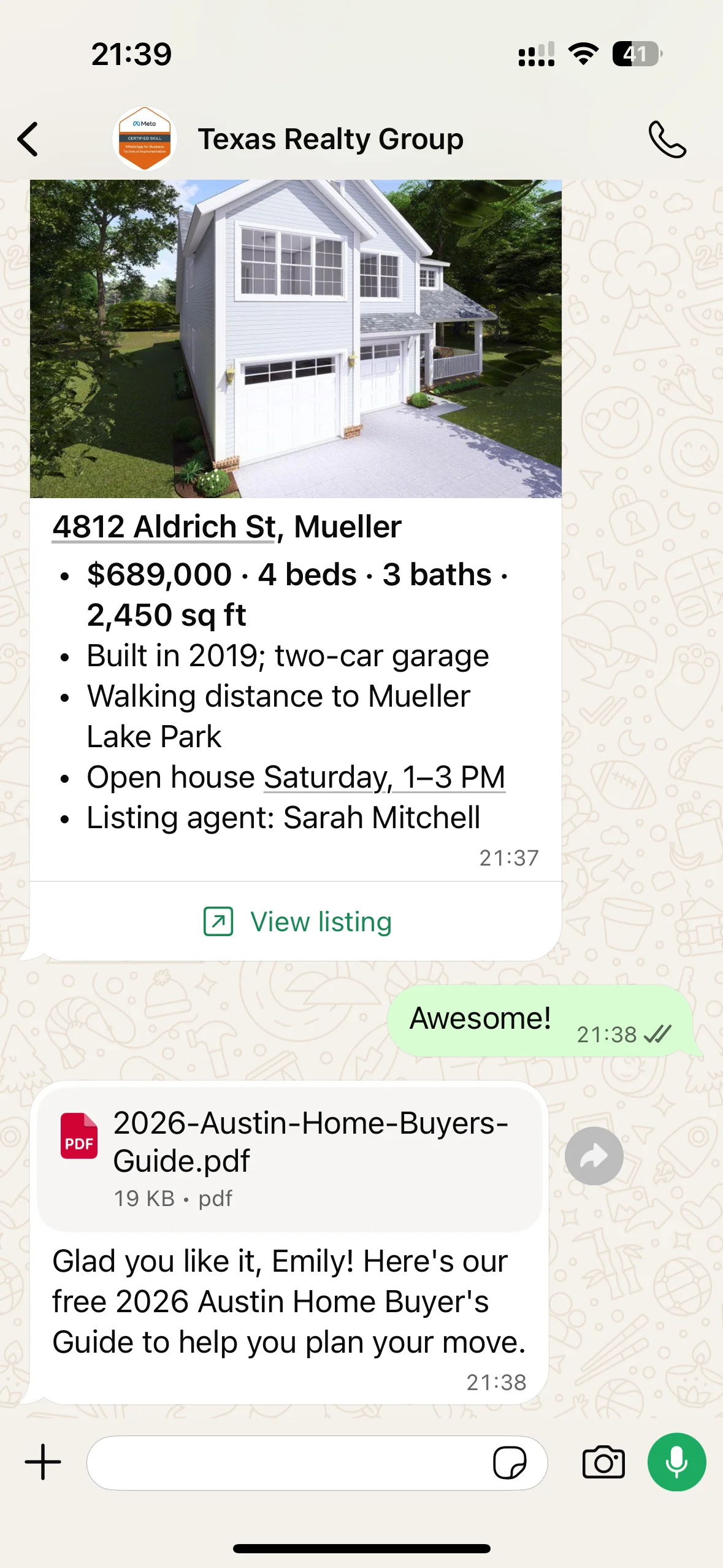
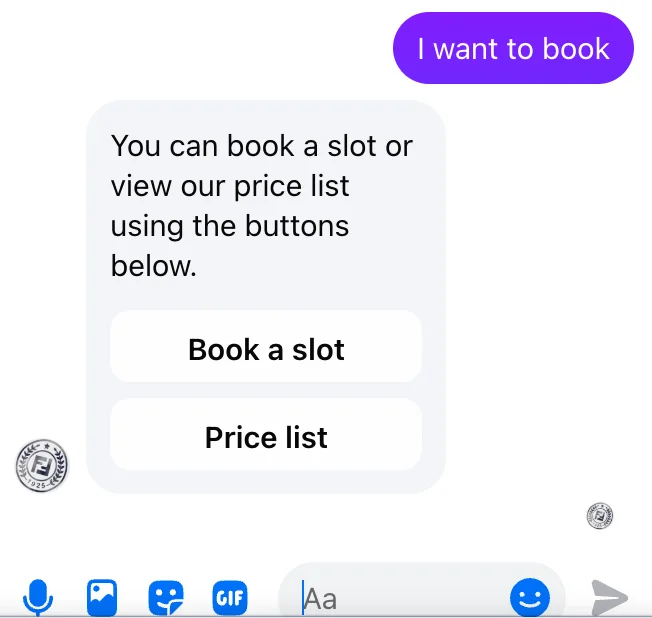
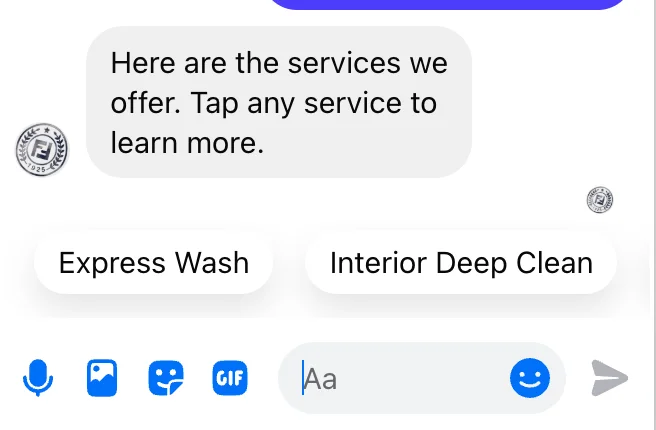
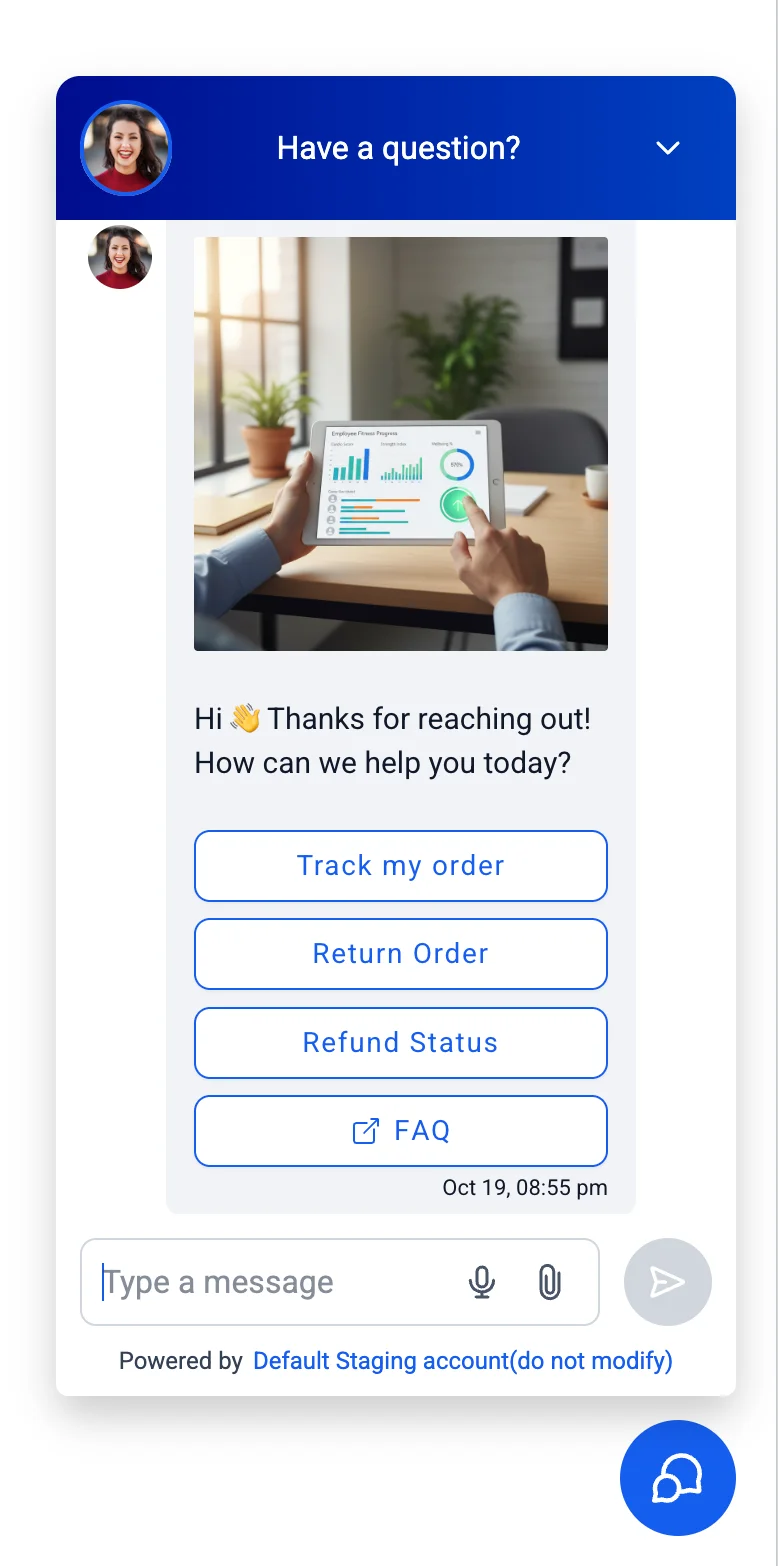
- Six elements to choose from: Agents can include Formatted Text, Quick Replies, Link Buttons, Lists, Images, and Files in their replies.
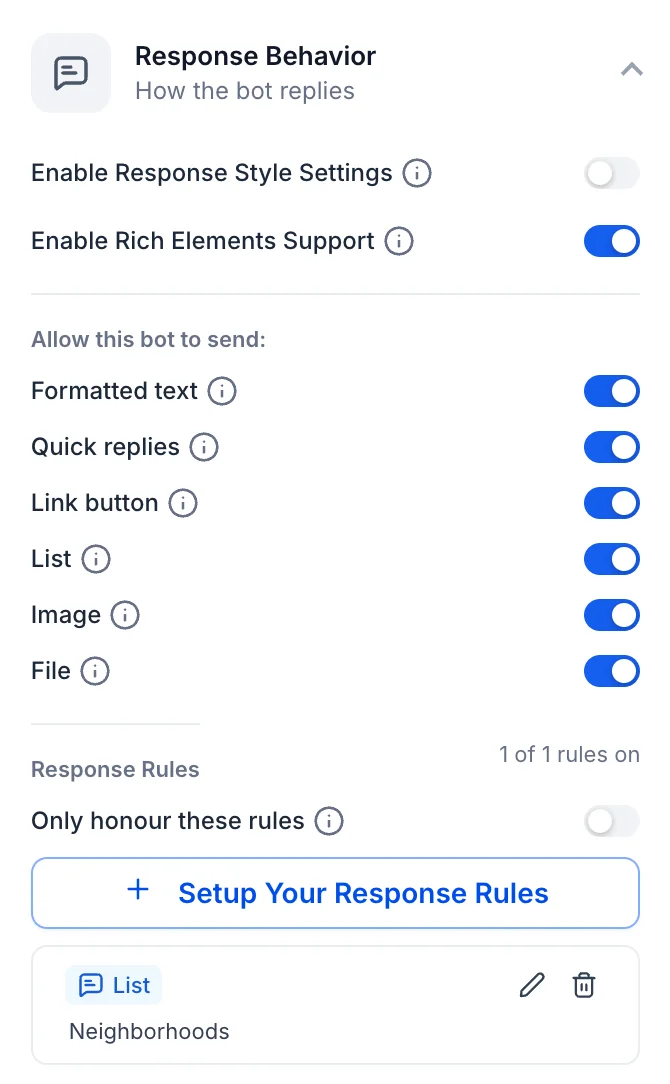
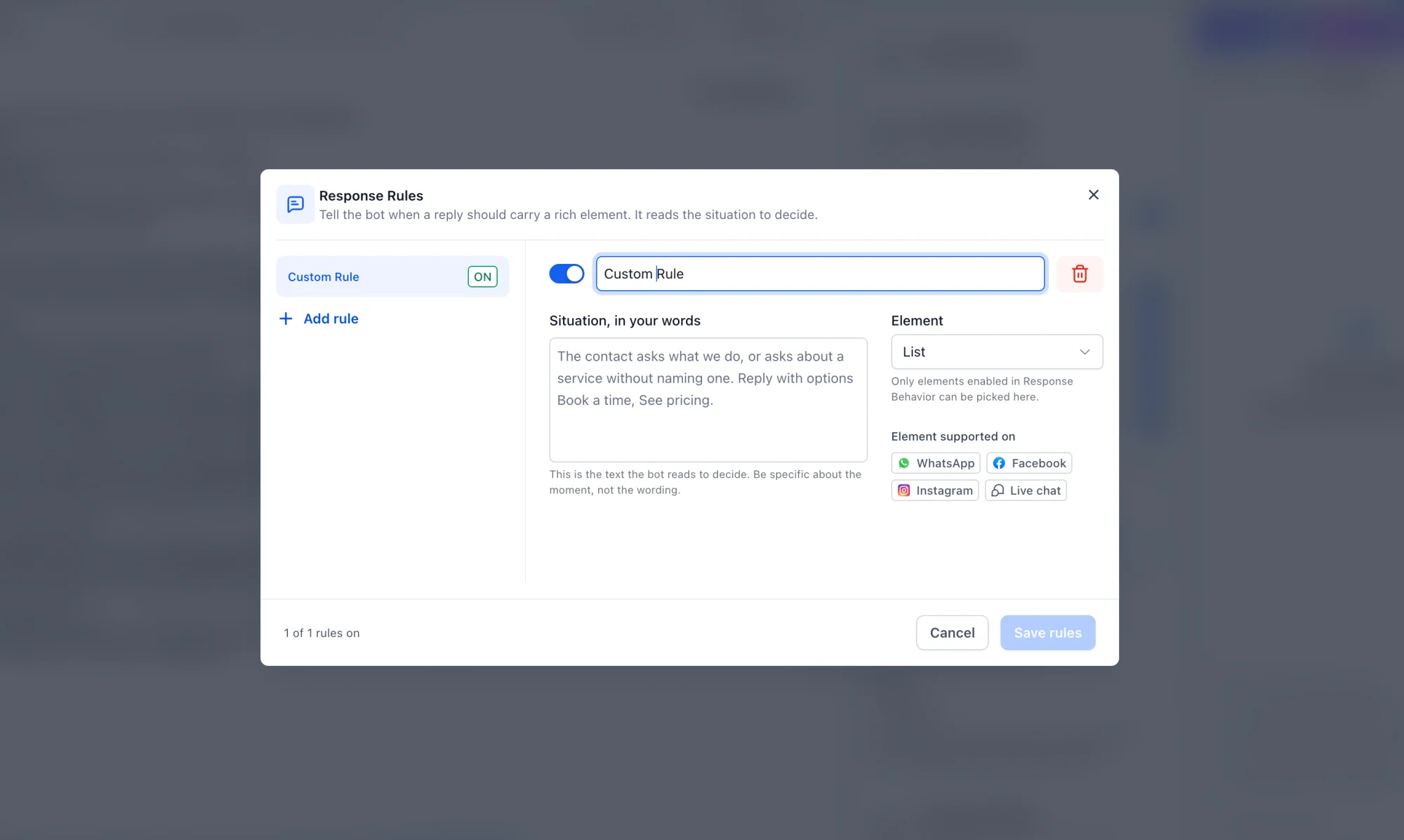
- Content comes from your prompt: The agent's rich elements are created based on your prompt, ensuring responses stay aligned with how you set them up.
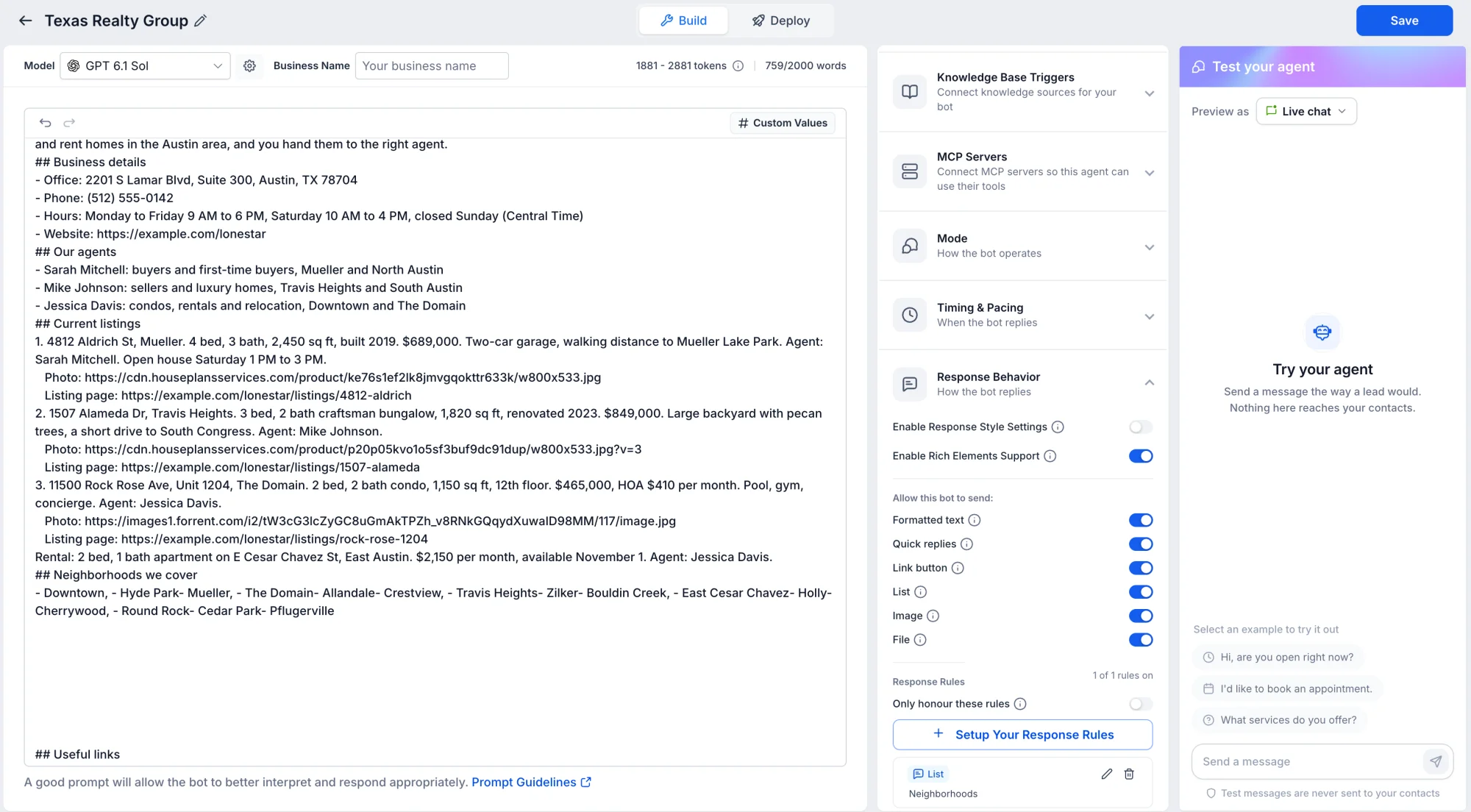
- Response Rules: Your agent will only send a rich element when it matches the rule you define.
- Channel-aware replies: Responses are automatically adjusted based on what each channel supports.
How to Get Started
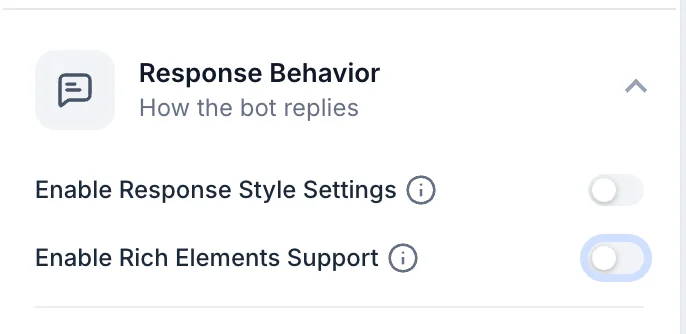
- Enable Rich Elements Support: Open Conversation AI, go to Agent Settings, and toggle Rich Elements Support on.
- Set up response rules: Under Response Rules, select the element type and define the trigger, then save.
- Add the element to your prompt: Include an instruction in your prompt for how and when the agent should send the rich element.
- Test your responses: Use the agent's Test mode to verify that replies appear as intended.
- Publish your changes: Once you're satisfied, deploy the agent to the channels.
Elements by Channel
- WhatsApp: Formatted Text, Quick Replies, Link Buttons, Lists, Images, Files.
- Facebook Messenger: Formatted Text, Quick Replies, Link Buttons, Lists, Images, Files.
- Instagram DM: Formatted Text, Quick Replies, Link Buttons, Images, Files.
- Live Chat: Formatted Text, Quick Replies, Link Buttons, Lists, Images, Files.
- SMS: Formatted Text only.
- Google Business Messages: Formatted Text only.
- Web Chat: Formatted Text only.
- Email: Formatted Text only.
- Call (Voice): Formatted Text only.
Supported Combinations
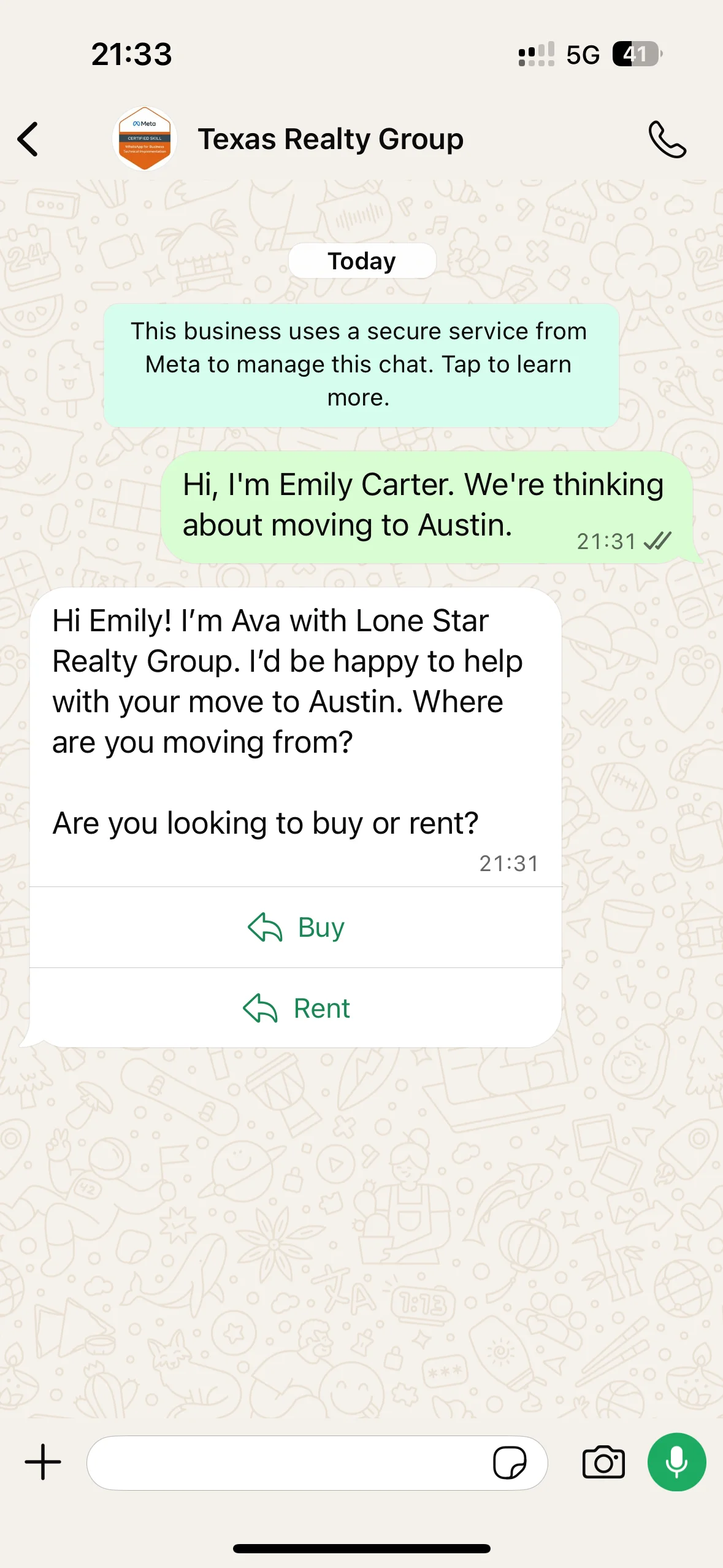
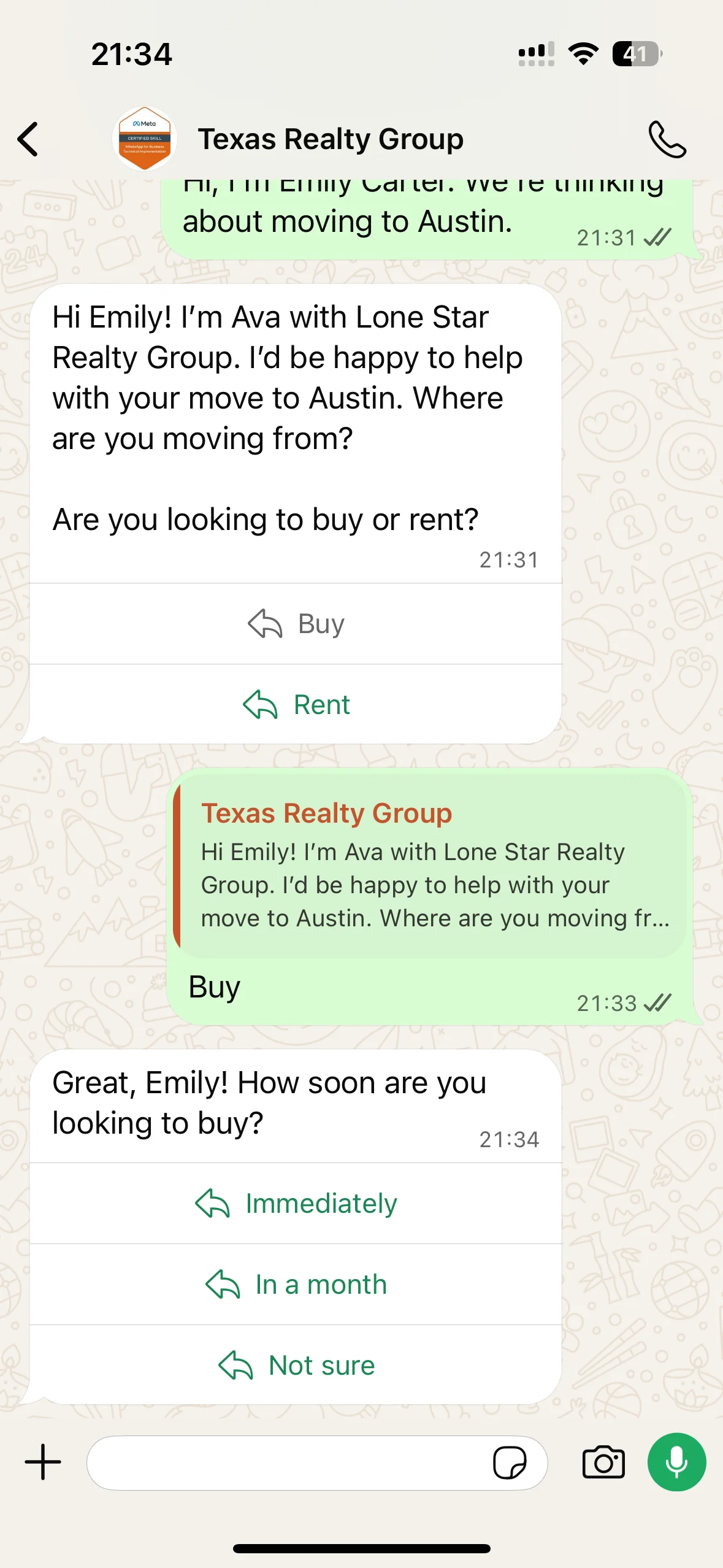
- Quick replies: Up to 3 buttons.
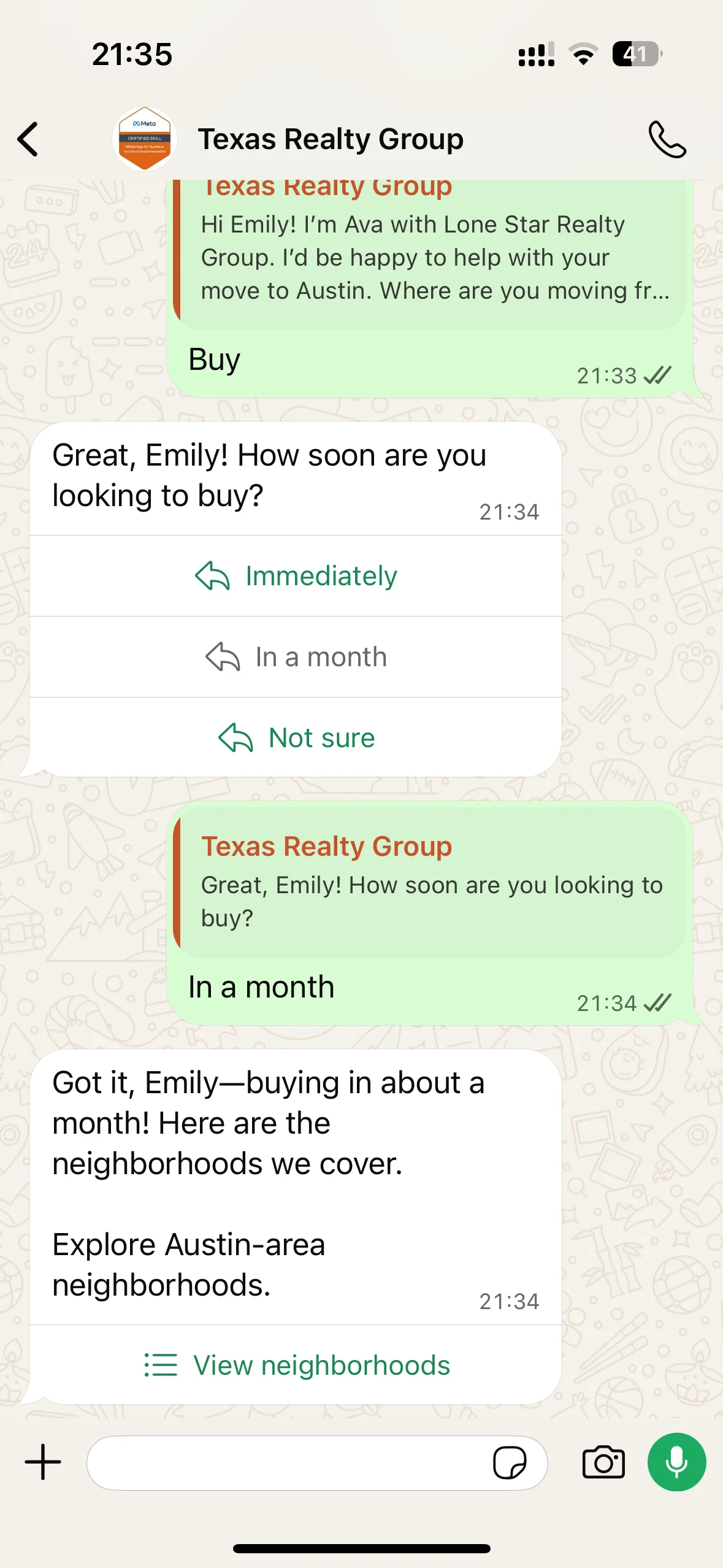
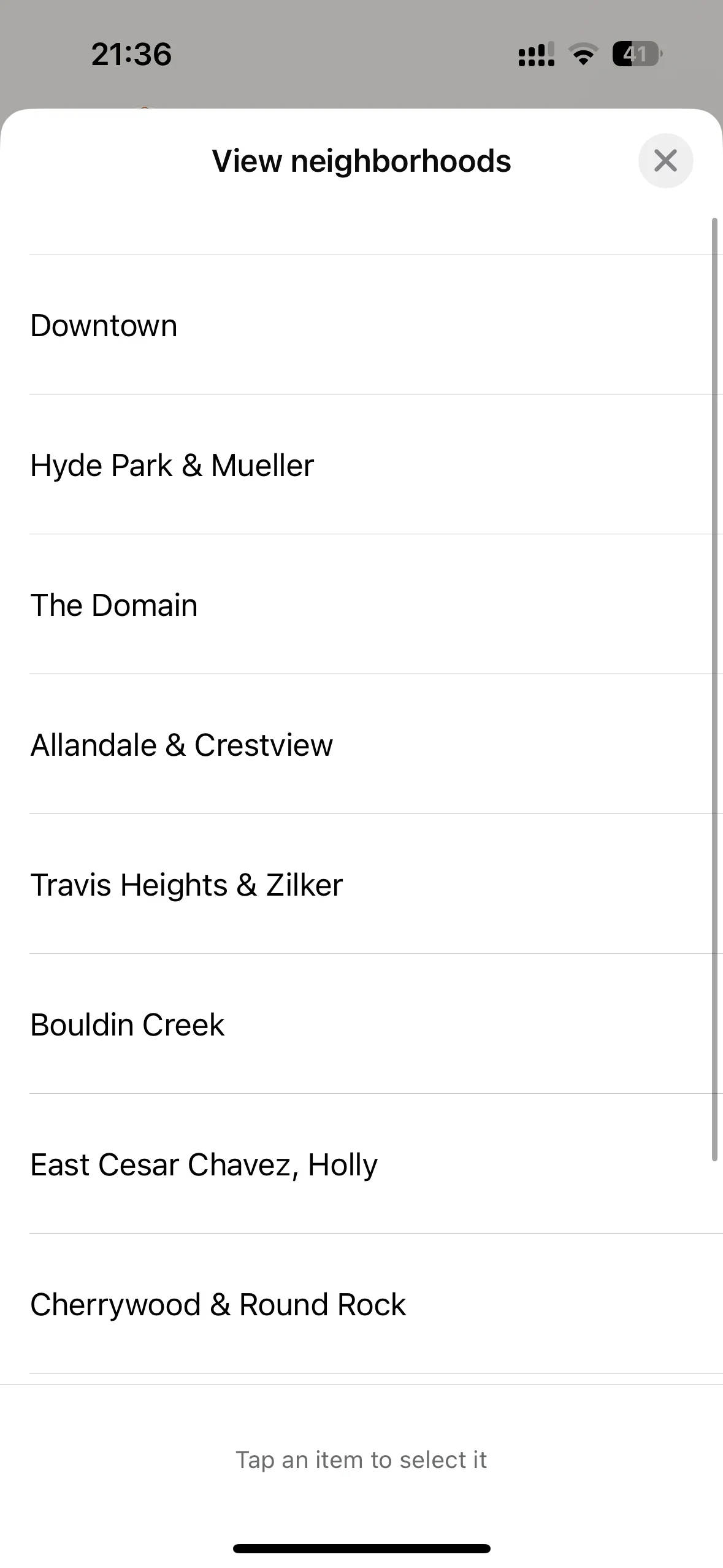
- List: One list per message, with up to 10 items.
- Link buttons: Up to 3 buttons.
- Images: One image per message.
- Files: One file per message.
- Formatted text: One text block per message.
- Channel limits: Each channel applies its own maximum of 3 buttons per message.
Limits per Channel
- WhatsApp: Up to 3 quick reply buttons.
- Facebook Messenger: Up to 3 quick reply buttons.
- Instagram DM: Up to 3 quick reply buttons.
See It in Action
Here's how rich elements look in live conversations.
Important Notes
- One element at a time: Your agent can send one rich element per reply.
- Prompt-based control: Rich elements appear only when your prompt instructs the agent to use them.
- Text first: Every rich element is sent with text, since a message must include at least one text block.
- Setup tip: For lists and images, use the correct syntax so the platform can read them accurately.
- WhatsApp lists: Lists are supported only on WhatsApp, with a maximum of 10 items.
- Image and file rules: Images and files cannot be combined with quick replies or link buttons in the same message.