Reputation widgets to Location Dashboards
You can now add Reputation widgets directly to Location Dashboards, making it easy to surface review performance, requests, and insights where teams already work every day.
Reputation Widgets Are Now on Location Dashboards
Teams can add Reputation widgets to any Location Dashboard, giving each location a clear, focused view of its review performance.
What You Can Add
- Review Request Insights: See how many review requests were sent, how customers are responding, and how each channel is performing — all in one place.
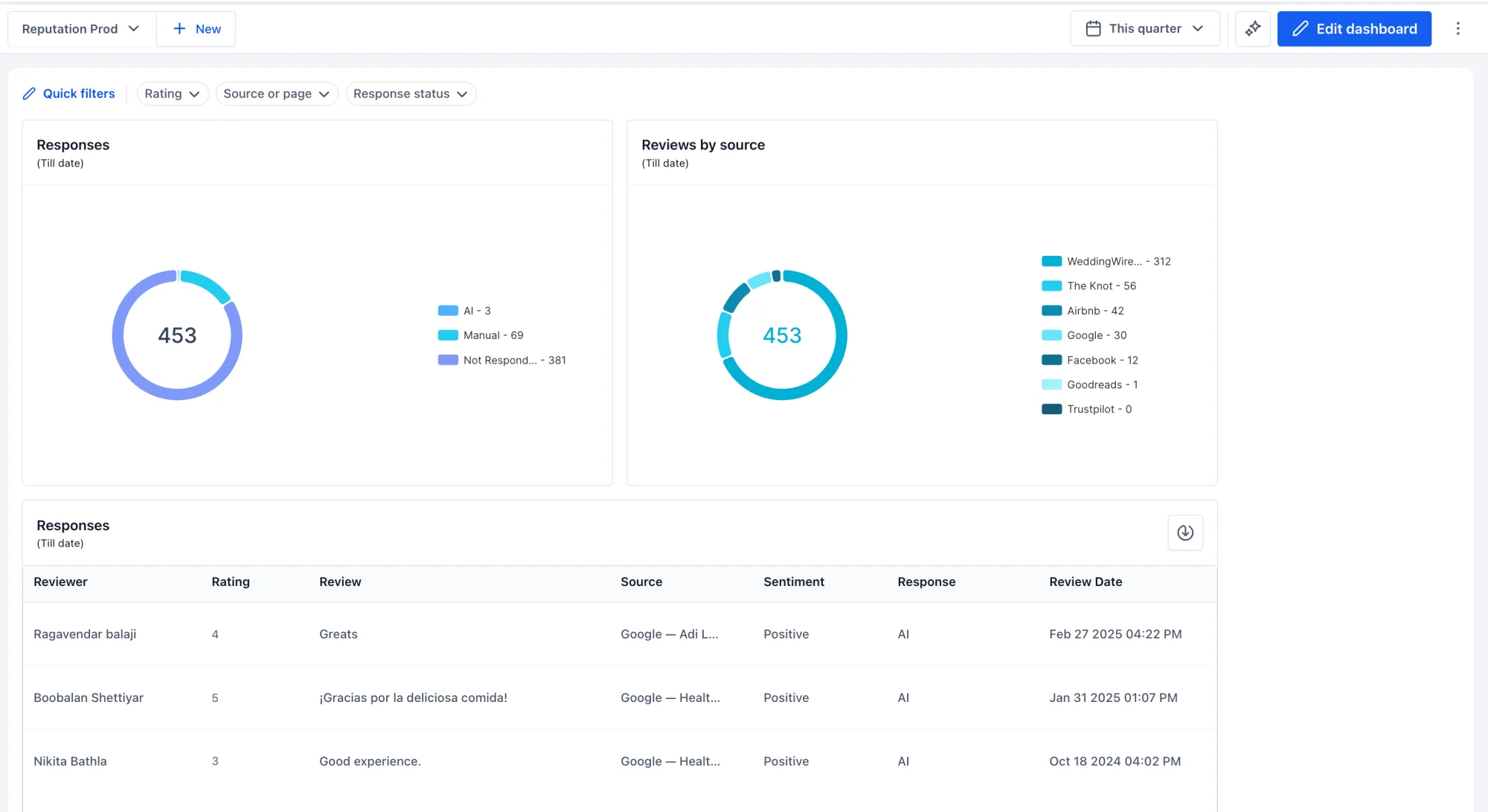
- Review Insights: Track review totals, average ratings, positive reviews, review sources, and performance over time.
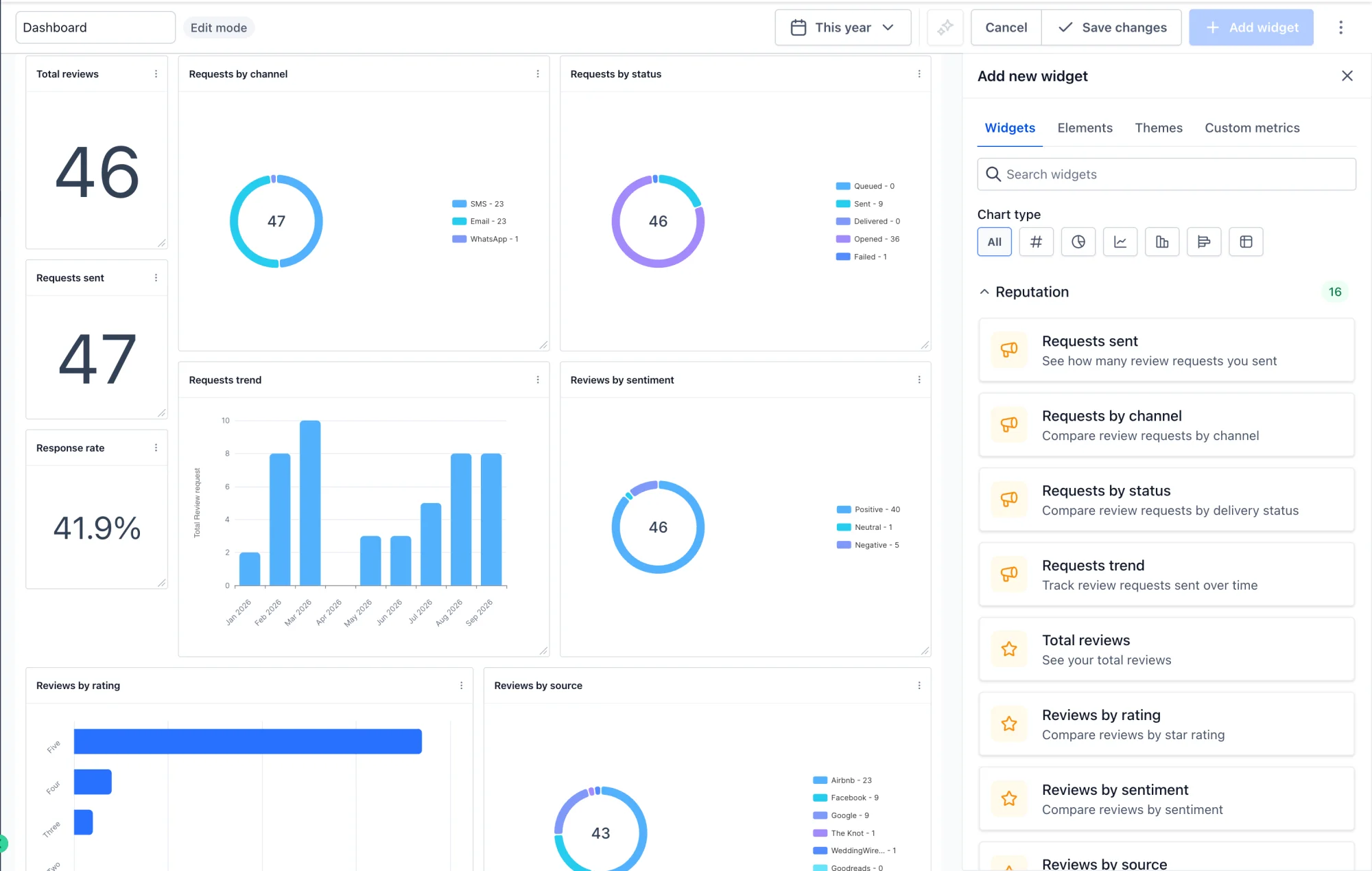
- Flexible Dashboard: Add widgets to an existing dashboard or build a new one for each location, then resize and arrange them to fit how your team works.
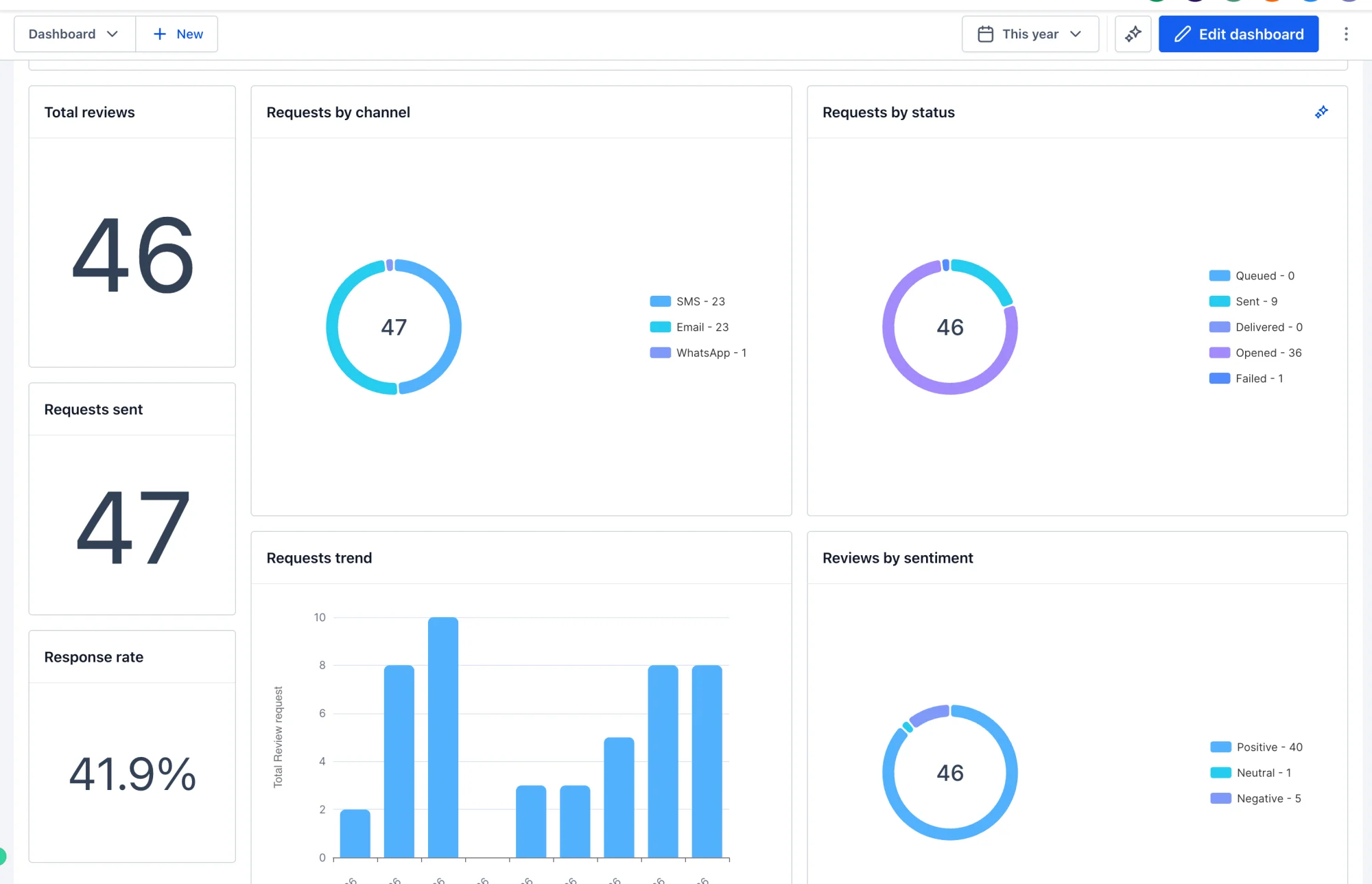
Built for Every Location
- Each location gets its own dashboard view, so teams can focus on the reviews that matter to them.
- Widgets update in real time, so the numbers always reflect the latest activity.
- Combine Reputation widgets with other dashboard widgets to create a complete view of each location's performance.
Why This Matters
Previously, Review Requests, Review Insights, and overall review performance lived in separate areas. Now, everything is visible on the Location Dashboard, so teams can track results, identify gaps, and act faster — without switching tools.