Quiz Element in Funnels & Websites!
We're thrilled to share that the Quiz element is now available in Funnels & Websites!
You can now add interactive quizzes directly inside your Funnels and Websites, making it easy to engage your audience, capture leads, and make learning more enjoyable.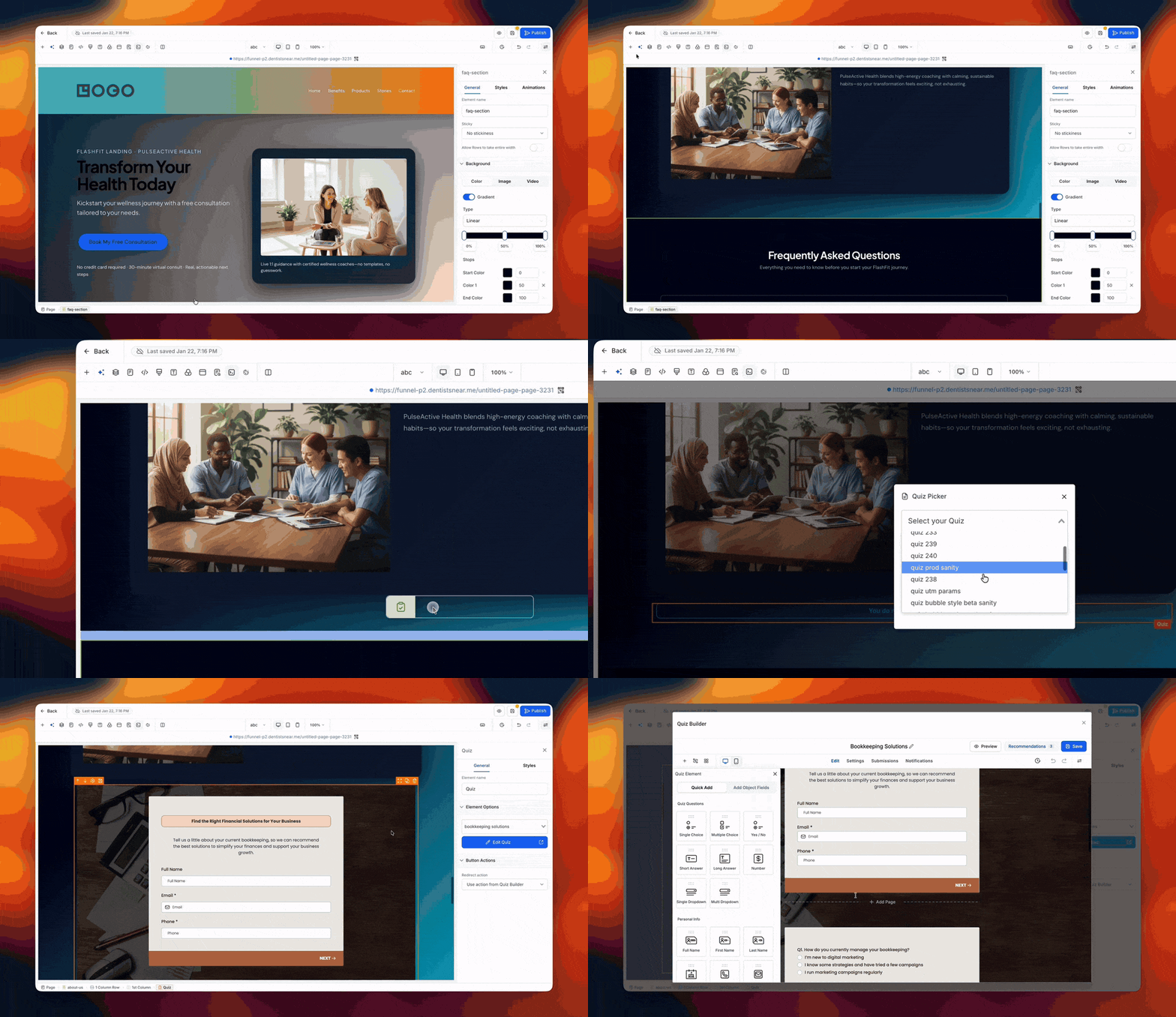
What's New?
- Native Quiz Element – Embed a quiz directly in your funnel or website page and make it look like a natural part of your content, without needing to add any external tools.
Here's what's changed:
- Native Quiz Integration
- One-Click Quiz Selection
- In-Builder Quiz Creation
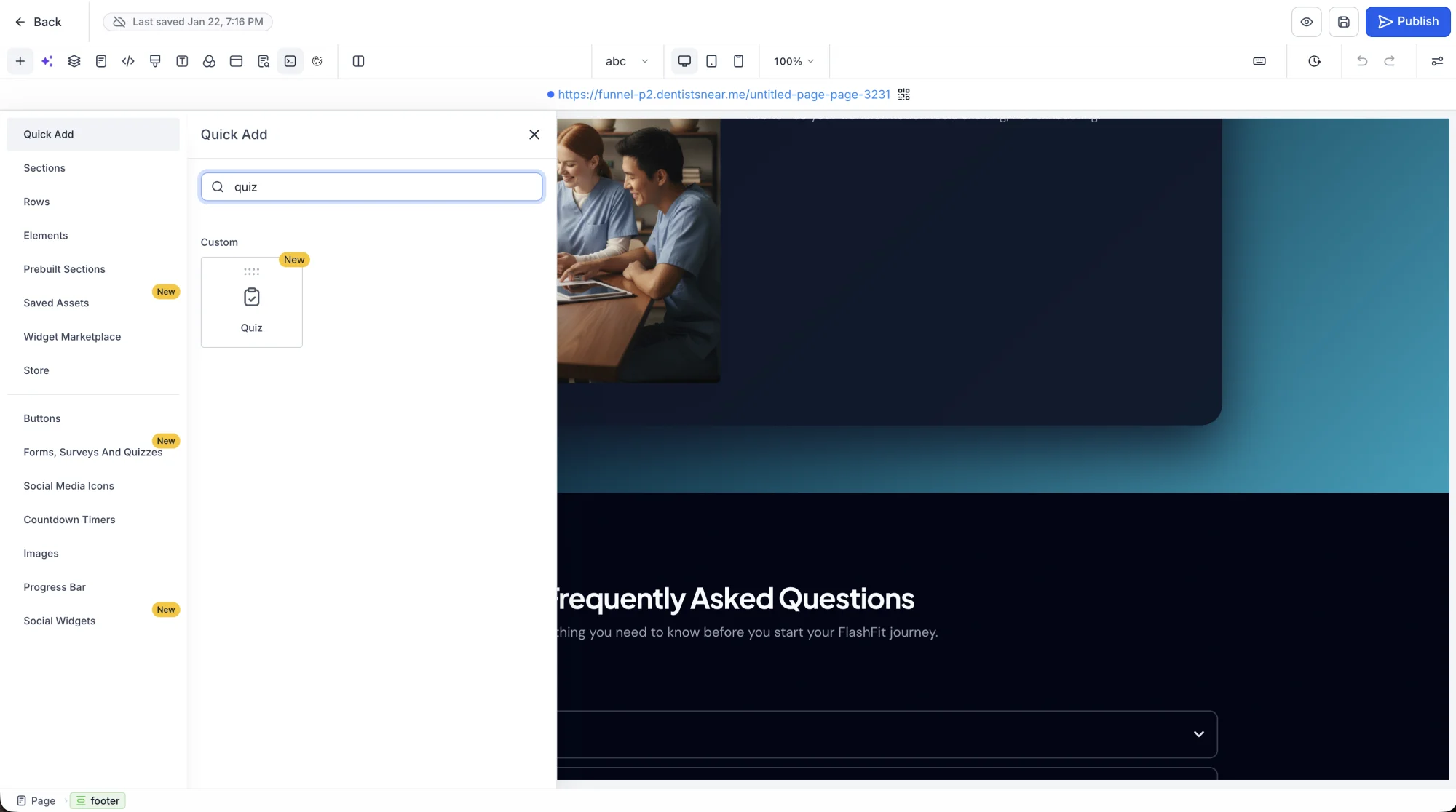
-
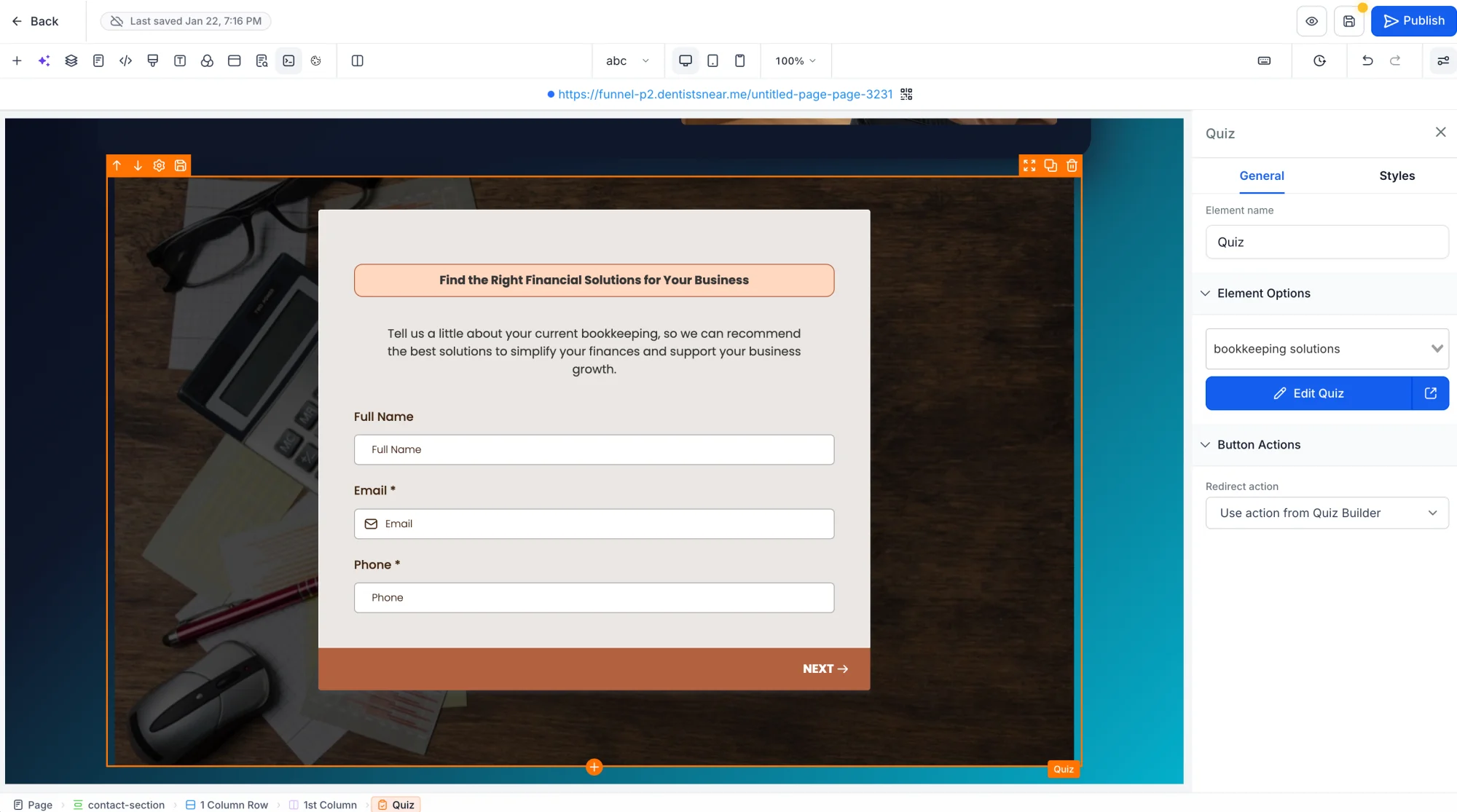
Create New Quizzes Inside the Builder – Create new Quizzes inside the builder without needing to leave the page. Click Add Quiz to create a new Quiz directly from the builder.
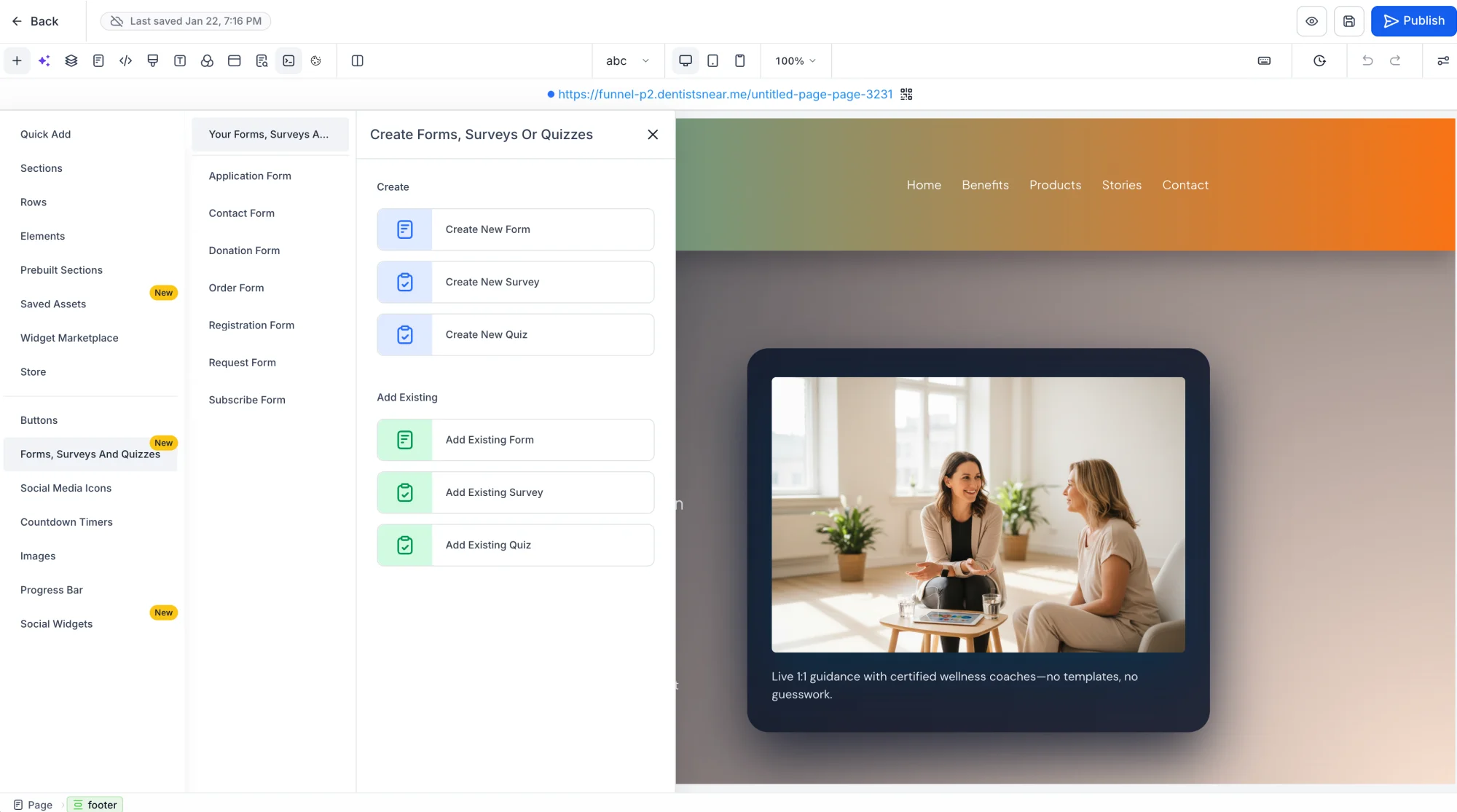
-
Edit Quizzes from the Builder – Open the Quiz Picker, select a Quiz and click the "Edit Quiz" button to edit it.
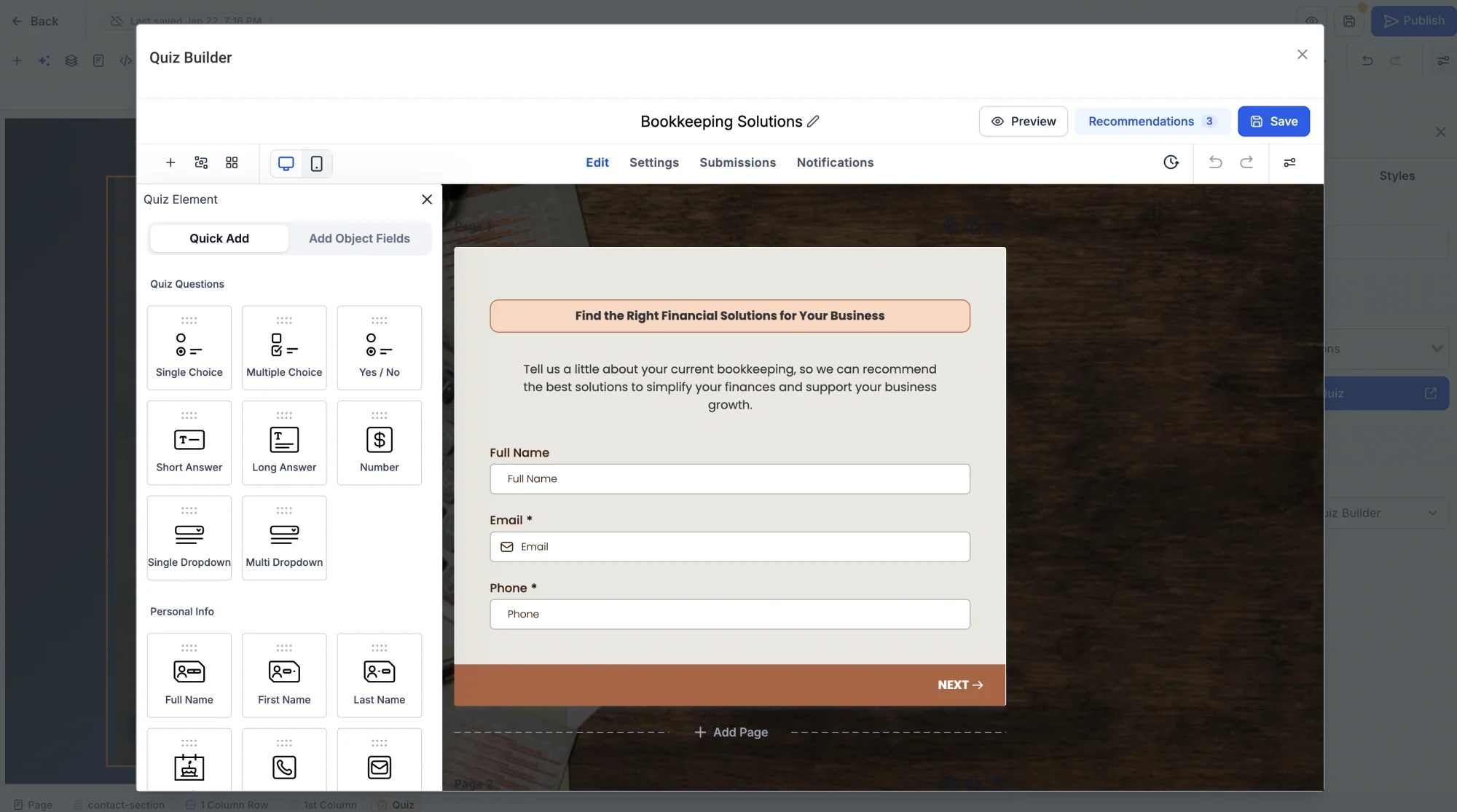
-
Preview Quizzes Inside the Builder – Preview how your Quizzes will look on your pages by clicking the Preview button in the Funnel or Website builder. The selected Quiz will render in a beautiful modal.
-
Advanced Quiz Settings – Customize your Quiz experience with options for Quiz title, description, welcome screen, submit button text, and much more.
Use Cases
- Generate qualified leads by embedding quizzes in your landing pages.
- Boost engagement by adding quizzes to your funnels and websites.
- Run interactive marketing campaigns with quizzes to drive conversions.
Notes
- Currently, Quiz responses and scores aren't captured in the Leads dashboard or quiz analytics.
- Quiz element is available in Funnels & Websites.
- The Advanced Quiz Settings section allows you to customize the Quiz experience.