Quick-create brand board from the email builder
Create a brand board in seconds, right from the email builder.
You can now create a brand board without leaving the email builder, so your emails always use the right colors, fonts, and styles.
With just a few clicks, you can build a brand board using your website URL or a preset style, and the colors will automatically be saved for future use.
What's new?
- Create a brand board without leaving the email builder
- Choose a preset or build from your own site
- Save brand colors automatically
- Quick access to the color palette
How it works
- Go to the email builder and open an email template.
- Click on the color picker.
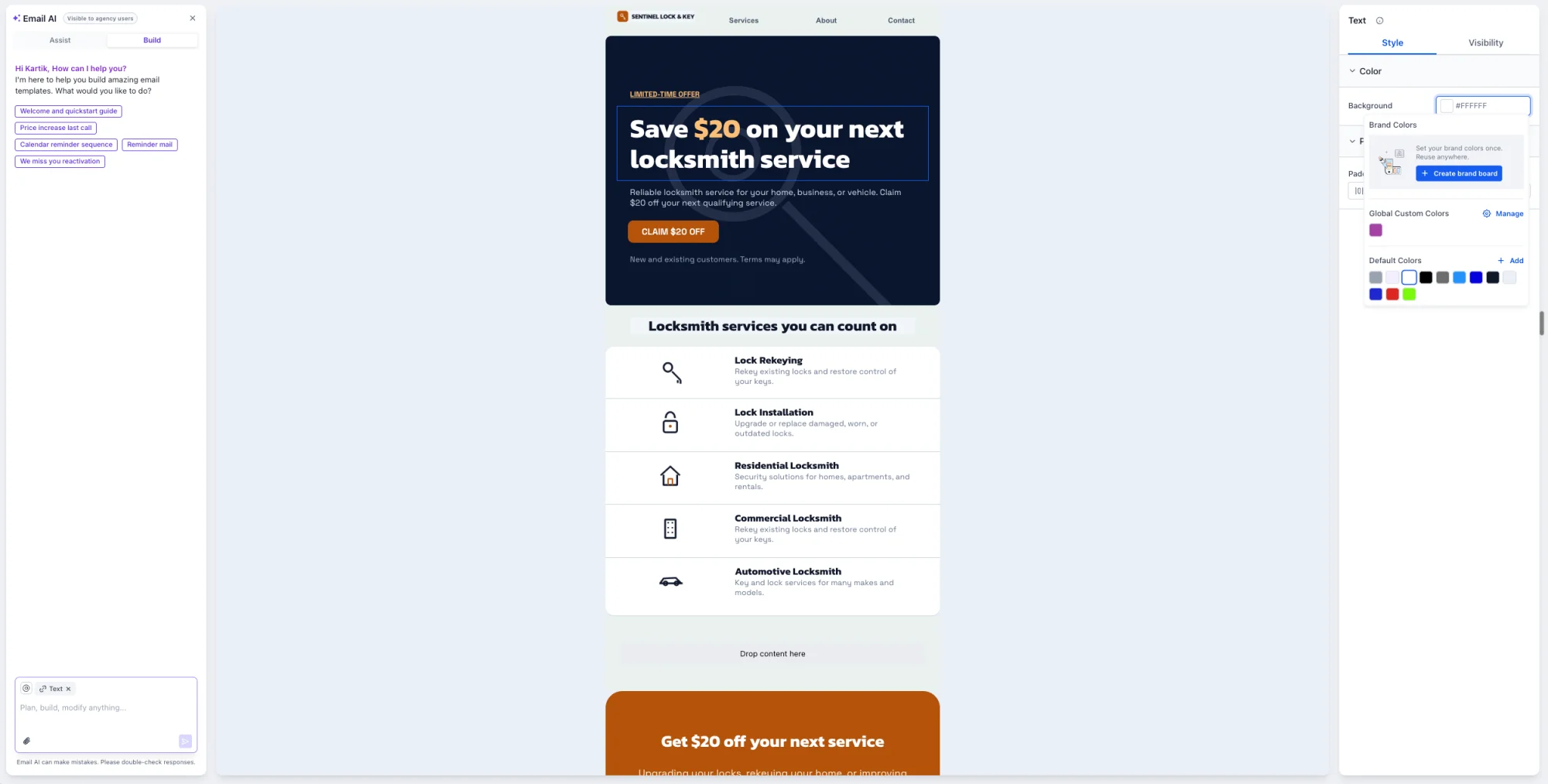
- Choose a preset style from the list, or create a brand board by entering your website's URL in the Create Brand Board section.
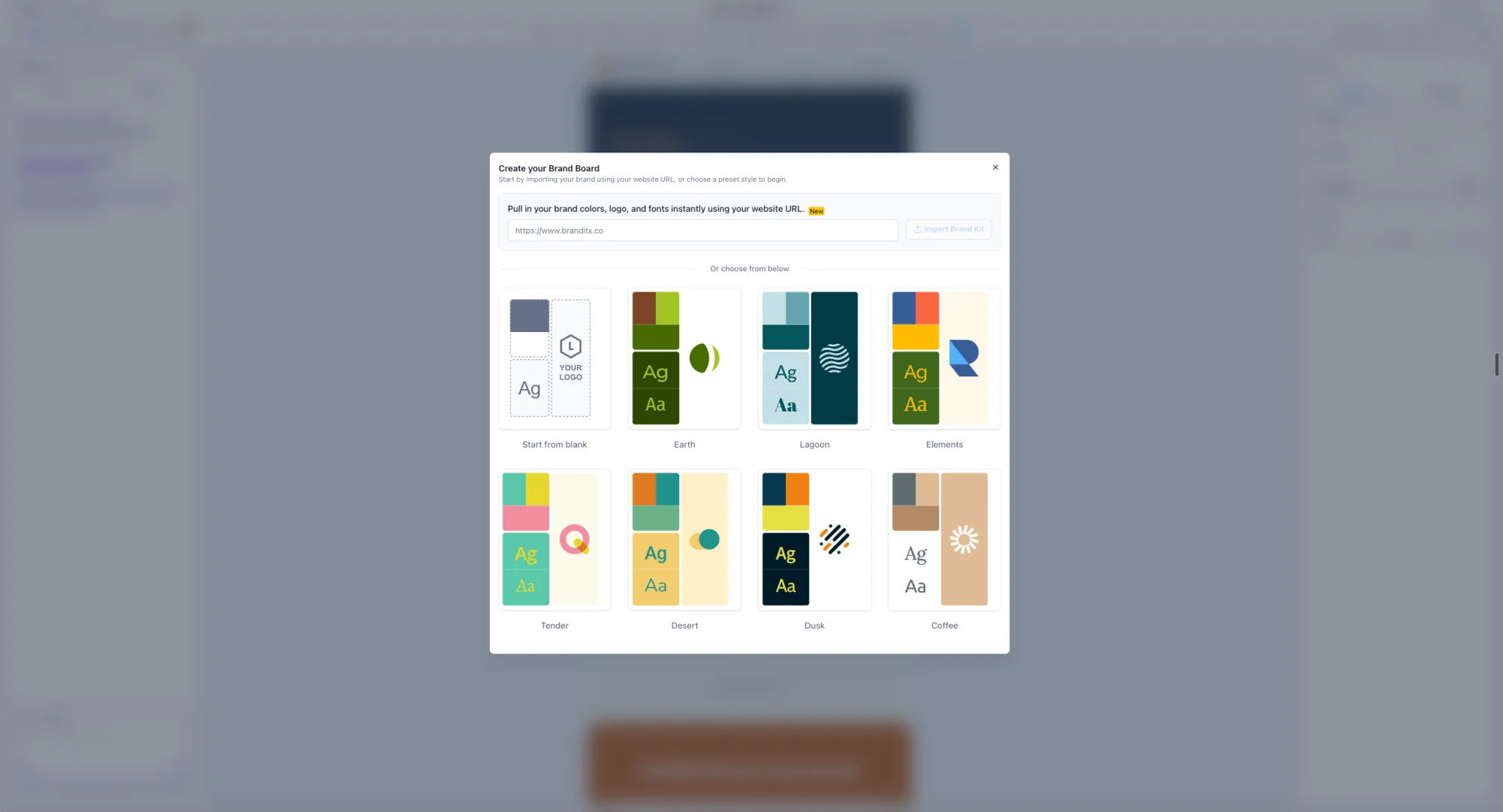
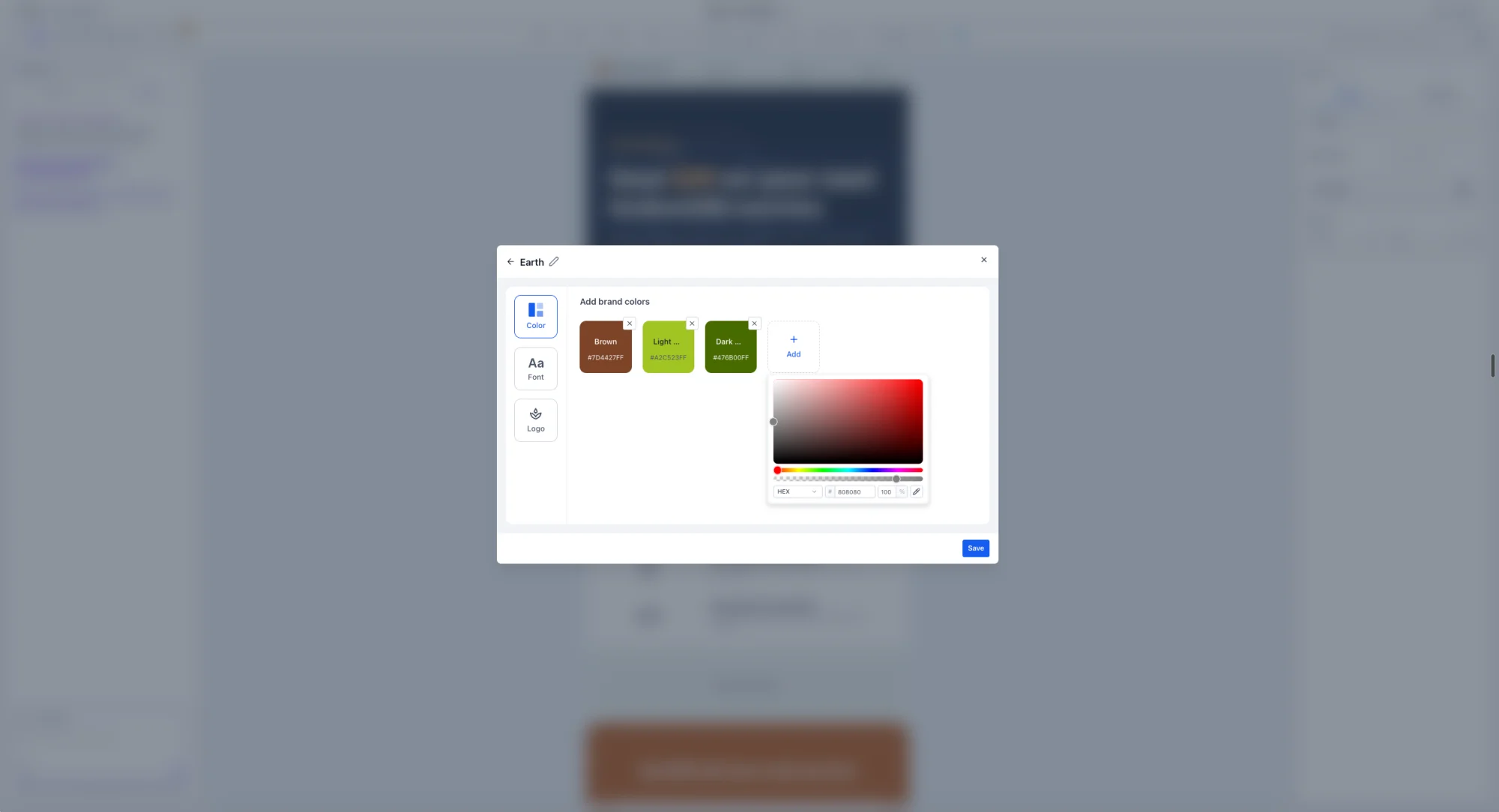
- Adjust the colors, then click Save to create the brand board.
- Once you've created your brand board, the color swatches will appear in the color picker.

Notes
- Brand Boards can be created for any business in your account.
- Brand Boards created in the email builder are available in your other applications.
- Brand Boards are available on every plan.