QR code touchpoint in the website builder and new website QR type in QR Builder
QR Codes are now built into Websites, just like Funnels.
🚀 Now you can make a QR Code for any website page in one click.
A QR Code icon now sits next to your page URL in the Website Builder. Click it to create, download, or customise a QR Code for the page you're editing.
We also added a new Website type in the QR Code Builder. Pick a website, pick a page, and you're done. No copying and pasting URLs.
⚡ One-click QR Codes from the Website Builder
🌐 New "Website" QR type in the QR Code Builder
🔗 Always opens the right page, even after a slug or domain change
🌉 Bridge the gap between offline and online experiences
✨ Key Features & Benefits
QR Codes inside the Website Builder: Make a QR Code right from the Website Builder. You don't need to open the QR Code Builder or pick the page by hand.
New "Website" type in the QR Code Builder: Choose Website, then pick the website and the page from two dropdowns. A QR Code is created for the selected page — no manual URL needed.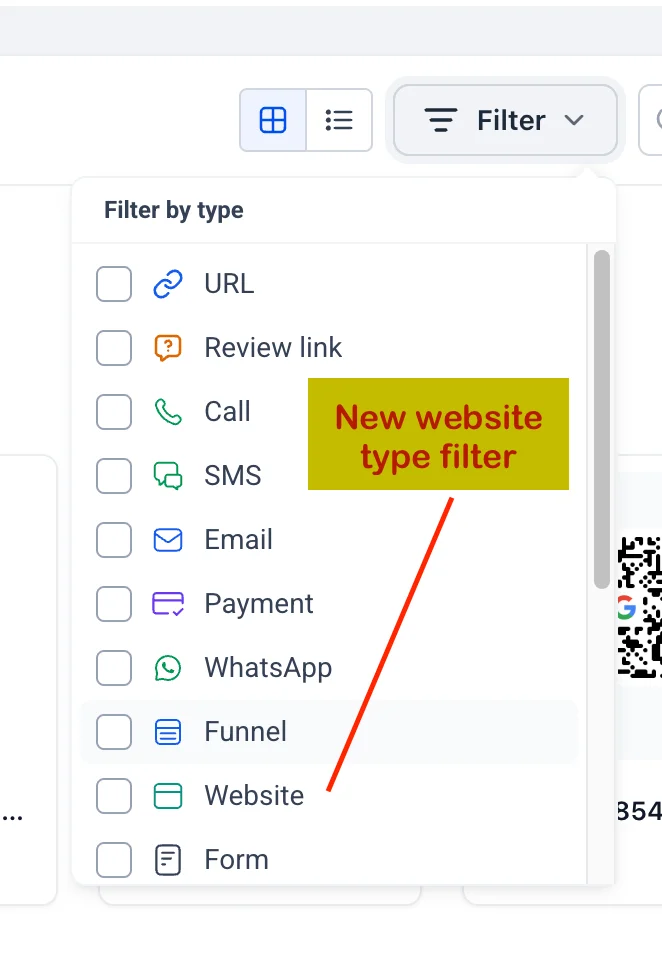
Scans follow your page: The QR Code is tied to the website page itself, not to a fixed URL. If you change the slug or domain, scans still land on the correct page.
Download in multiple formats: Download as PNG, SVG, or PDF for print, signage, menus, packaging, and more.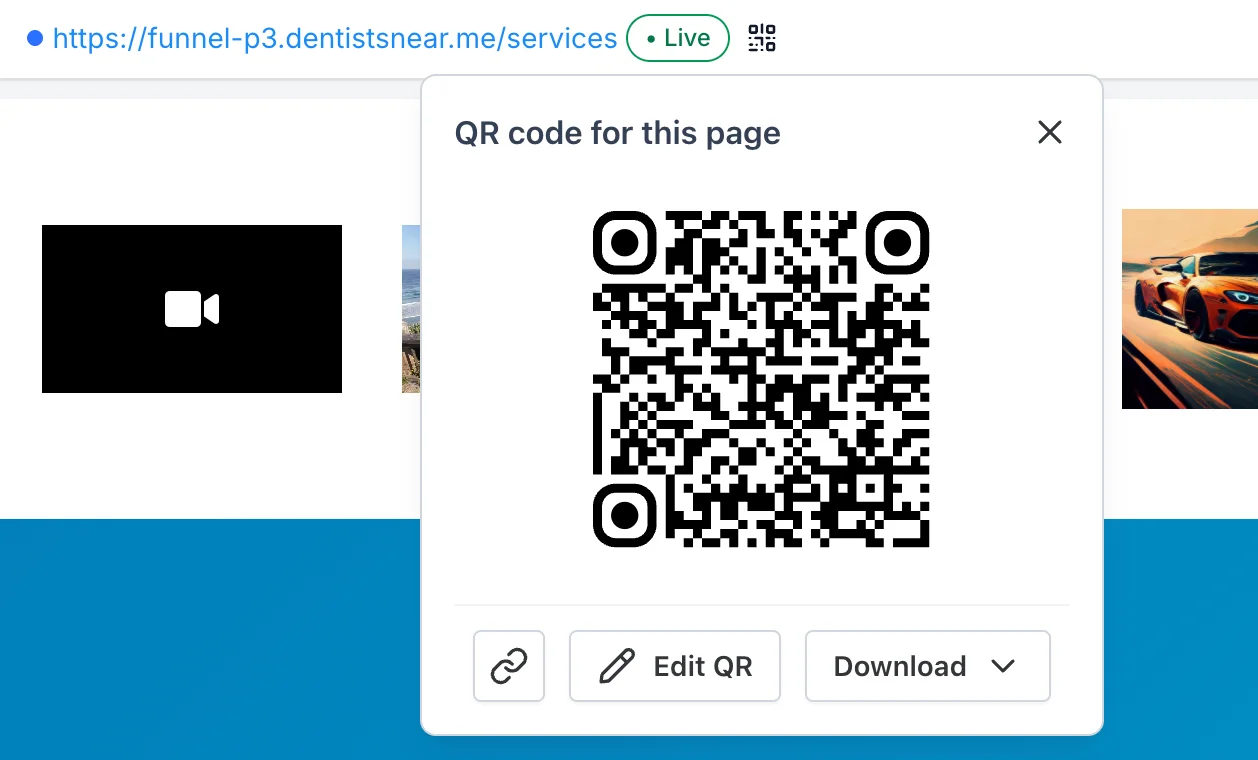
Full customisation with Edit QR: Update the QR Code's style, colour, or destination from the QR Code Builder. Since the QR Code is linked to the page, edits take effect without reprinting.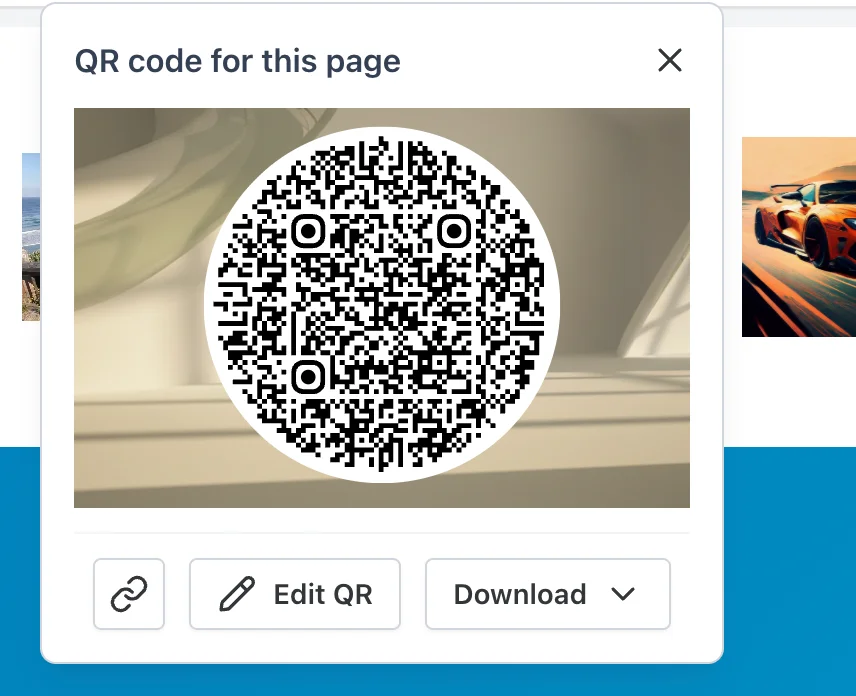
Add to Wallet and list filters: Add a QR Code to Wallet from the QR Code list. Filters help you find QR Codes by destination, type, and creation date.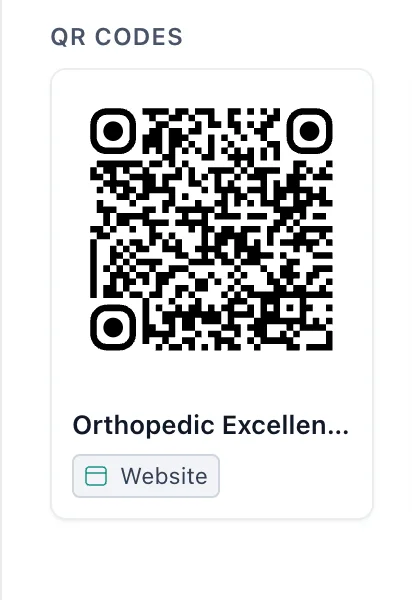
📌 Heads up: The new QR Code builder and the QR Code touchpoint are still in beta. If you run into any hiccups, please share your feedback with our support team.
🔨 How to Use
Website Builder:
Open any website in the Website Builder.
Click the QR Code icon next to the page URL.
Preview and download your QR Code.
QR Code Builder:
Head to the QR Code Builder.
Click Create QR Code.
Select Website, then choose your Website and Page.
💡 Why This Feature?
Turn every page into a scannable entry point: Print QR Codes on flyers, menus, packaging, and signage.
Stay up to date: The QR Code stays linked to the page, so updates are safe.
One place to manage: All Website QR Codes live in the QR Code Builder alongside your other QR Codes.
Save time: No more copy-pasting URLs or managing external QR Code tools.