Profile & Business Cards
Profile & Business Cards are here! This update brings every profile into one organised place, where you can control how your team is represented and share profiles publicly.
Each profile collects identity, contact details, and links in a single place, so the information you show is consistent everywhere.
Web Wisconsin is building all of this — from the profile itself to a public-facing business card — from scratch, and we're excited to share the latest updates with you.
Key features
- Personal profile pages – Give everyone a public profile with their details, bio, photos, and links.
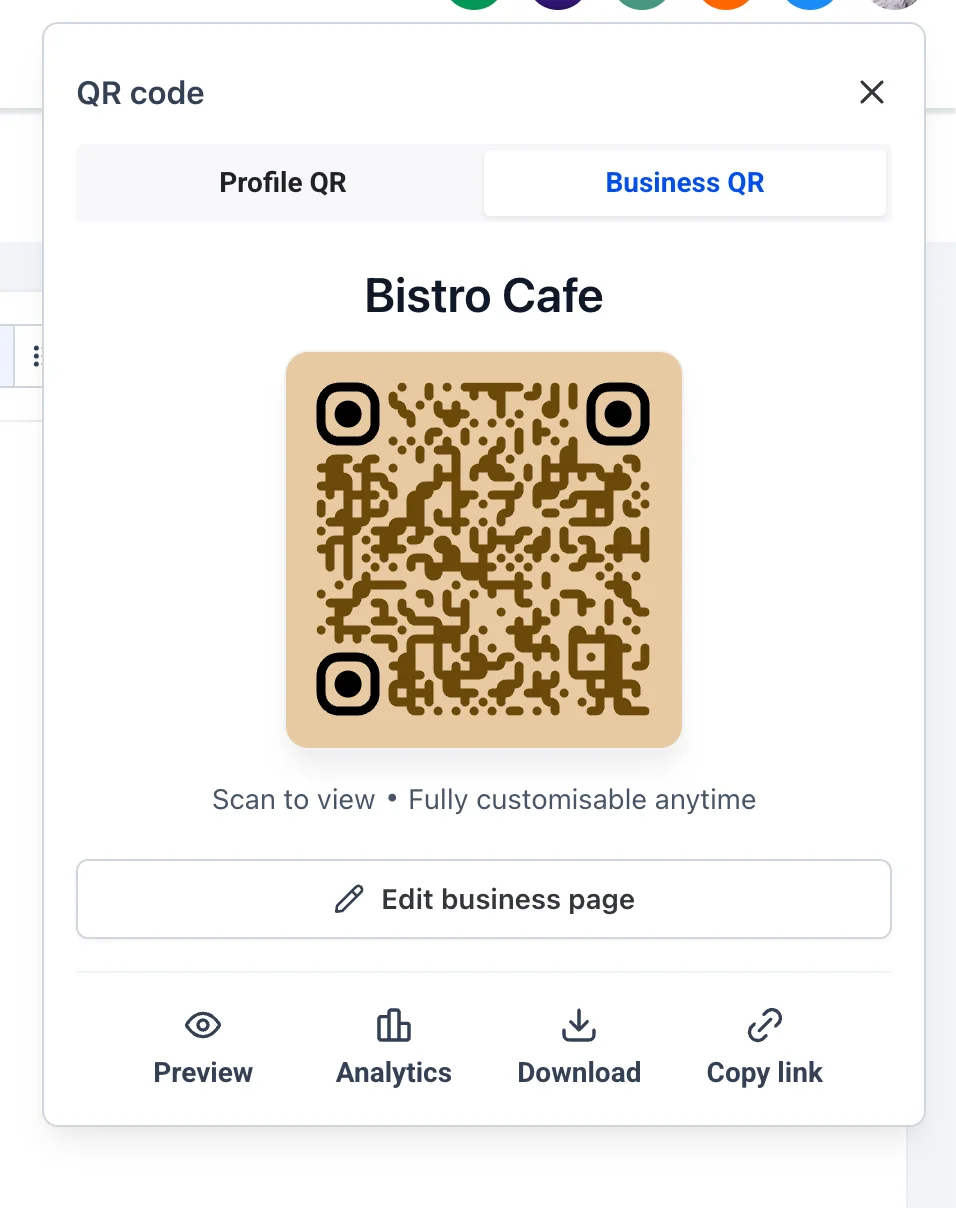
- Business cards – Create and share branded business cards based on a profile. View access can be controlled by admins.
- Full editing – Admins and profile owners can update all details at any time.
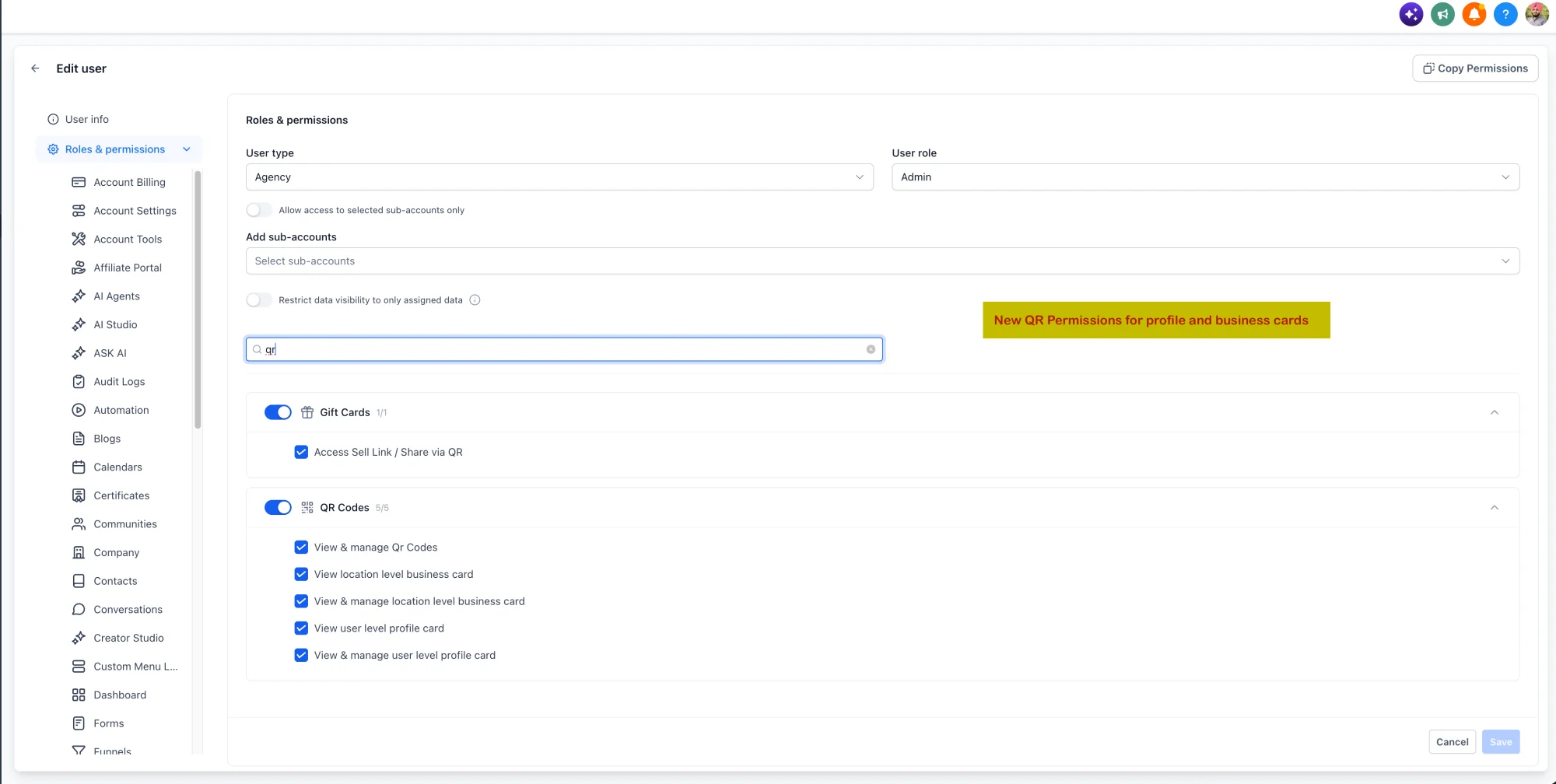
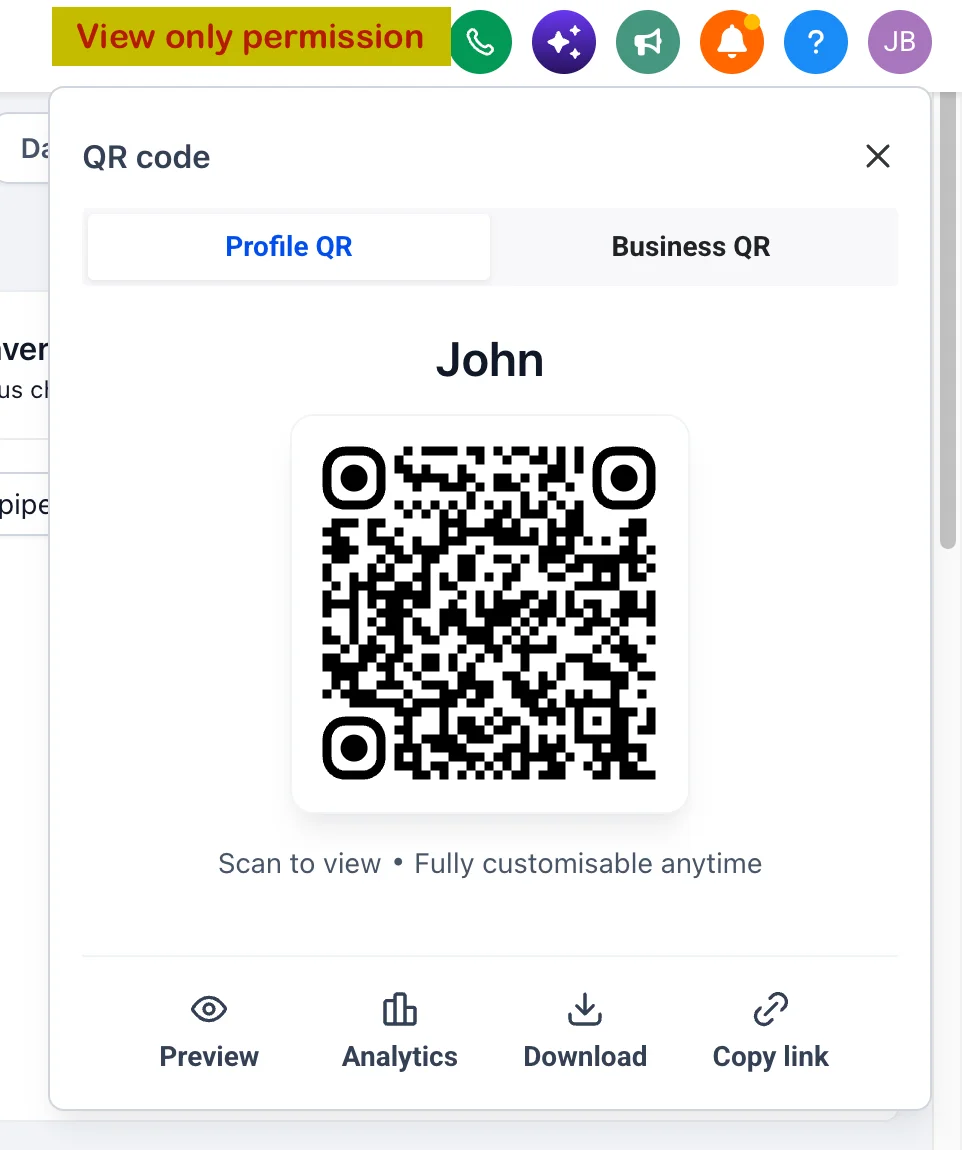
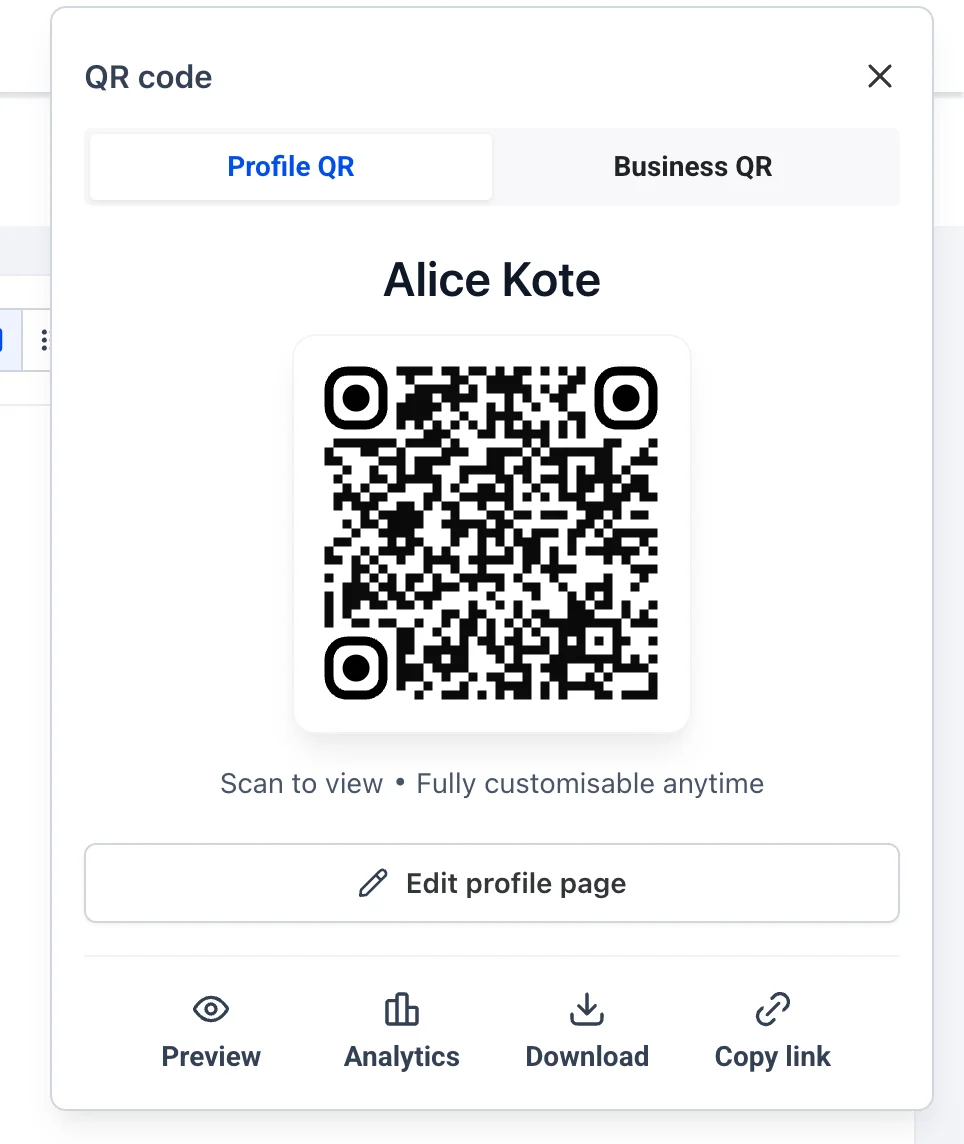
- Quick access – View and manage profiles easily from the QR Codes app.
What each person actually sees
Profiles have two audiences: the person who owns the profile, and visitors who open it from a QR code, link, or card.
-
Profile owners – See a clean page with their photo, name, title, bio, and contact links. They can update their details and share their profile easily.
-
Public visitors – See the profile exactly as it will appear when shared. They can use it to contact the person, connect, and save the profile.
-
View access – Profile owners can control how their profile is viewed. Access to the profile can be controlled by admins.
-
Analytics – Admins can monitor scan and view events for profiles and their business cards.
How cards are made
A business card is a shareable card linked to a profile. It is easy to create and update:
- Go to Profile in the left menu, then open Business Cards.
- Click Create Business Card.
- Choose an existing profile or create a new one with the Create Profile button.
- Enter the title, add the profile details and click Continue.
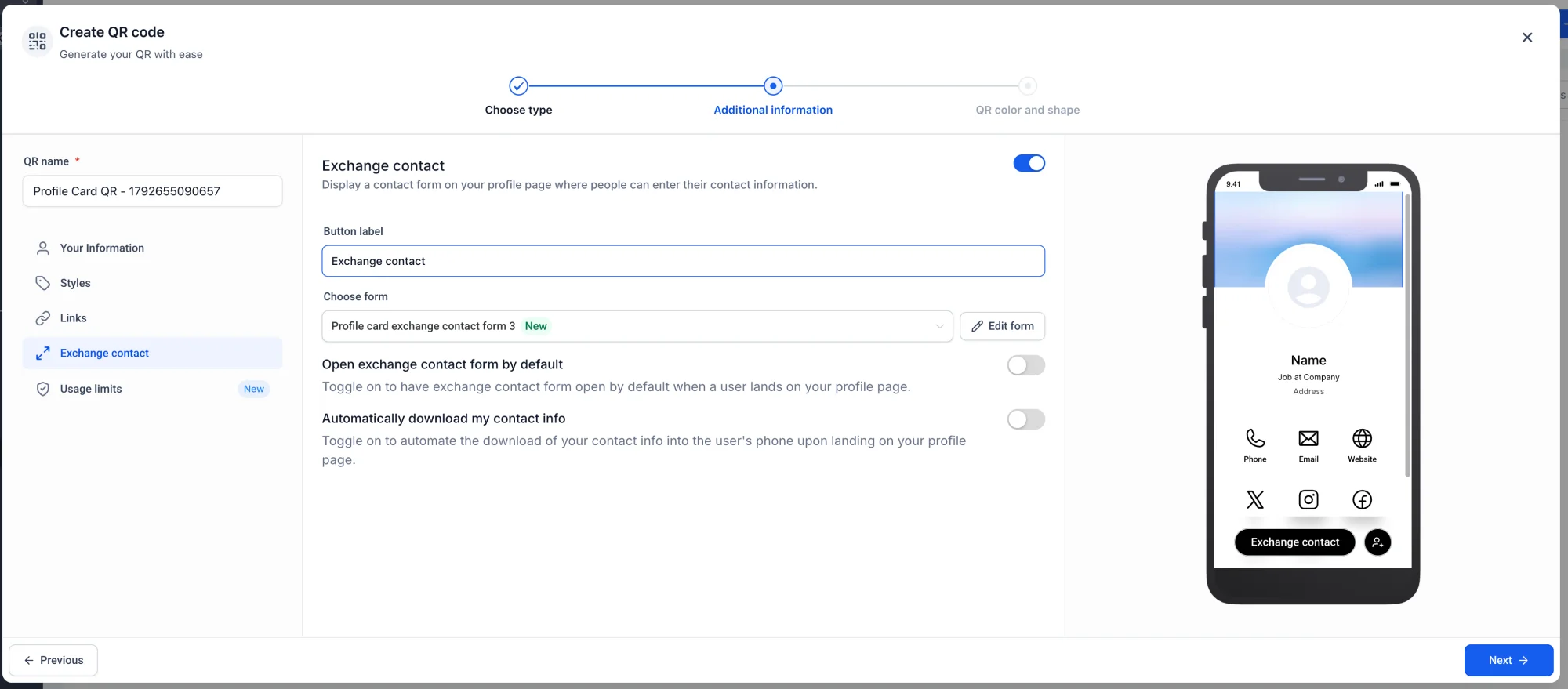
- Pick the card design, then click Create Business Card.
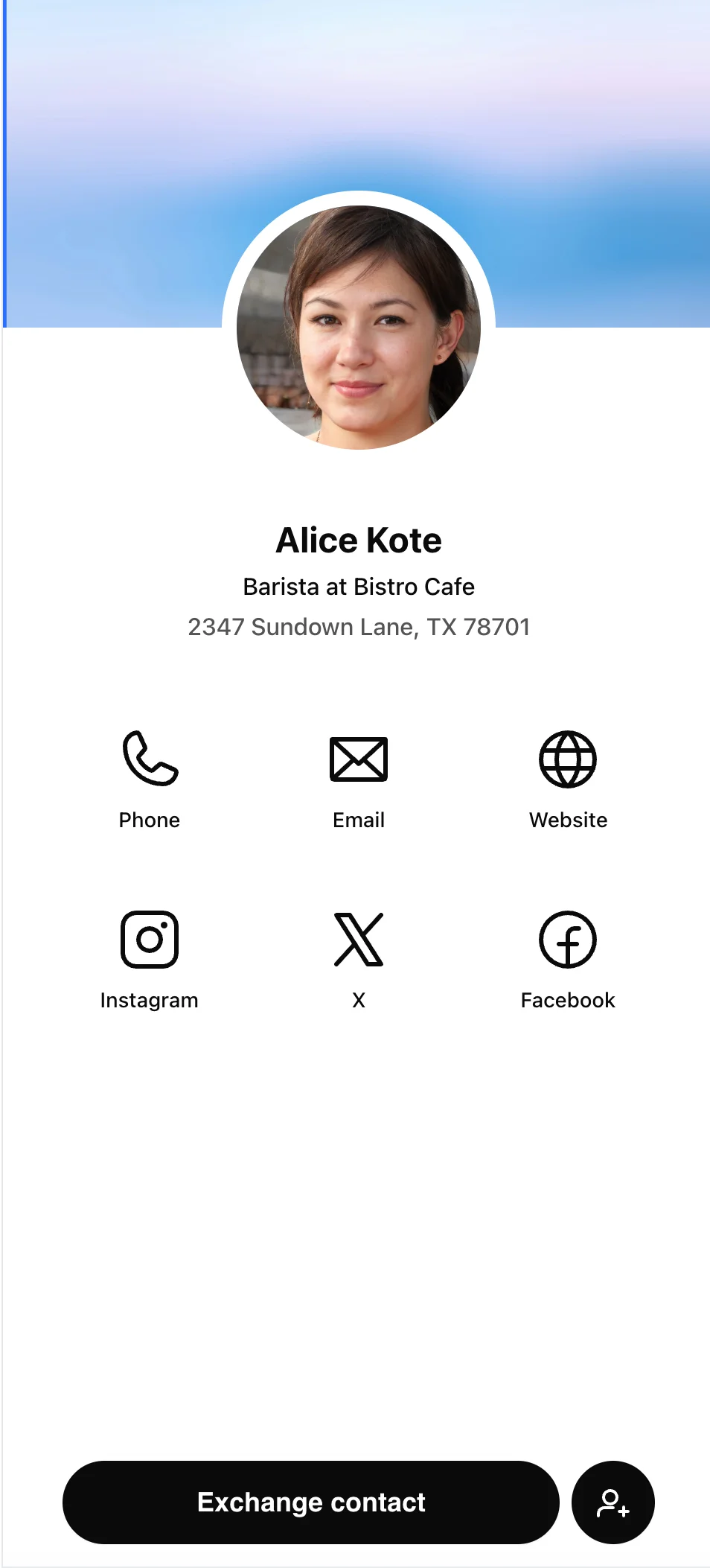
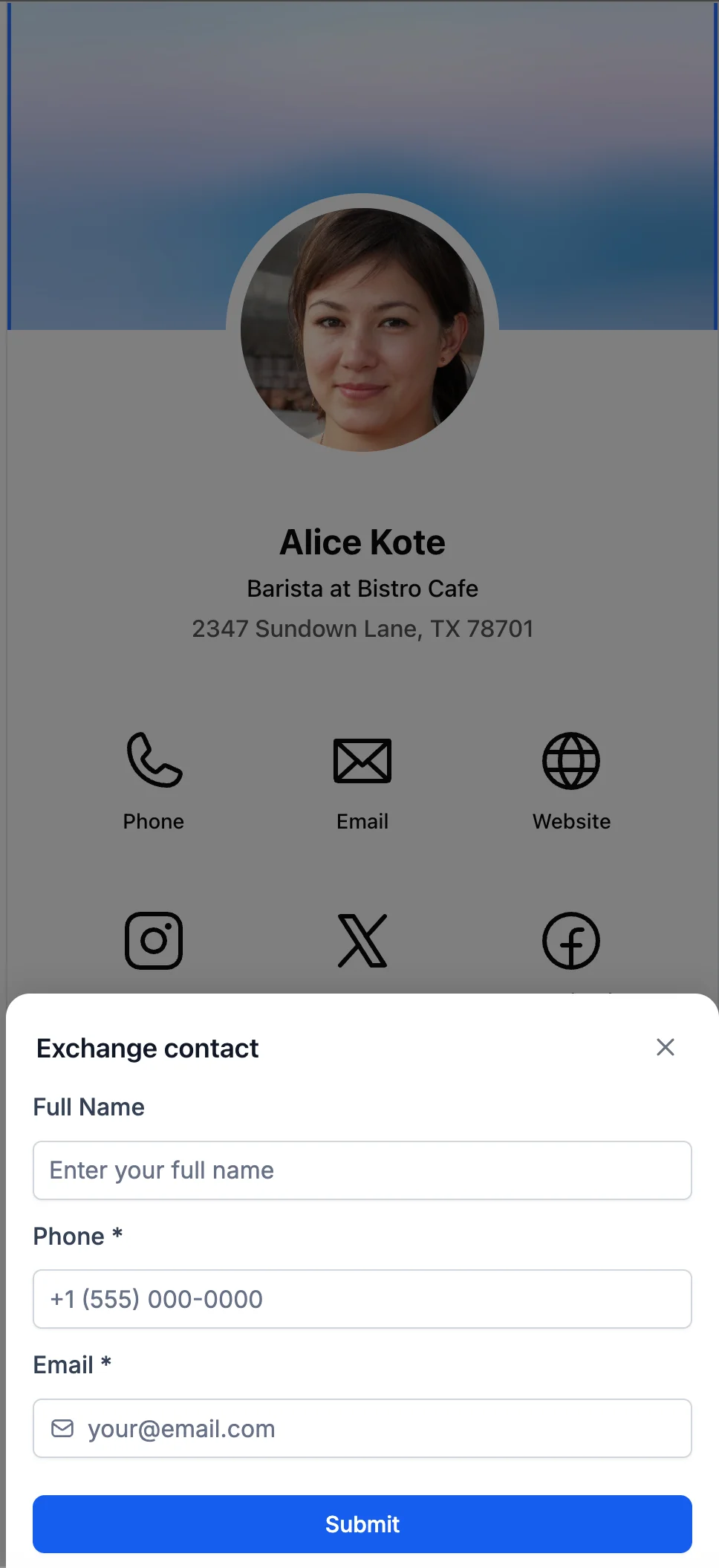
- The Business card will be created. View it by clicking on the View Business Card button.
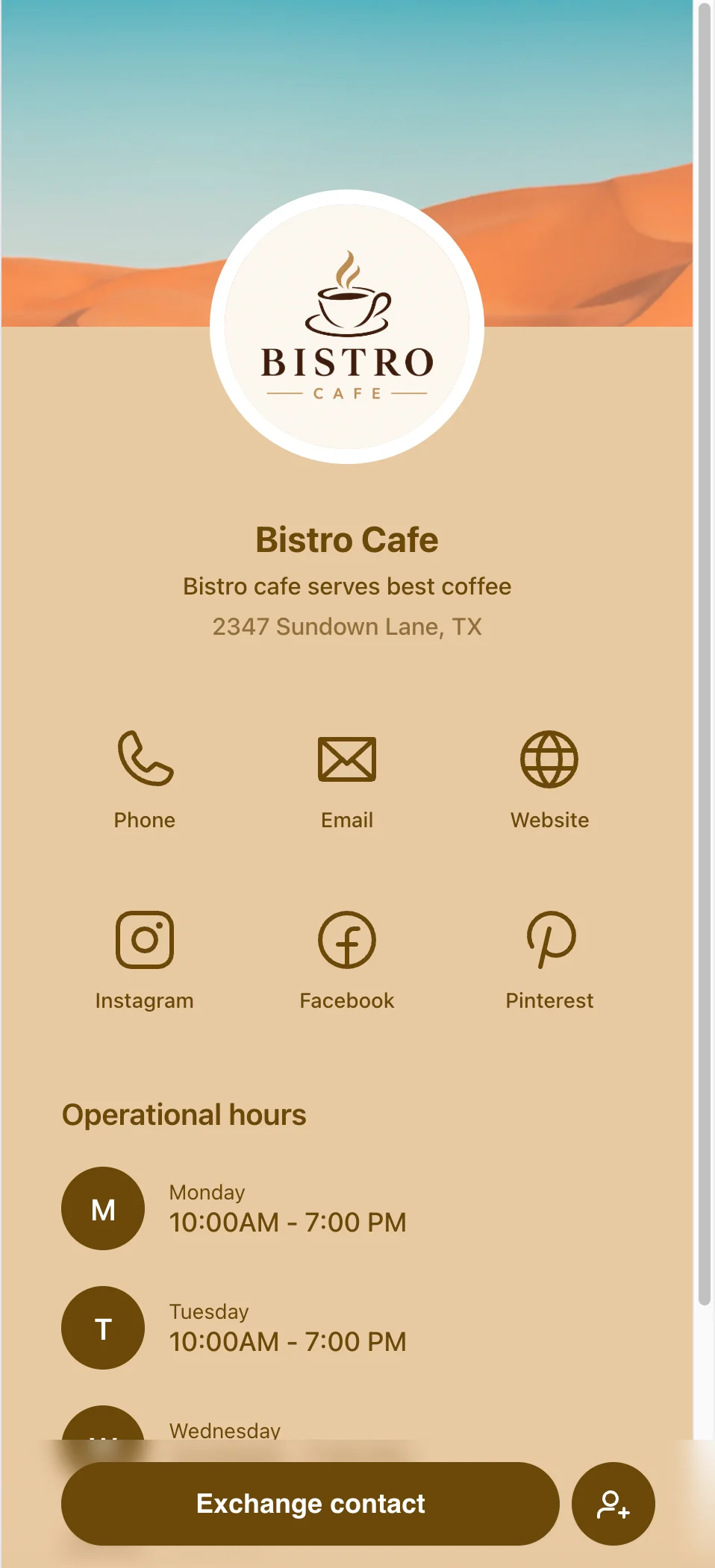
Notes
- Profiles are managed by Web Wisconsin and are unique to each user or team member.
- Business cards are created directly in Web Wisconsin's Connect CRM from a profile, and they can be updated at any time.
- If the profile is edited, the Business card will reflect the updated information automatically.
- Existing profiles can also be linked to new Business cards.
- QR code access is available for all profiles and cards and can be managed by Reseller Agency/location admins.
- A Business card can be assigned to an existing profile or created from a new one using our built-in form or an existing Web Wisconsin's Connect CRM form.