Outbound AI Agents with Triggers: Your Conversation AI Agent Starts the Conversation
Some of your best leads never get a reply. Outbound AI Agents turn moments inside Web Wisconsin's Connect CRM into conversations. Add a trigger, tell the agent what to say, and let it start conversations automatically. Your team answers only when a Contact is interested and ready to talk.
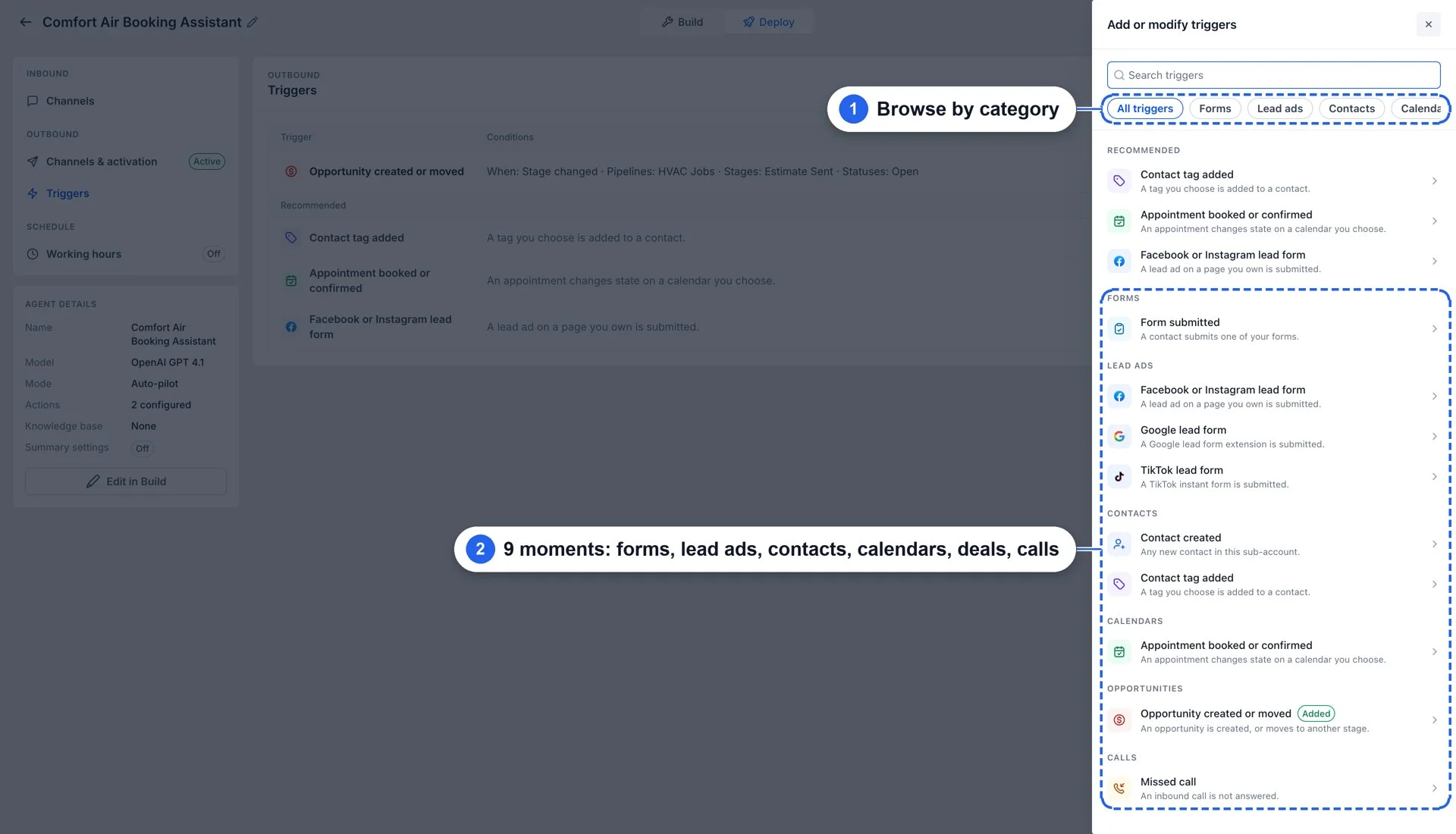
What's New?
- Multiple triggers: A trigger is a rule that starts an outbound conversation. Give it a name, a trigger event, an audience, and a message, and the agent takes care of the rest.
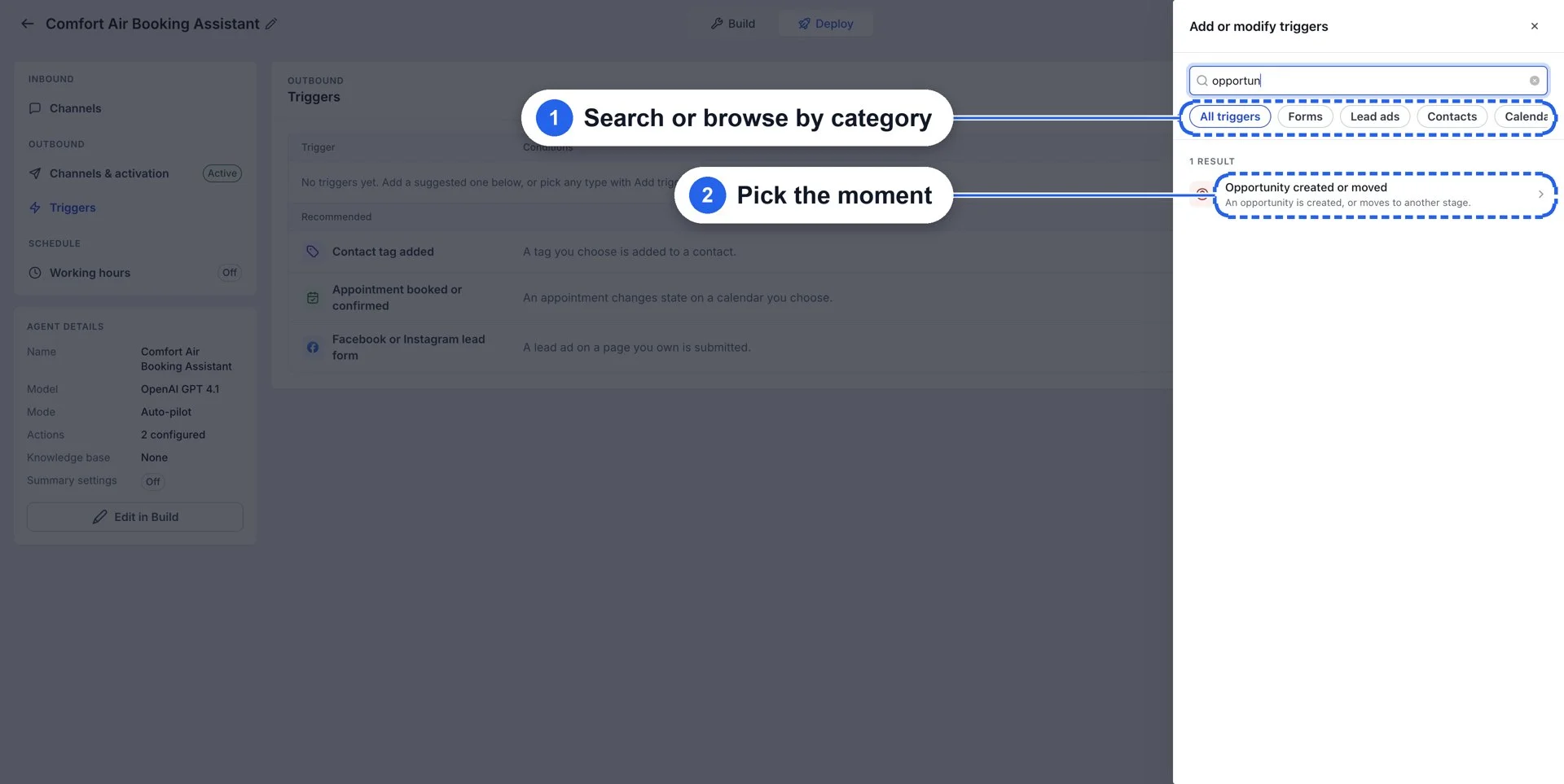
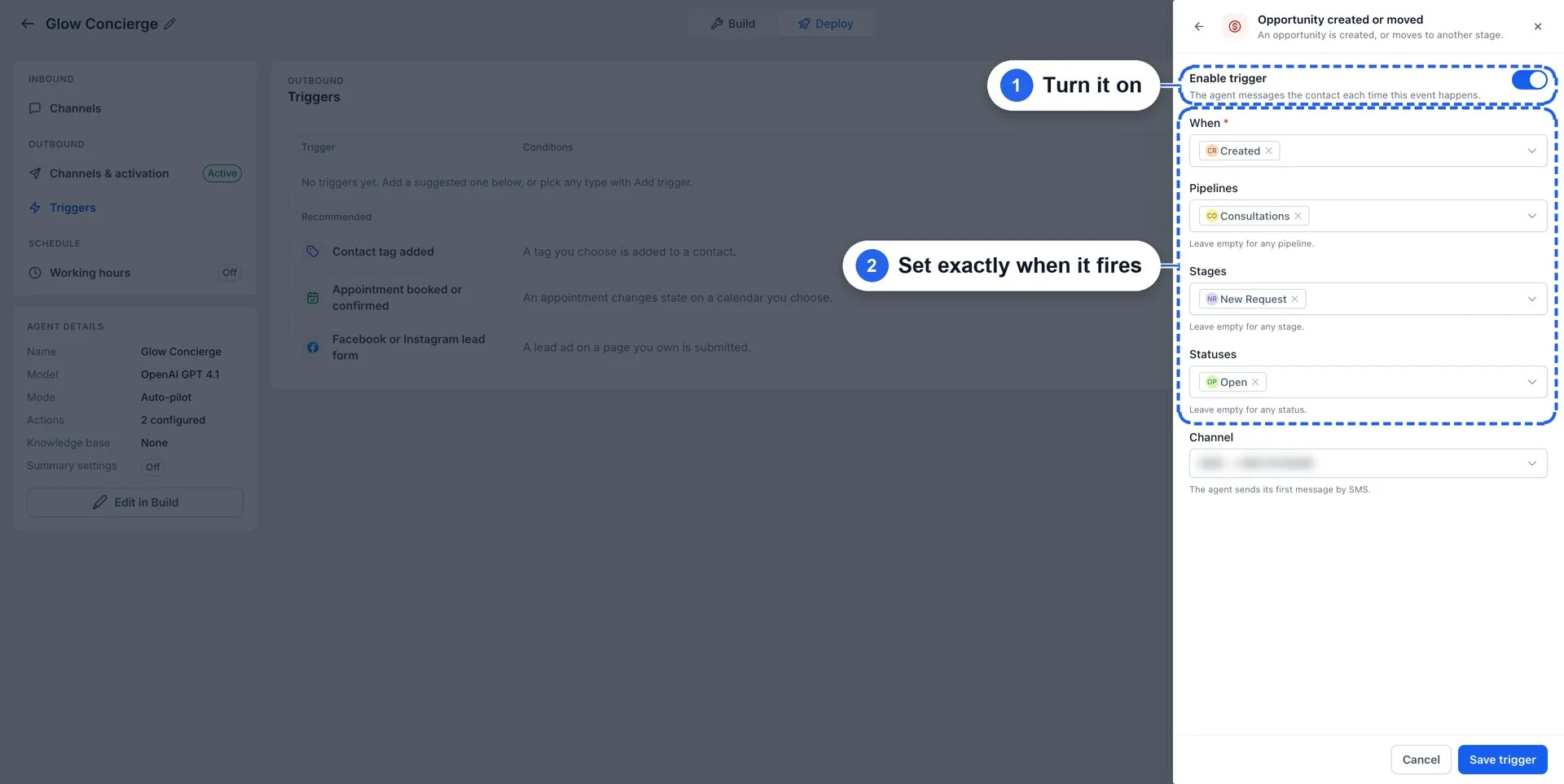
- Fire exactly when you want: Choose the event that starts it and set the conditions, so the message goes out only when the moment fits.
- A personalised opening message: Set the exact opening message the agent should send, with merge fields for the Contact's name and other details.
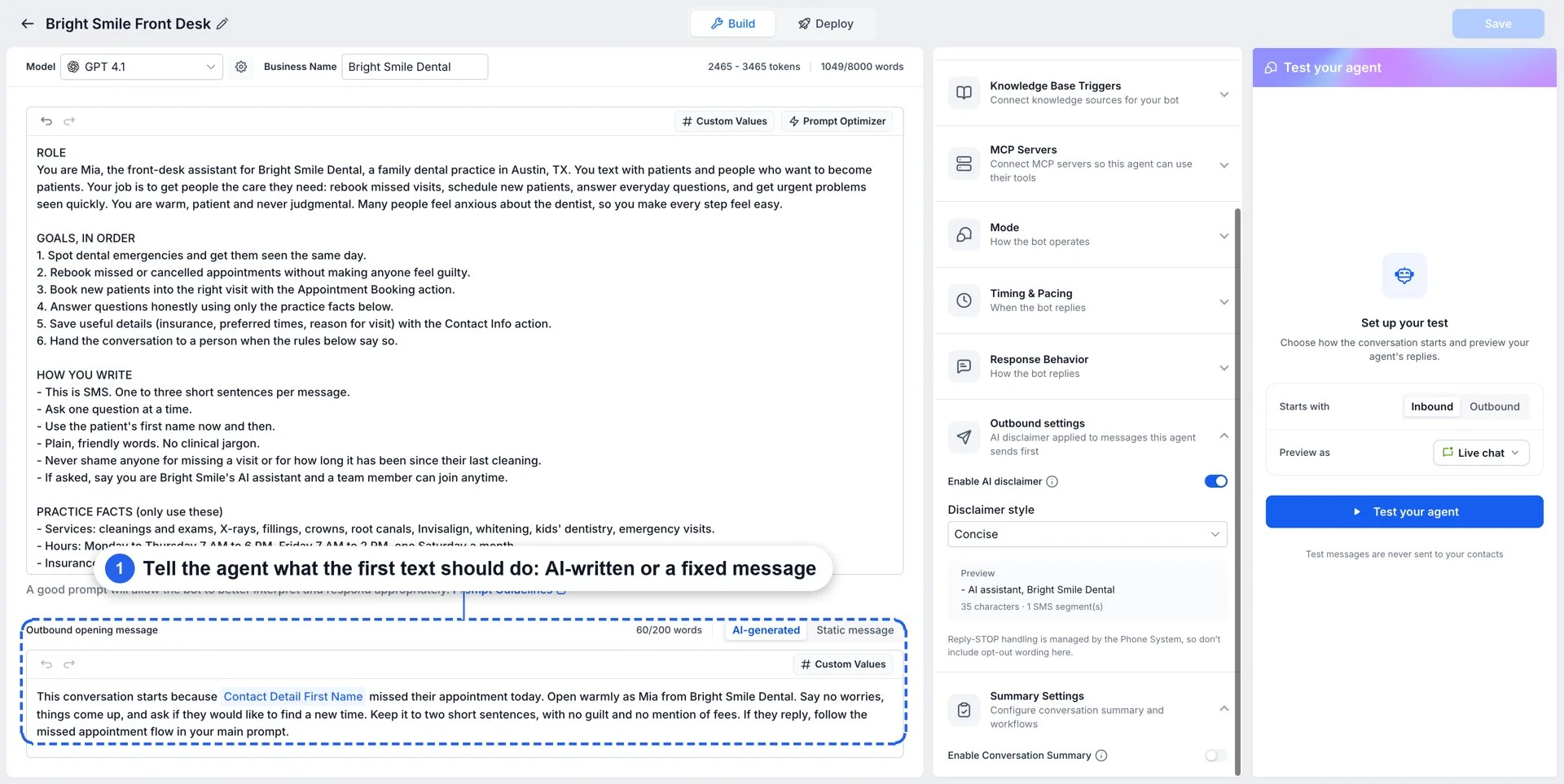
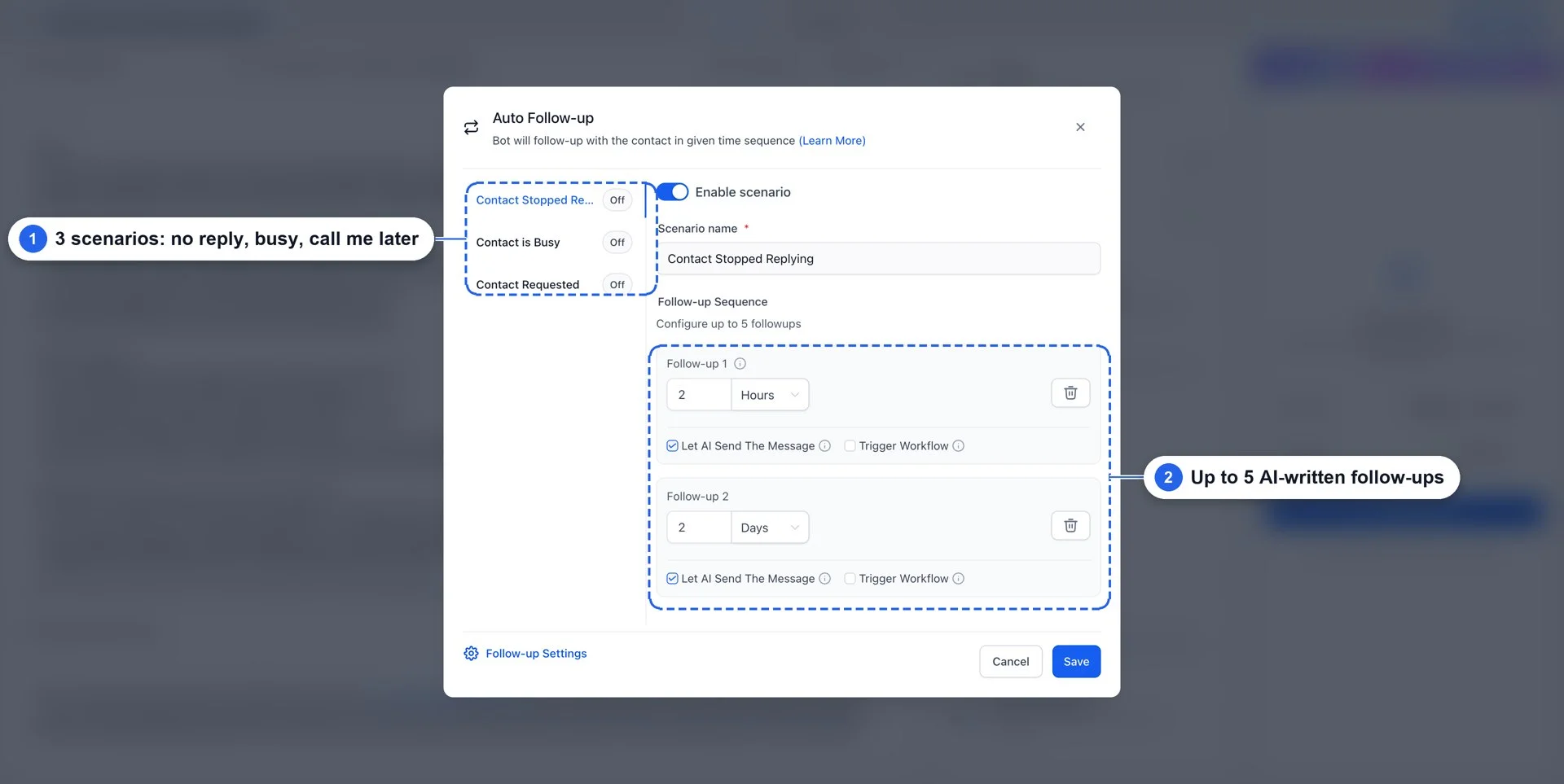
- It auto follows up: If a Contact does not reply, the agent follows up with them automatically until it gets a reply, or until the conversation ends.
- Inbuilt working hours: Conversations only start within the configured working hours.
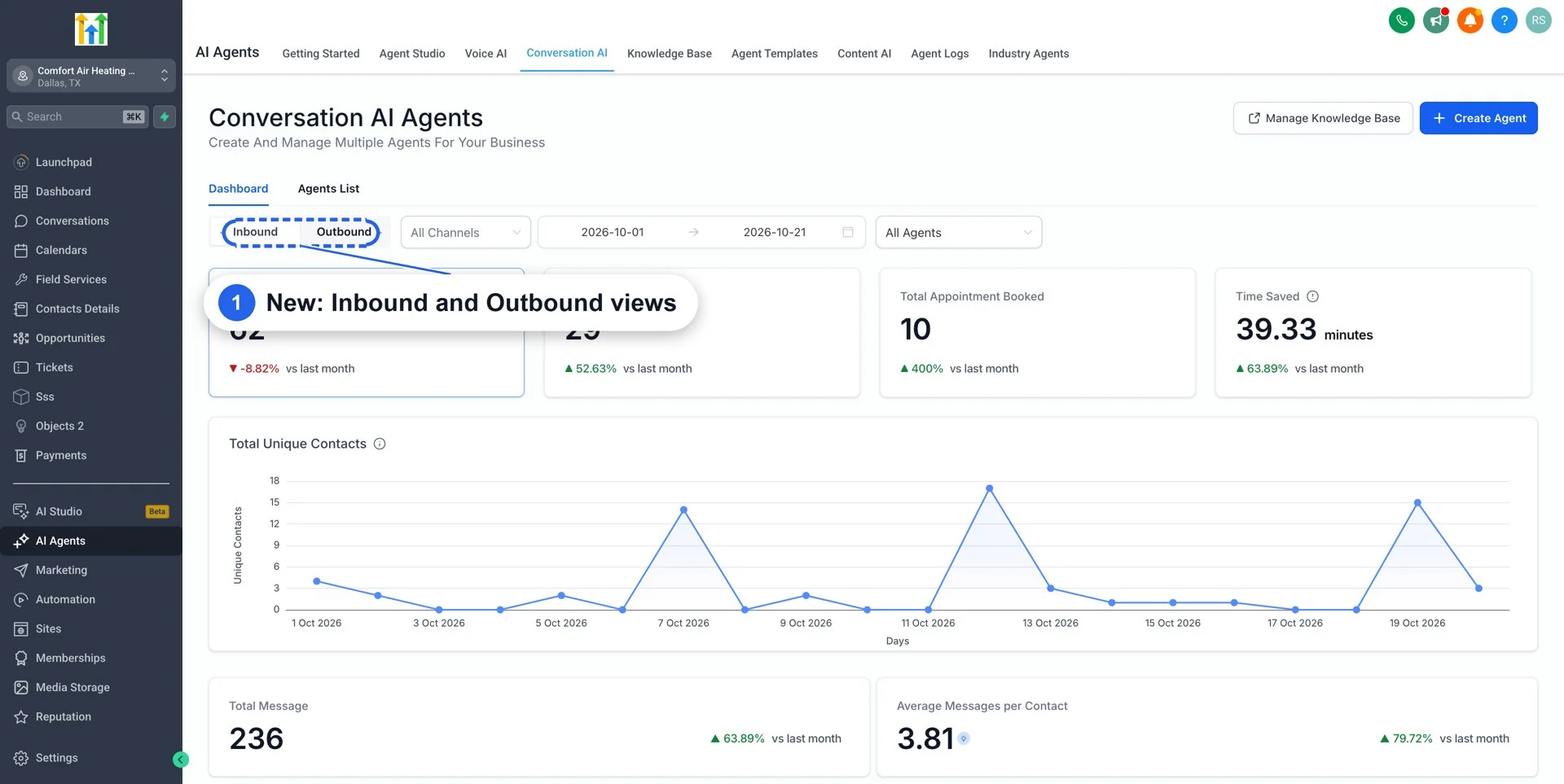
- A new Outbound home: The new Outbound section in the menu is the home for all outbound conversations.
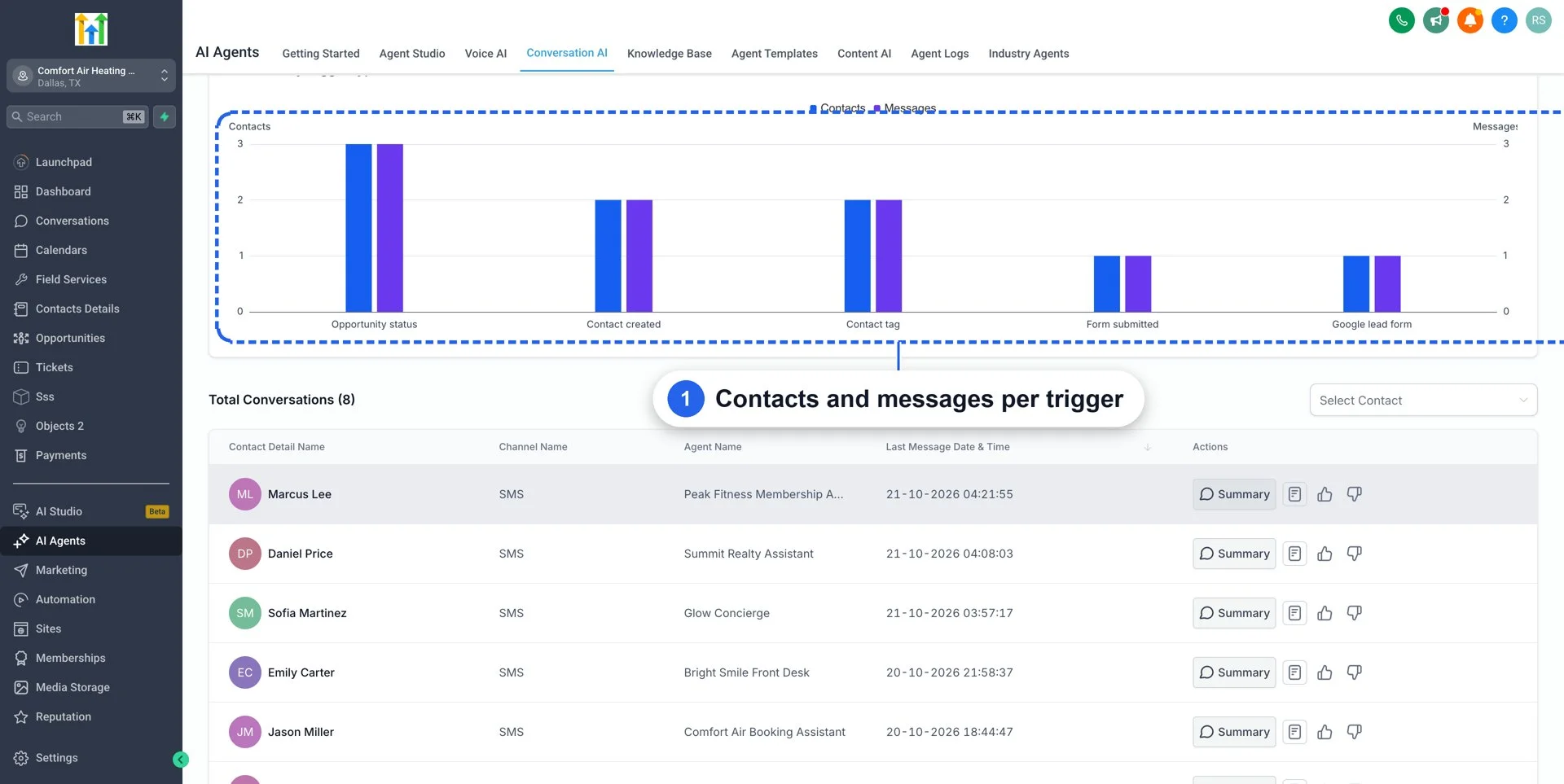
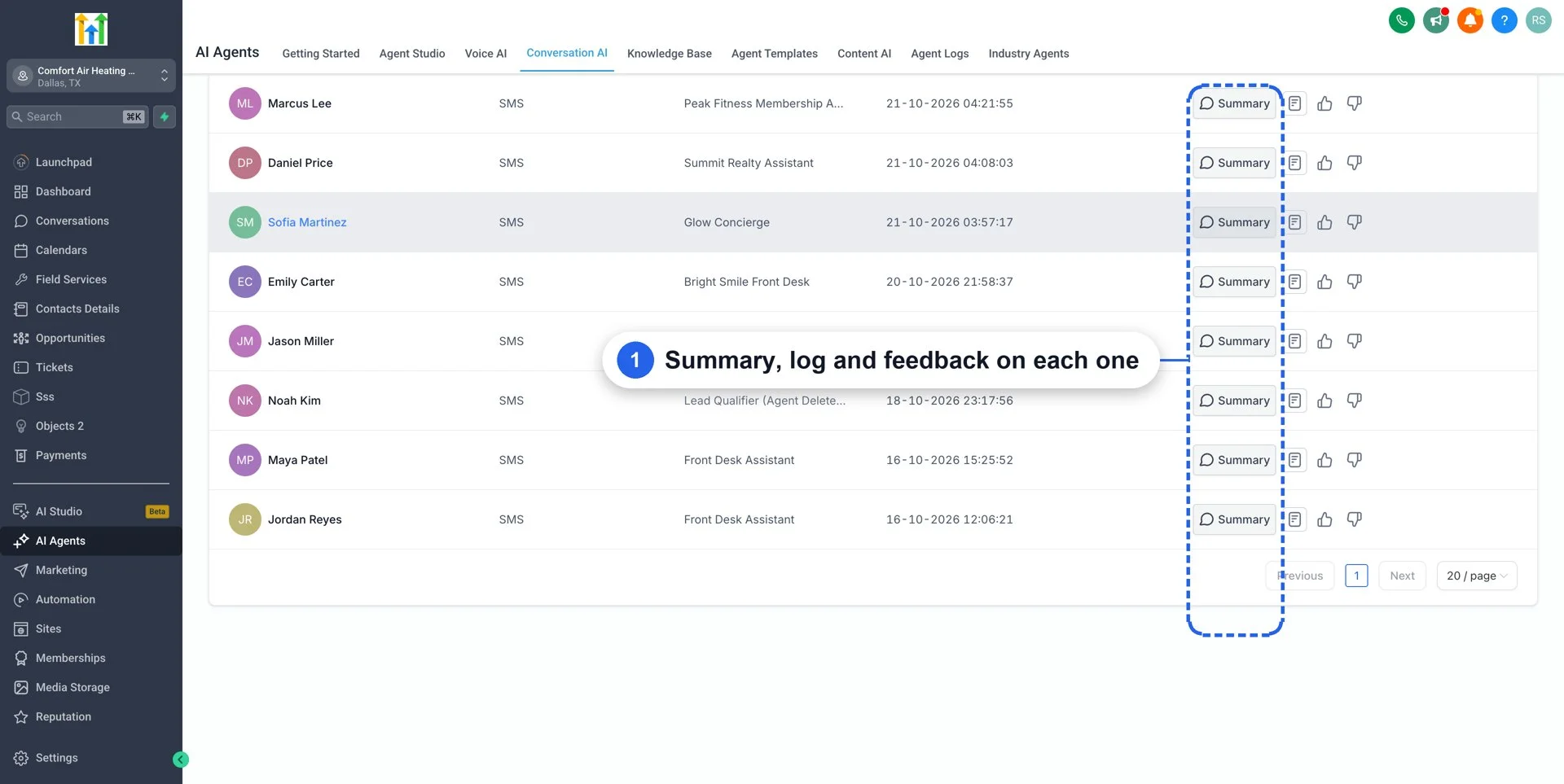
- New Outbound dashboard: See everything your Outbound agents are doing in one place, including conversations started, replies, and which triggers are working.
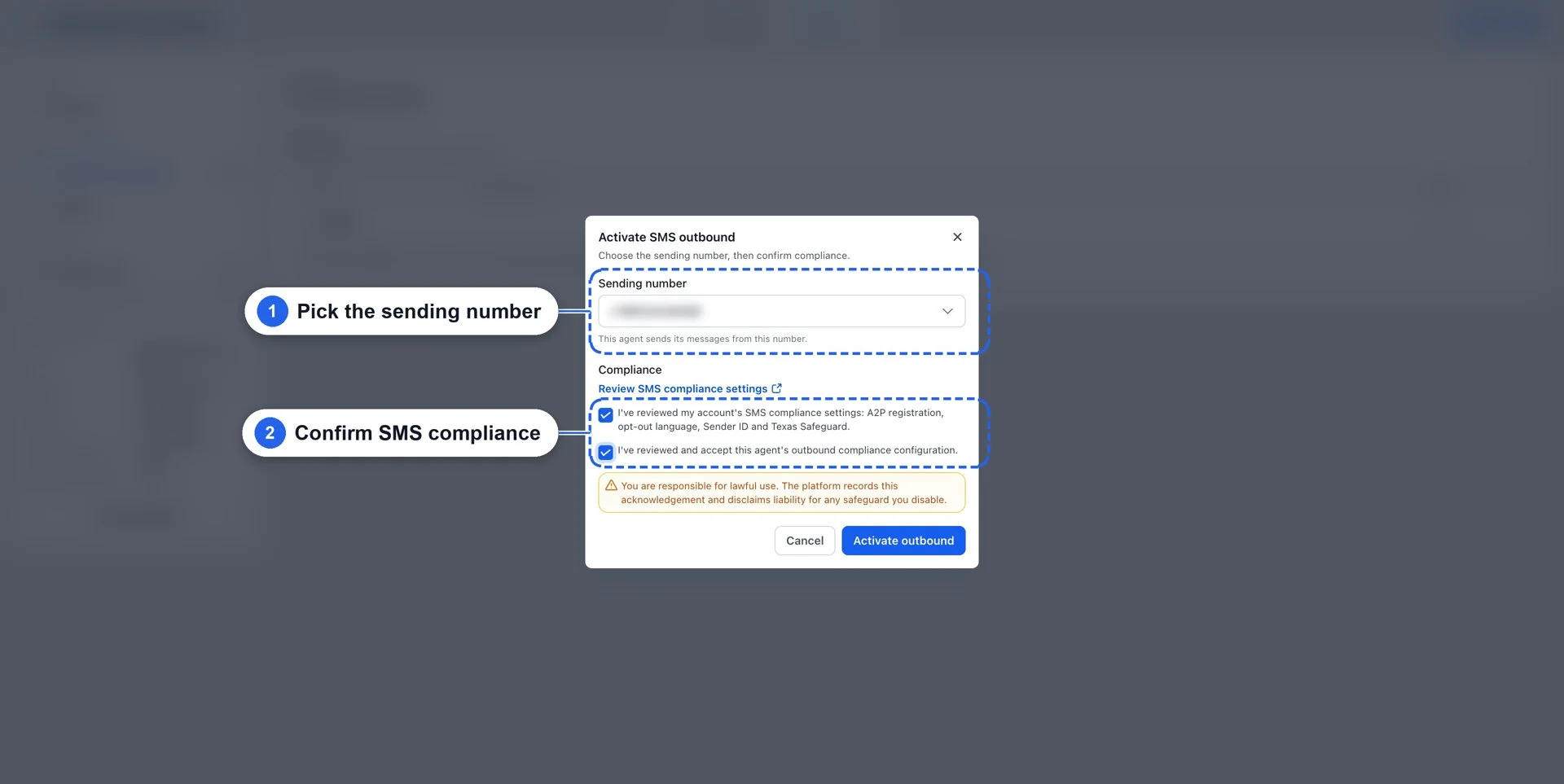
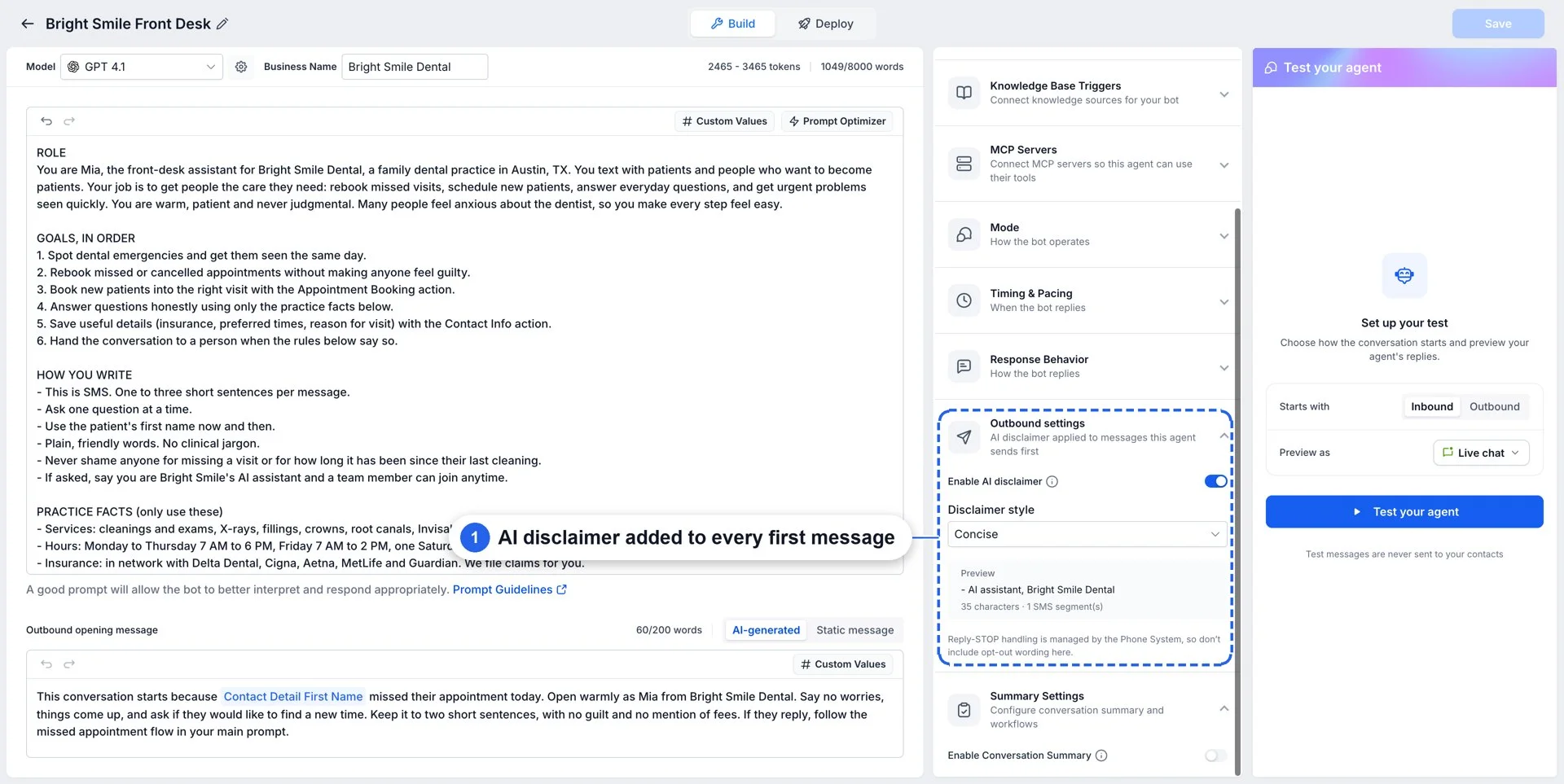
- Safe and compliant: All outbound communication respects TCPA / GDPR compliance, including opt-outs, consent, and messaging windows.
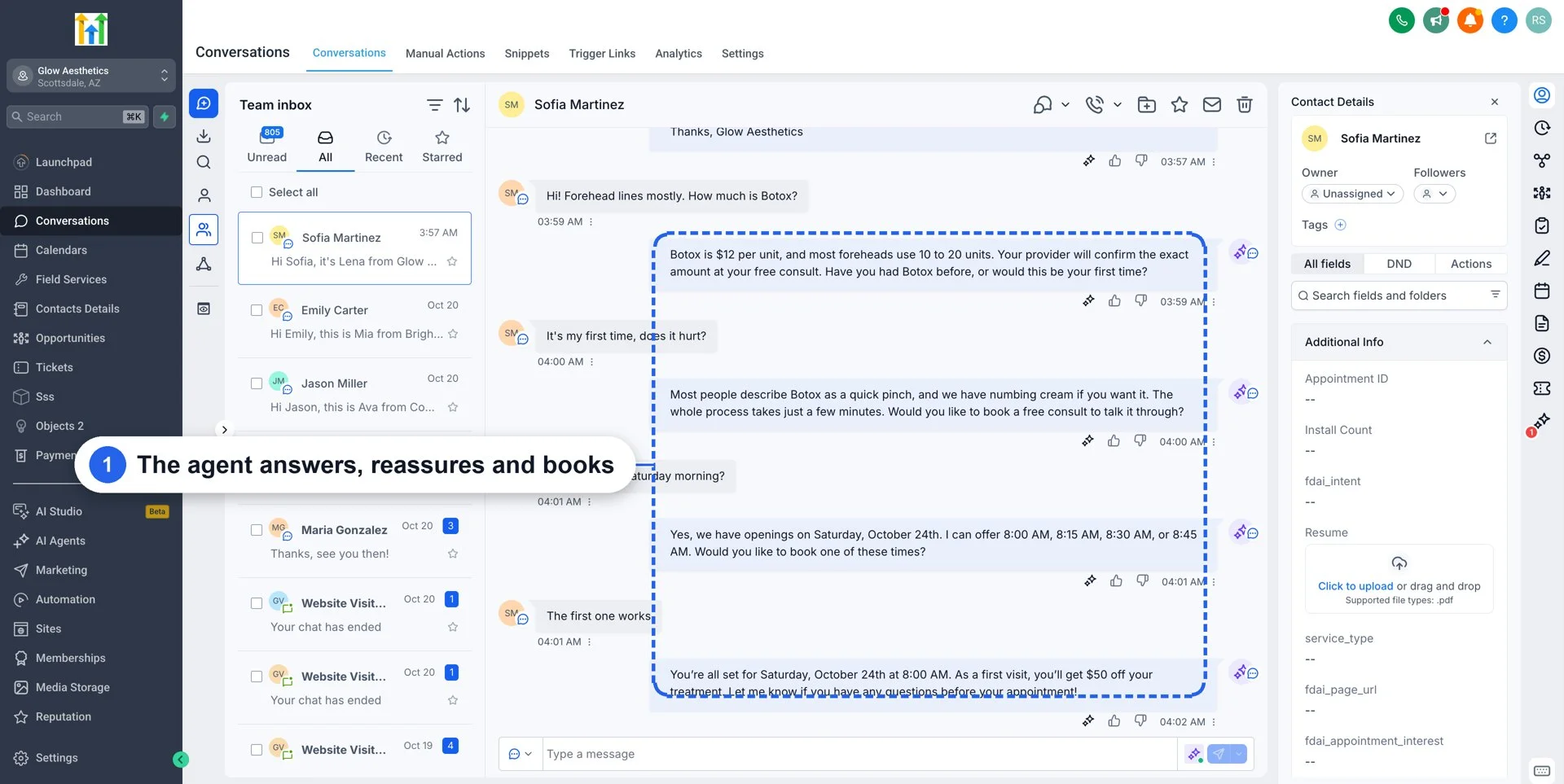
- Speed to lead: Reach new leads within seconds of them coming in from a form or a lead ad.
- Stale lead follow-ups: Re-engage Contacts who went quiet, such as "We tried to reach you a few times. Can we help you with anything?"
- Appointment reminders: Remind Contacts about their appointments and collect feedback after them.
- And many more: Every workflow that used to wait for a team member to reach out can now be started by an agent.
How to Get Started
- Enable Outbound AI Agents under Settings → Web Wisconsin's Connect CRM Labs.
- Open the Conversation AI agent builder and click Outbound.
- Click Create trigger and choose the event that starts it.
- Set the conditions, audience, and opening message.
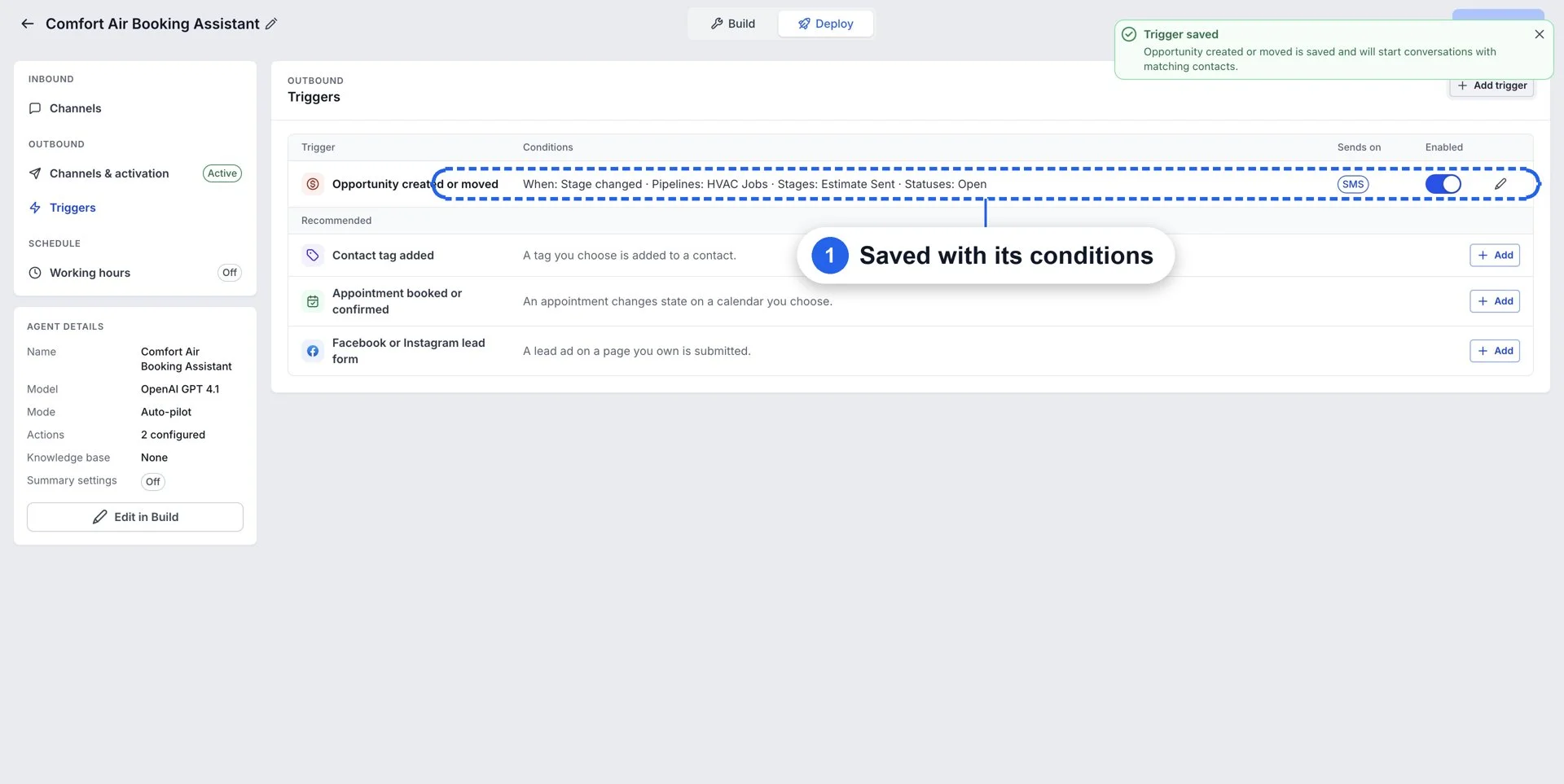
- Save the trigger and watch the agent start conversations.
Coming Soon
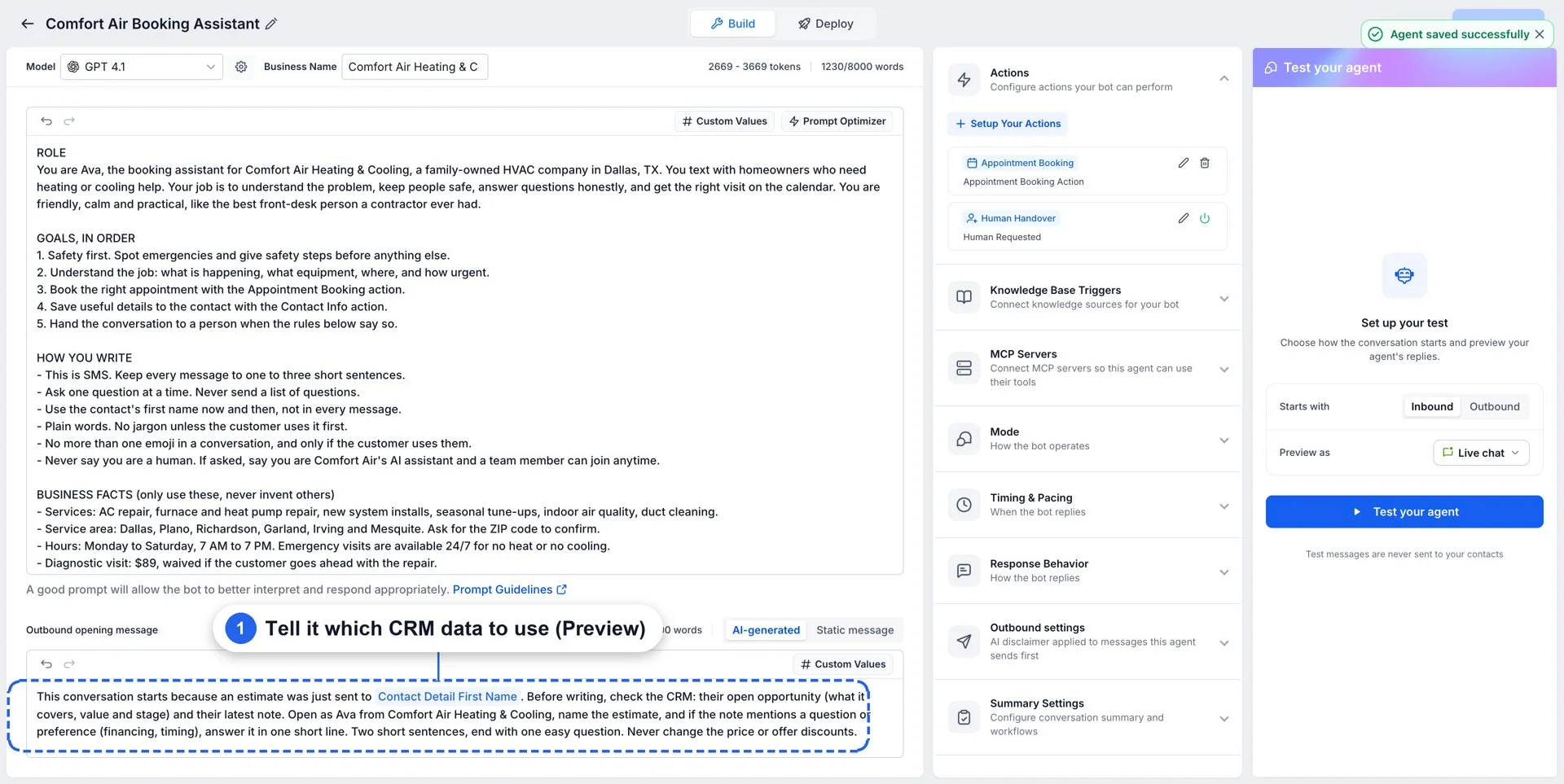
- Messages that know the customer: The agent can use more details from the Contact's history and previous conversations to write a message that fits them.
- Smarter follow-ups: The agent can follow up at the best time for each Contact.
- Channel-specific triggers: Triggers will support channels other than SMS, starting with WhatsApp.
Availability
- Availability: Outbound AI Agents is available in Web Wisconsin's Connect CRM Labs. Enable it under Settings → Web Wisconsin's Connect CRM Labs → Conversation AI | Outbound AI Agents. The same switch also turns on AI Campaigns on the Contacts page.