New Field Types in Contact Info: Radio, Checkbox, Dropdown and Phone
Conversation AI can now keep the information it learns during a conversation in your records. Add Radio, Checkbox, Dropdown, and Phone fields to Contact Info, and let the agent update the right field while it talks with a customer.
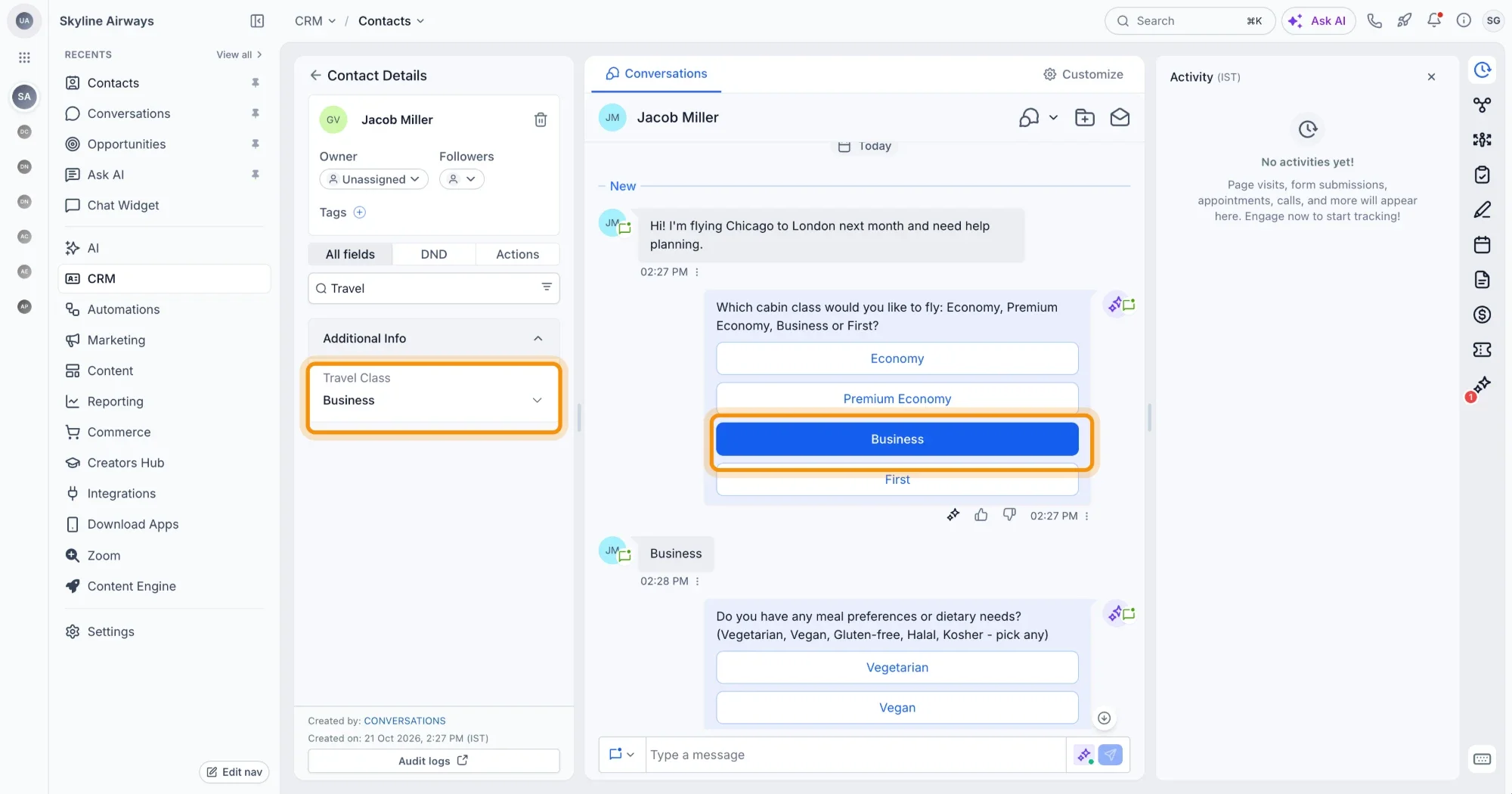
What's New?
- Four new field types: Add Radio, Checkbox, Dropdown, and Phone fields to Contact Info. They appear alongside Text, Number, Email, Date, and other existing field types.
- Understands answers: The agent knows which field to use from the customer's answer. For example, a customer who says "Yes, I'm interested in the premium plan" updates the Preferred plan field.
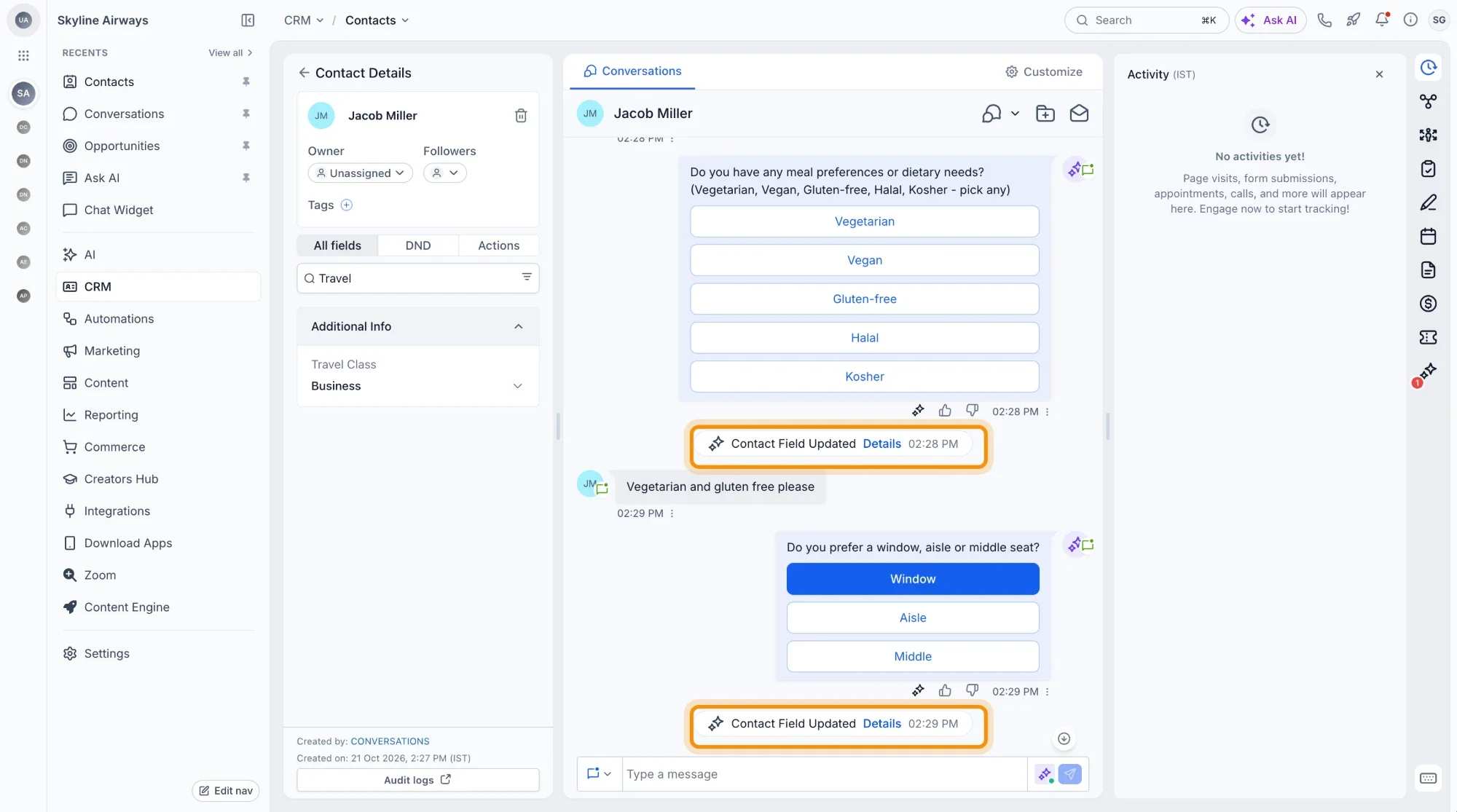
- Remembers context: The agent uses the information it already has from the conversation. If it learns that the customer prefers email, it can update the contact's Preferred channel.
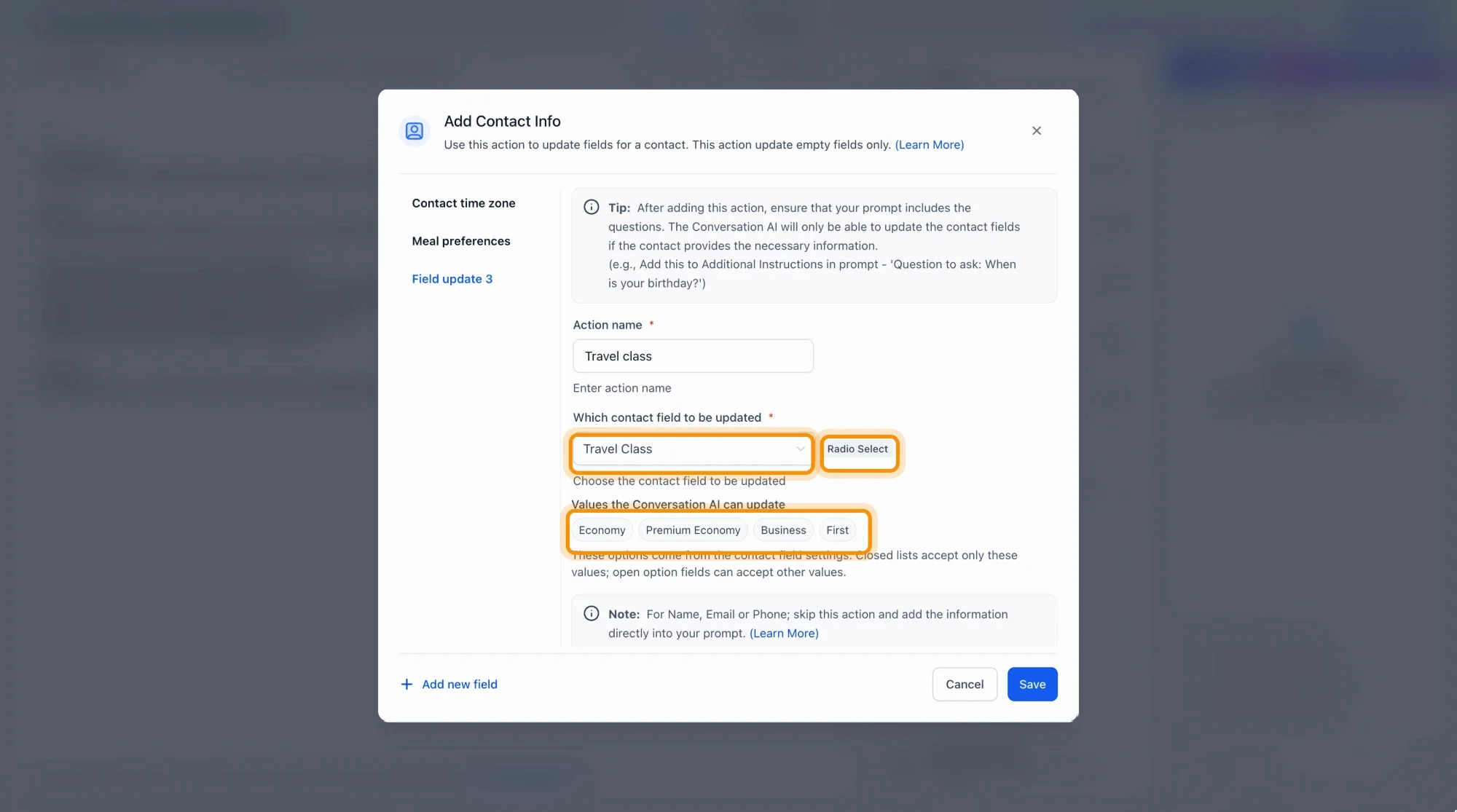
- Knows what to update: The agent only updates the fields you choose. It does not update the fields you have not selected.
- See exactly what the agent can save: Open Contact Info and choose which fields the agent can update. Fields that are not selected are not updated.
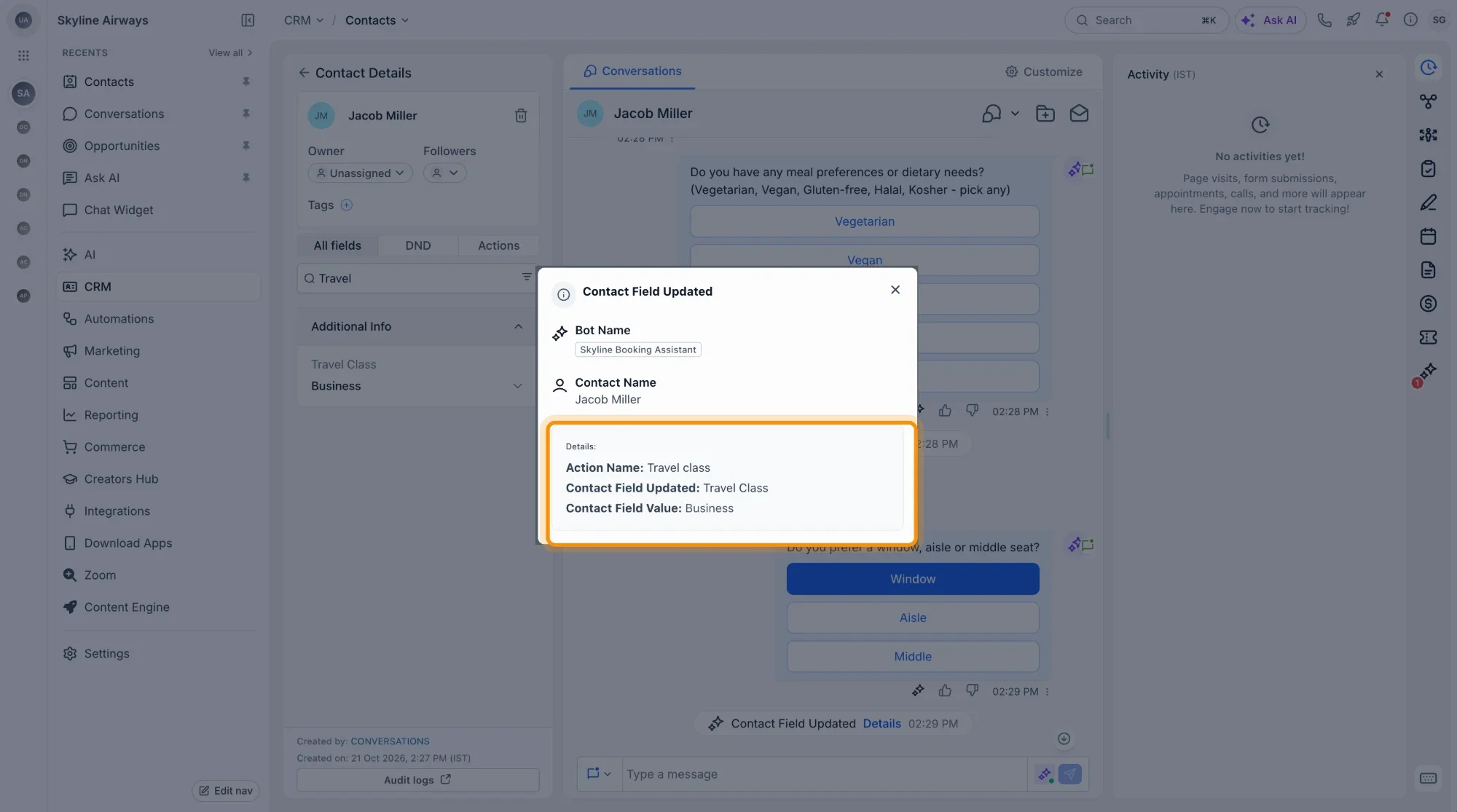
- Every update is on record: See what the agent updated and when, in the Contact's event history. It logs every field update with the date and time.
Availability
- Availability: Contact Info field updates are available for Voice AI and Chat AI agents.
- Channel: This feature works in any channel where Conversation AI is enabled.