Loop: New Workflow Action
Loop is a new Workflow action that repeats a set of actions until a condition is met, instead of building the same steps over and over. It is built for follow-ups and reminders, where the same action needs to happen more than once but should stop at the right moment.
What's new?
Create a Loop action
• Add a Loop action from the Action library, and place the actions you want to repeat inside it.
• Loop actions have a configuration panel where you define the exit condition and the maximum number of iterations.
Exit conditions
• Loop until a condition is met: the Loop keeps running until the condition you set is true. This could be a reply, an appointment, a tag, a form submission, or a contact update.
• Loop a set number of times: run the Loop a specific number of times, up to 10.
• Loop for a set period: run the Loop for a specific amount of time, up to 30 days, or until a specific date.
• Stop automatically when the maximum number of iterations is reached, or when the exit condition is met.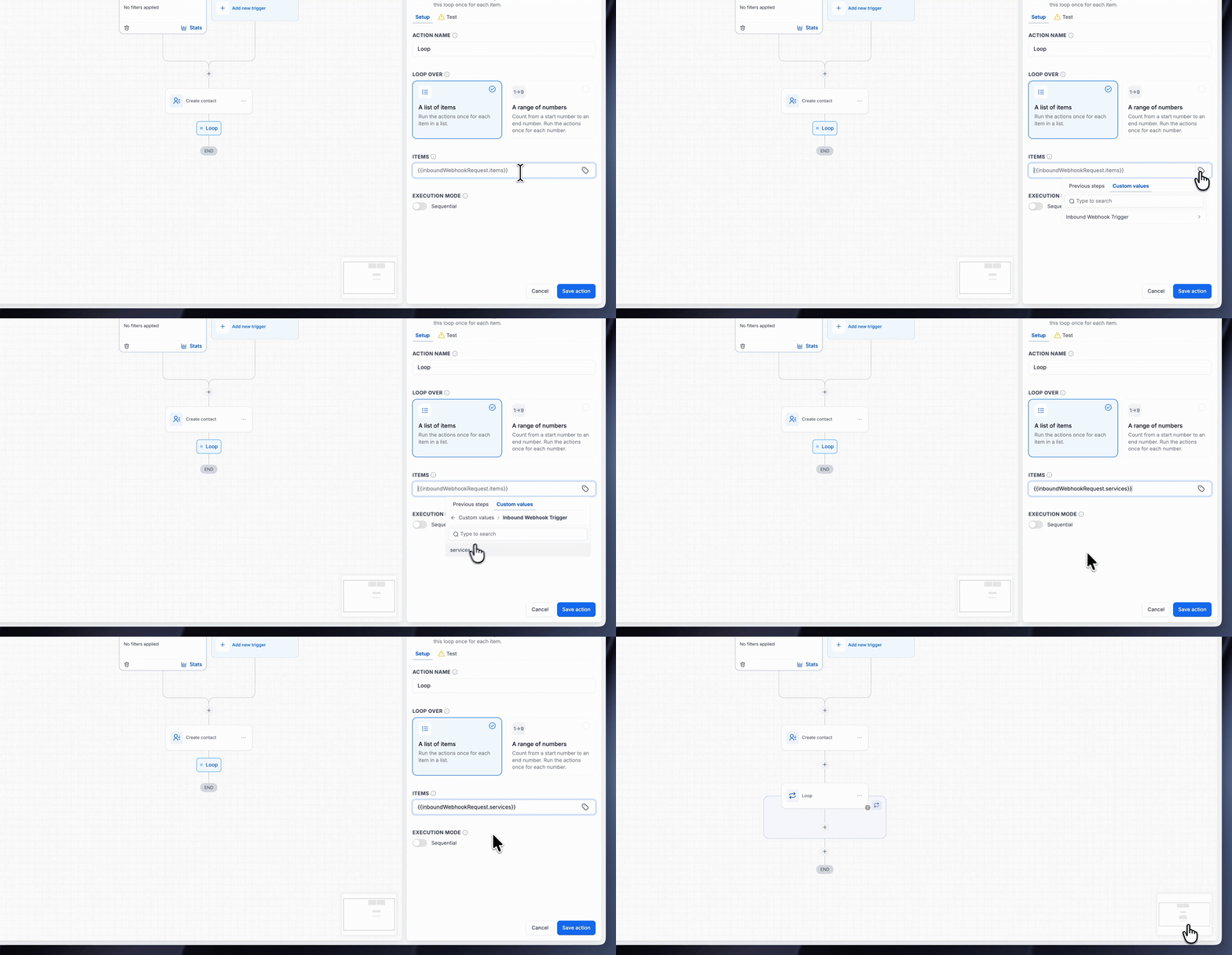
Safety limits
• A Loop stops after 10 iterations, or after 30 days, whichever comes first.
• The Loop does not run if the contact exits the workflow, or if the Loop's actions are not configured.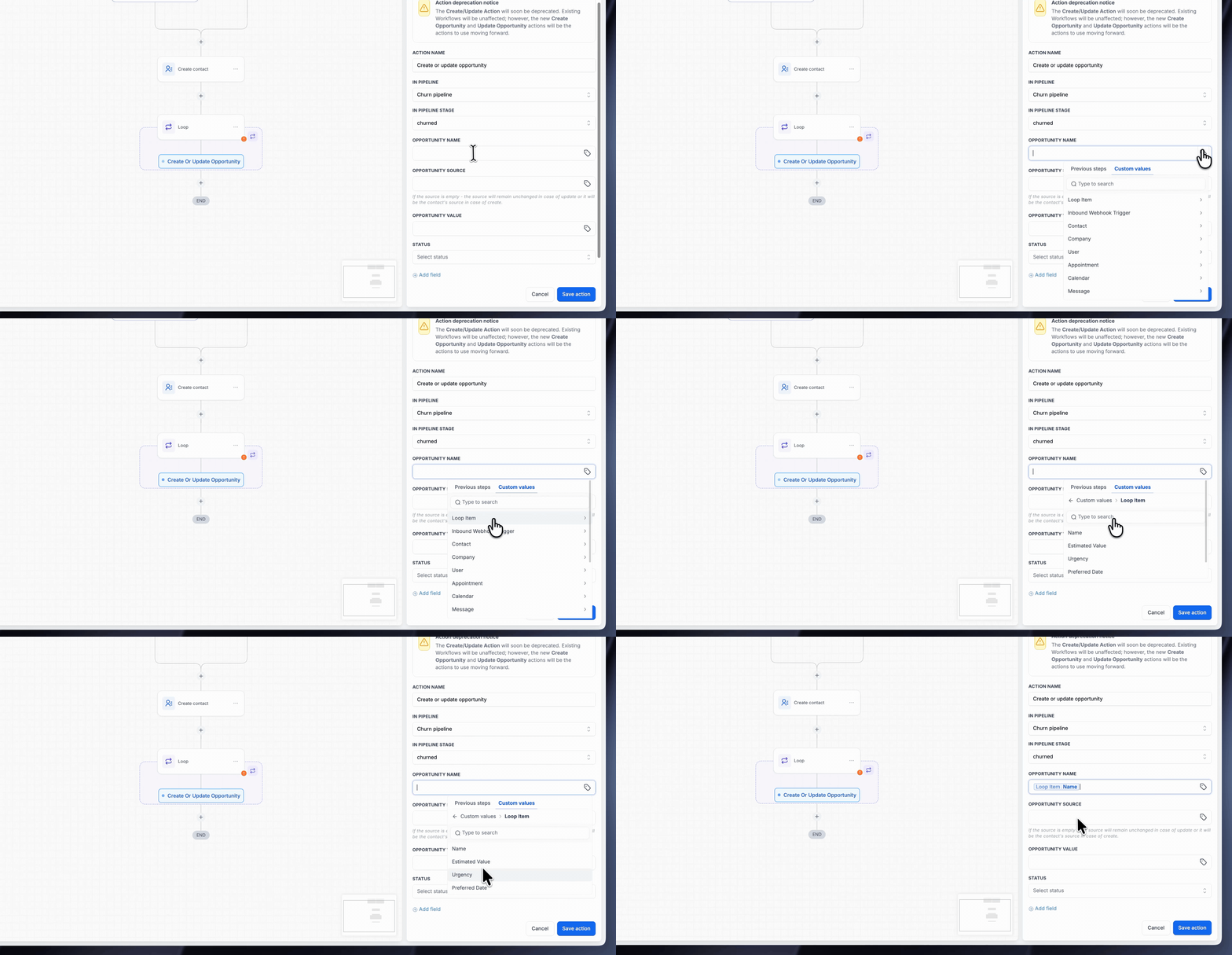
Why this matters
• Follow-ups and reminders are now easier to build, and stop automatically when the contact replies, books, or takes the action you were waiting for.
• You don't need to duplicate the same actions in a workflow to repeat them.
• Loops are safer than manual repetition because they stop automatically.
How it works
• Add a Loop action, add actions inside it, and set the exit condition.
• The Loop repeats the actions inside it until the condition is met or the maximum is reached.
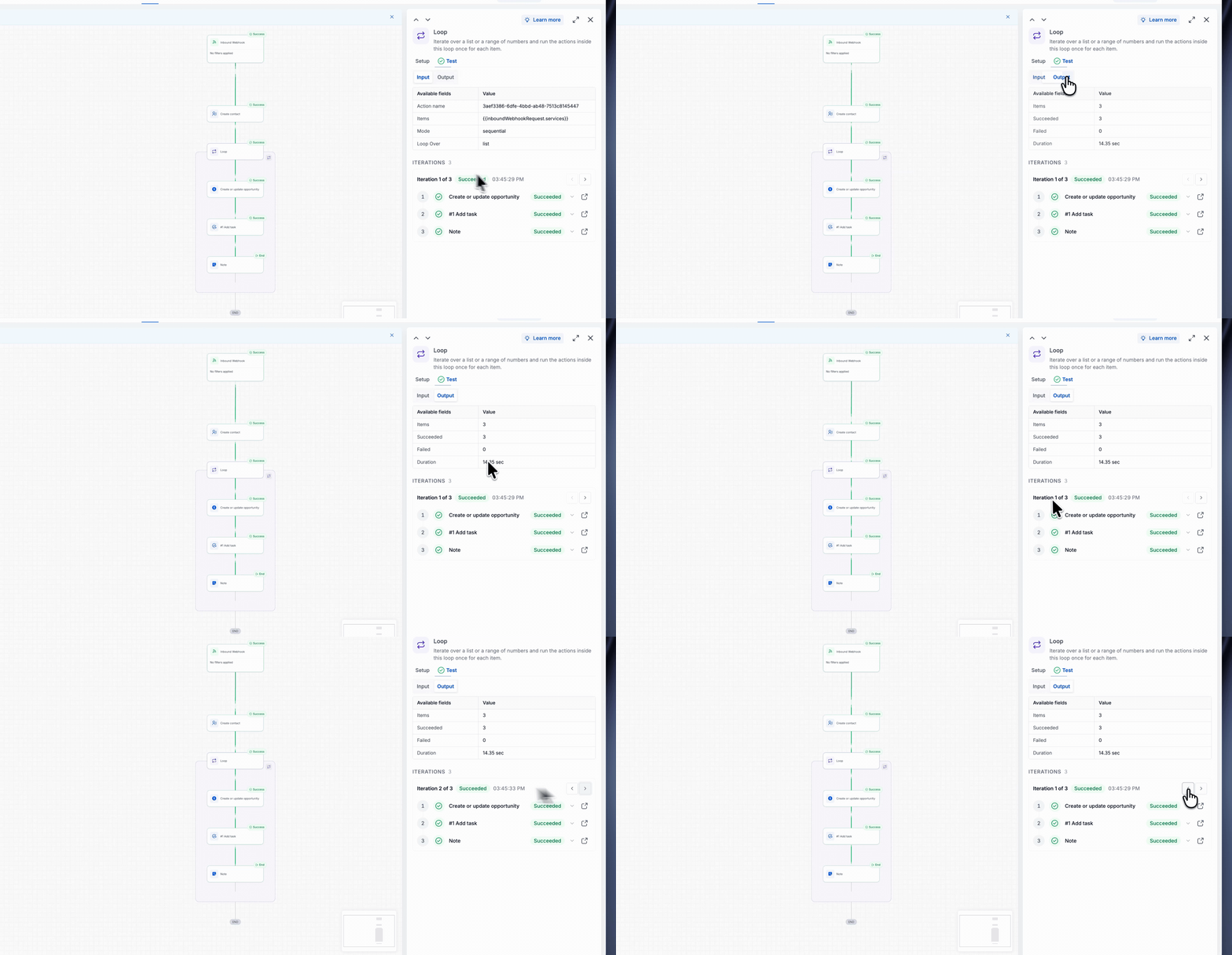
• Use Test Workflow to check that the Loop exits when it should.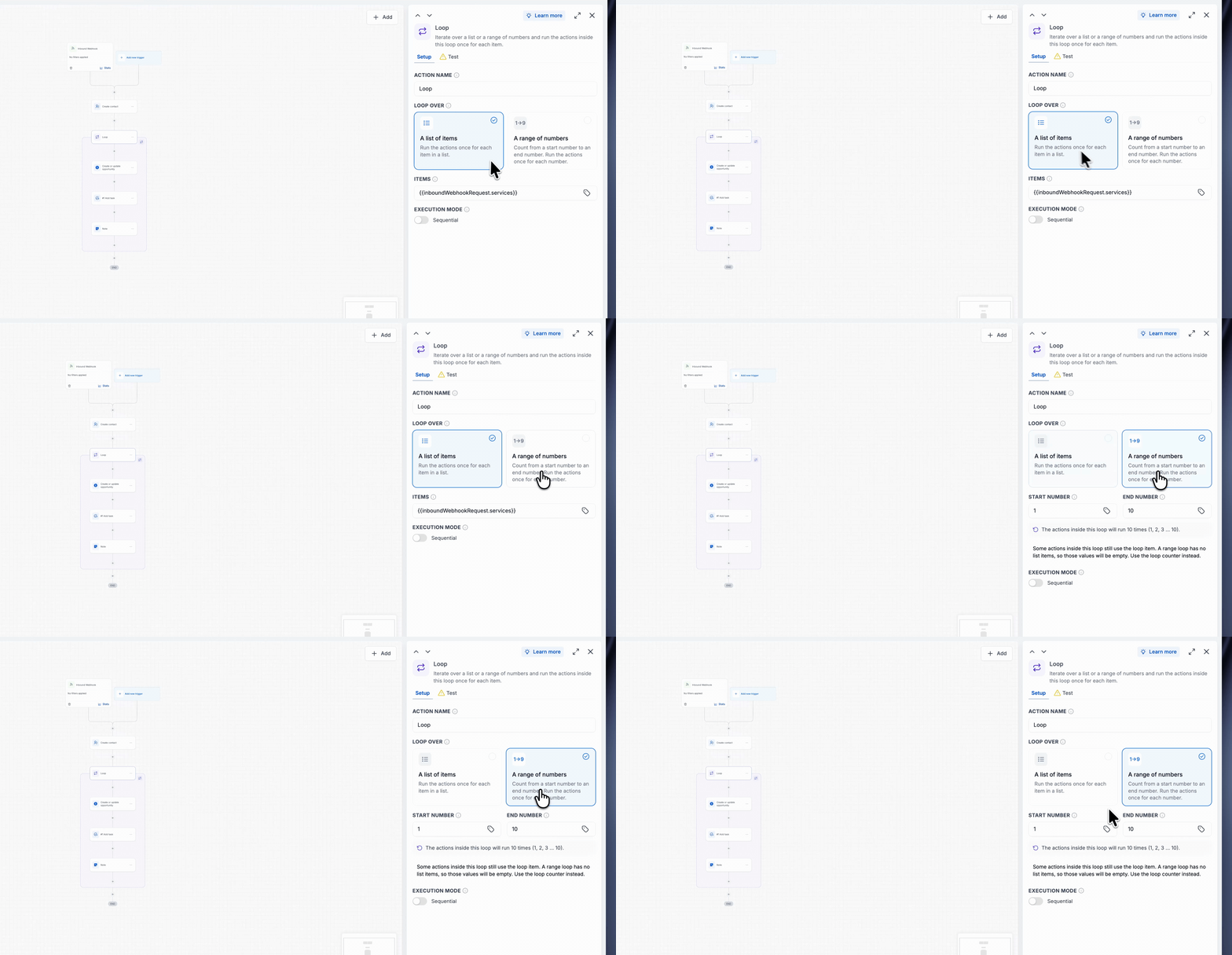
Preview
A Loop in action: the actions inside repeat until the exit condition is met or the safety limit is reached.