⚡ Introducing Vibe Coding — Build Your Own Client Portal with AI!
Your Client Portal, your vision, now built with AI! With Vibe Coding in Client App Builder, you can create a branded Client Portal that reflects your business — no code, no design skills, no agency needed.
From designing pages to building functional experiences, AI brings your ideas to life while keeping everything connected to your business.
✨ What's New?
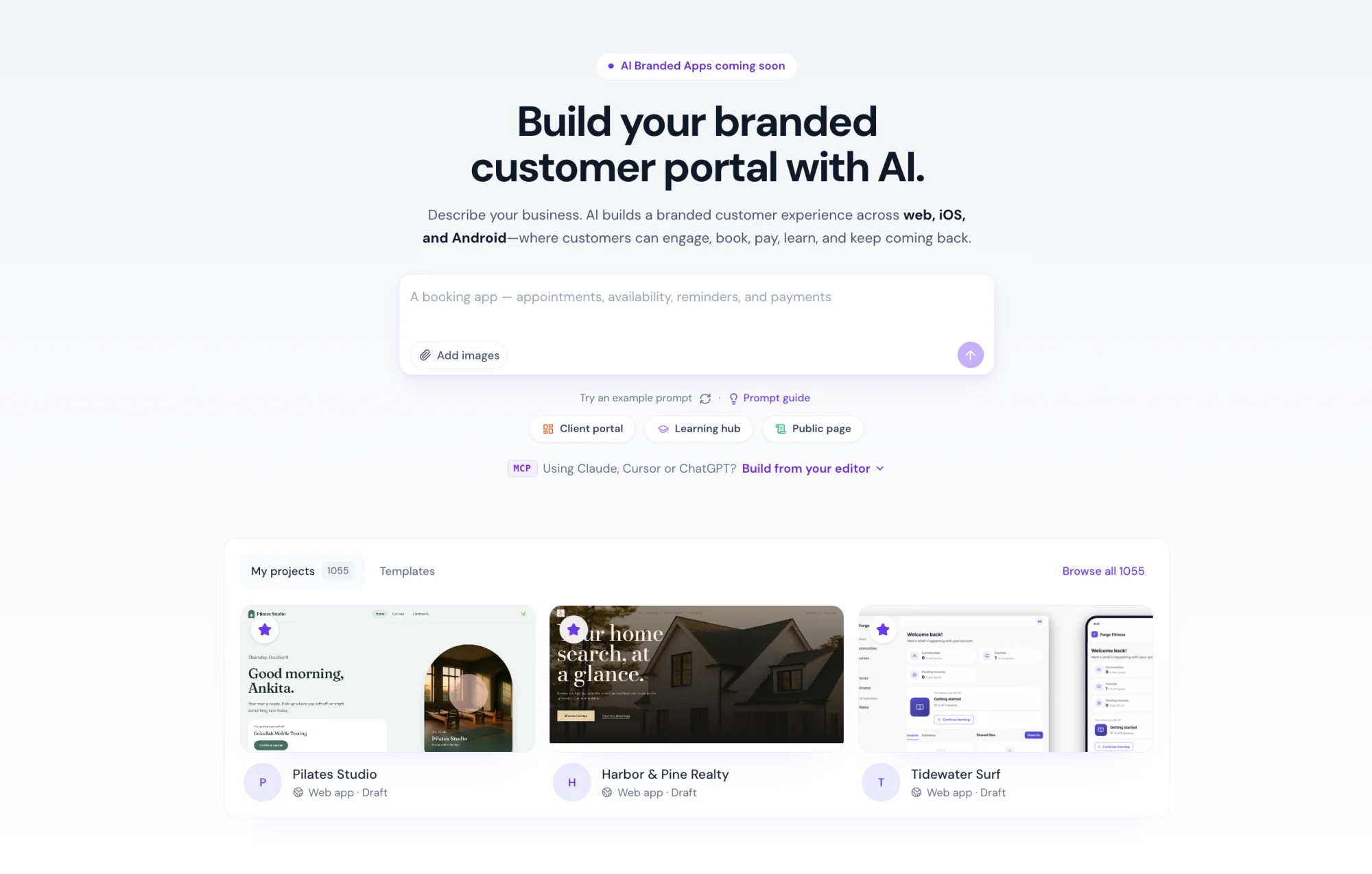
• Build with AI Prompts — Describe your business and the experience you want. AI asks relevant questions and generates a tailored Client Portal for you.
• Personalized Designs — Choose a design system, add your images, and let AI create a consistent, branded look across your entire portal.
• Built-In Client Portal Integrations — Seamlessly connect courses, communities, shared files, appointments, and member data — all in one place.
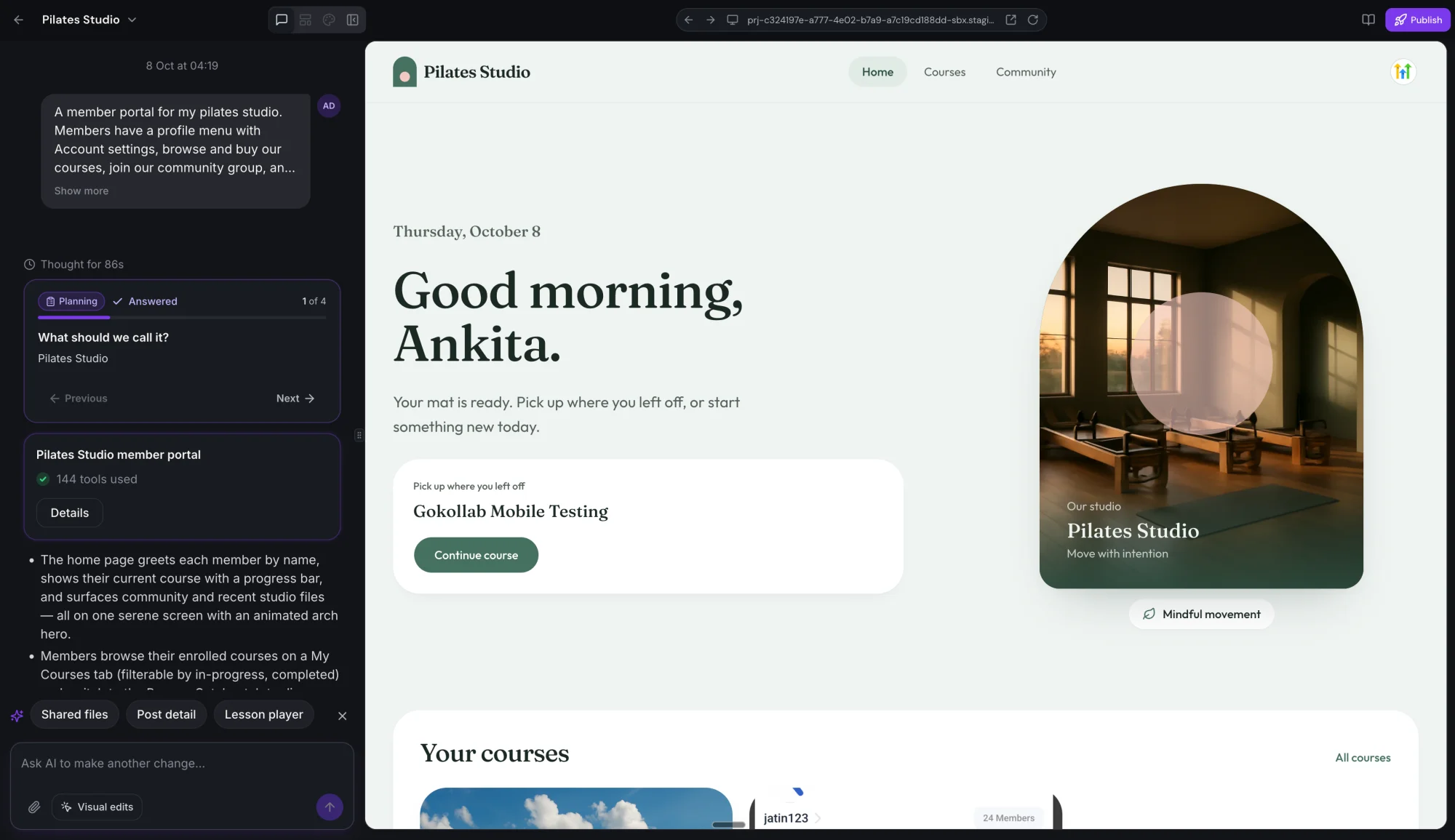
• Build Through Conversation — Refine your portal with simple prompts, get AI-suggested next steps, and iterate quickly.
• Visual Editing — Select elements directly in the preview and describe the changes you want AI to make.
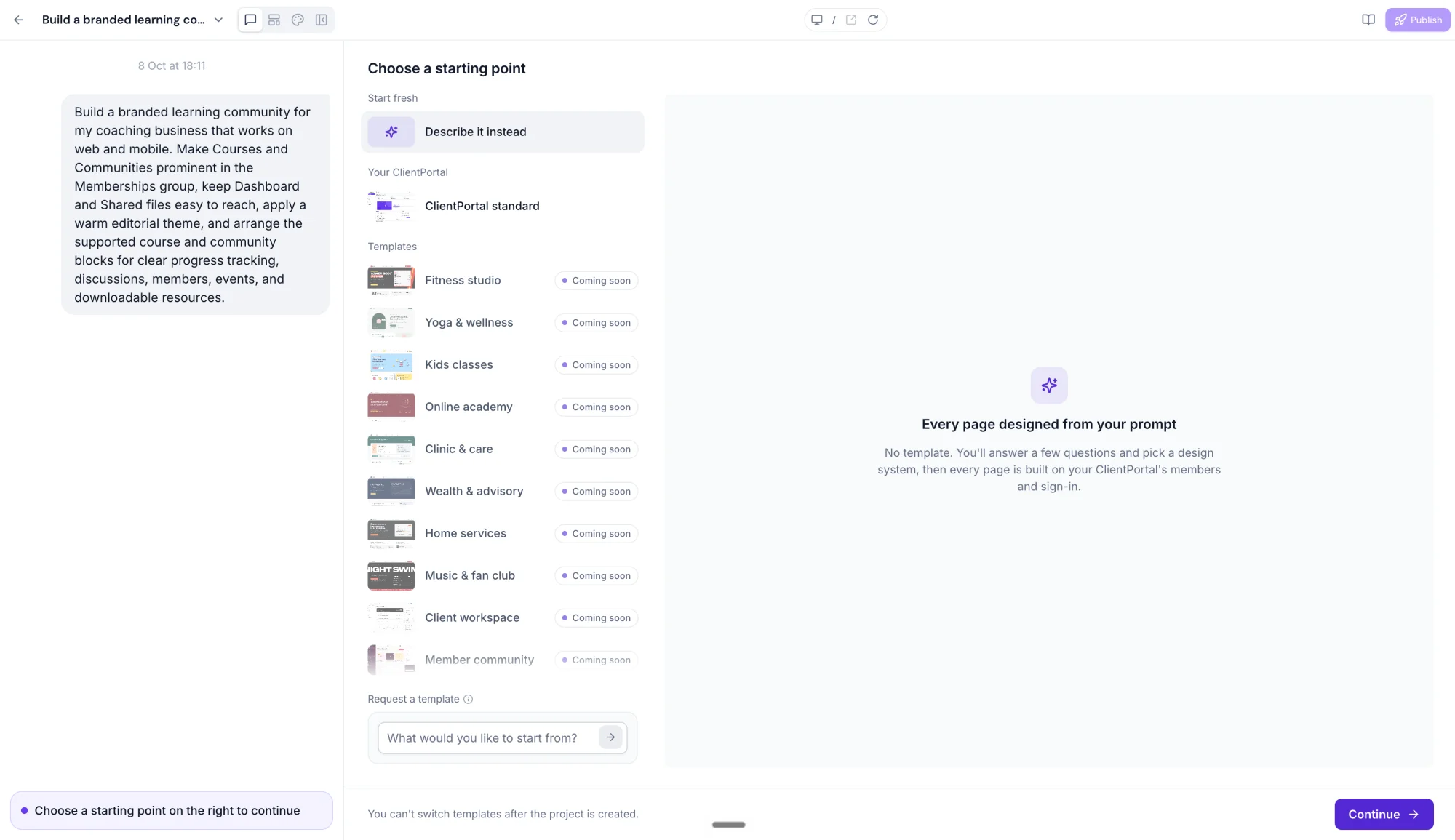
• Flexible Starting Points — Start from scratch or build upon your existing Client Portal experience.
• Custom Domains — Publish your portal with a custom address and connect up to 10 custom domains.
• Dark Mode Support — Switch the builder between Light, Dark, or System themes without affecting your published portal.
🚀 Why It Matters
• Your portal, your way: Build a Client Portal that truly reflects your brand — from colors and images to structure and functionality.
• More than a website: Your portal connects courses, communities, files, appointments, and member data in one branded experience.
• Your clients stay connected: Your clients get a personalized space to access everything they need, right from your portal.
• Built for growth: Launch new portals quickly, test ideas, and scale with confidence.
🔌 How to Get Started
- Navigate to the Client App Builder (in the Sites section of your sub-account).
- Click Build with AI and describe the Client Portal you want to create.
- Add your branding, integrate with your business, and publish with a custom domain.
- Share it with your clients.
⚠️ Notes & Details
• AI-generated layouts are fully editable.
• Changes made through Vibe Coding are saved automatically, but publishing is a separate step.
• Each portal supports up to 10 custom domains.
• Use up to 2 Client Portals per sub-account.