📱 Introducing Client App Builder — Build Branded Mobile Apps with AI!
Creating a branded mobile app for your business just got easier! With Client App Builder, you can now build your own branded mobile app with AI — no developers, no code, just your vision brought to life.
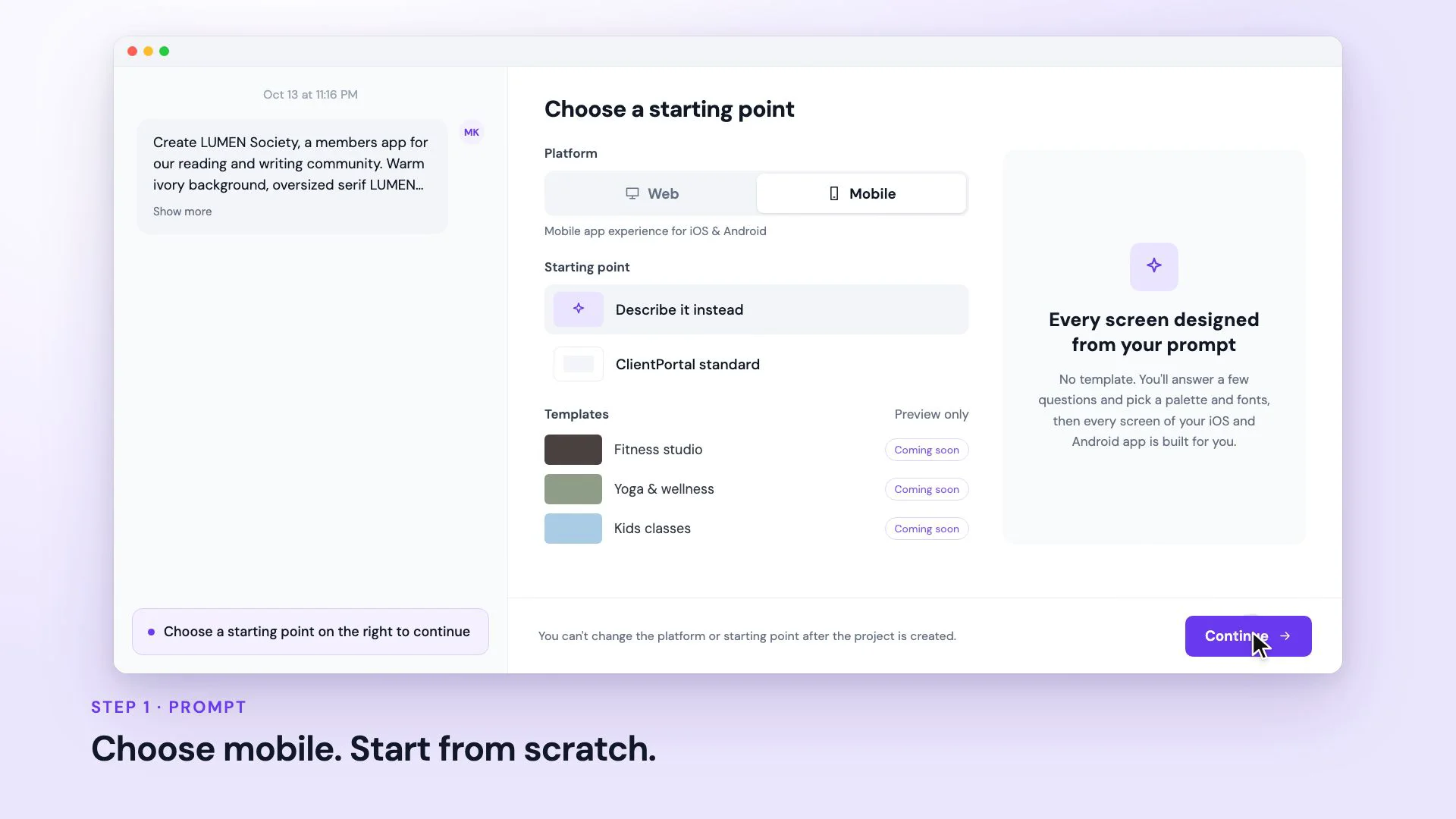
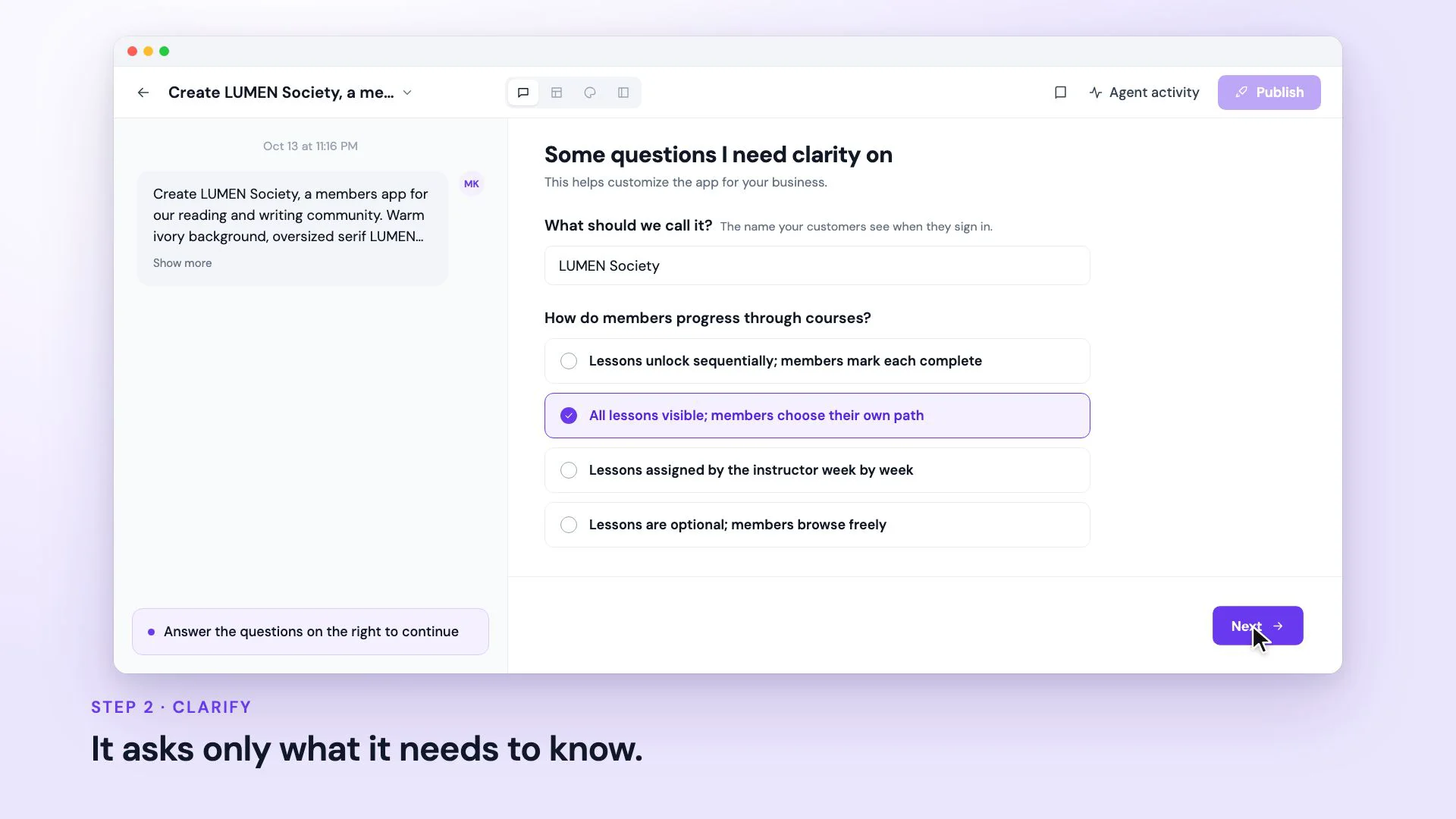
Simply describe your app, choose your branding, and let AI design and build the experience, seamlessly integrated with your Client Portal.
✨ What's New?
• Build Mobile Apps with AI — Describe your business and the experience you want, and AI generates your app.
• Your Brand, Your App — Choose a design system and brand board to customize your app with your logo, colors, and fonts.
• Built-In Client Portal Integrations — Bring your existing courses, communities, files, appointments, and members into your app.
• Ready-to-Use Authentication — Sign-in, sign-up, and member onboarding with join codes are built in.
• Build Through Conversation — Refine your app using simple prompts without losing your existing design.
• Native Mobile Capabilities — Support device features like camera and photo access, along with custom fonts.
• Live Mobile Preview — See how your app looks and works on a phone before publishing.
• Publish Android Apps — Generate an installable Android APK directly from the builder, with visibility controls for published apps.
🎯 Why It Matters
Previously, creating a custom branded mobile experience required significant development effort or working within the limitations of predefined templates.
With Client App Builder, you can create an app tailored to your business using natural language, while keeping it connected to the Client Portal you already use.

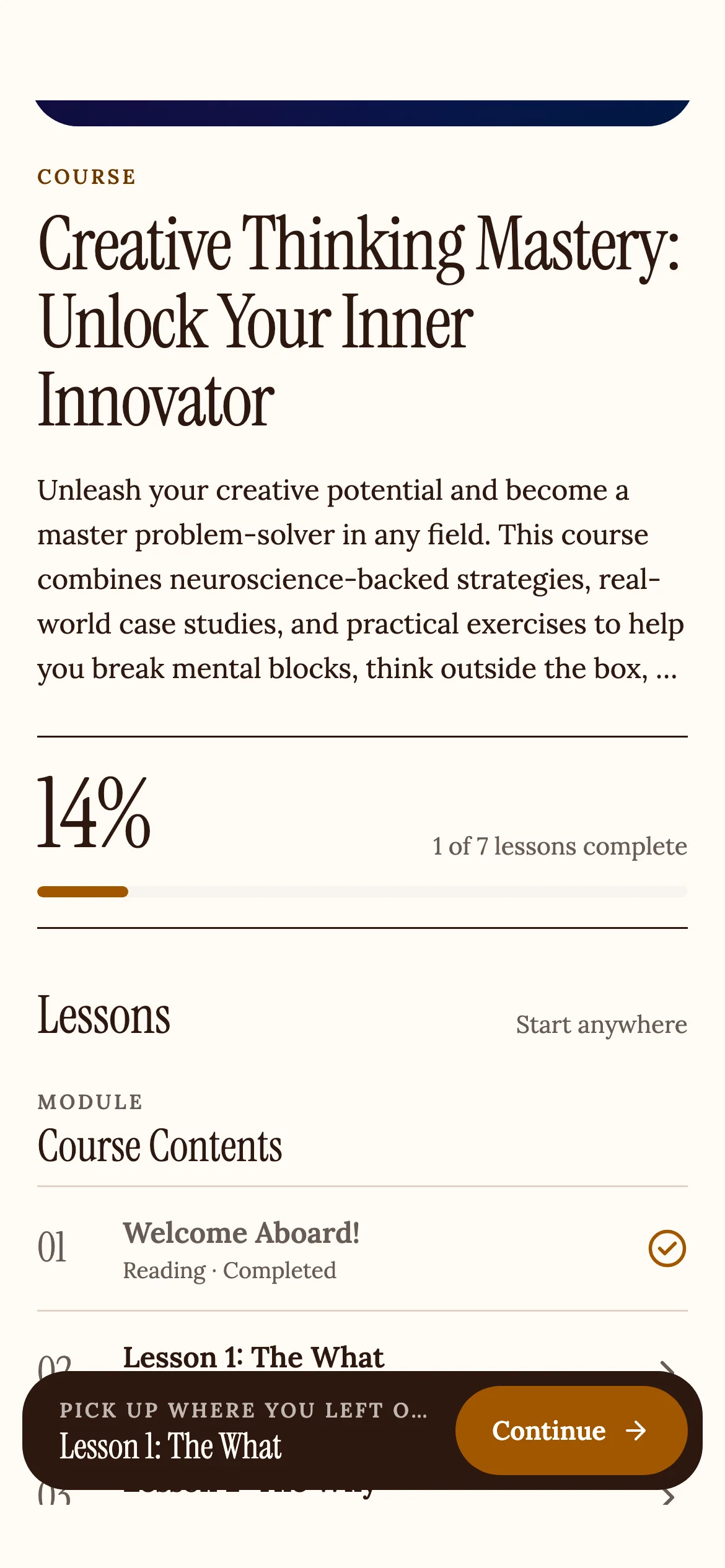
Your members can access your app on their phones, sign in with their existing Client Portal accounts, and enjoy a branded, native experience.
🎁 What You'll Benefit From
• For your business: Offer a branded mobile app that keeps your clients engaged and connected to your business, anywhere they are.
• For your members: A smooth, app-like experience to access courses, communities, files, and appointments on the go.
🔌 Getting Started
- Navigate to the Client App Builder (in the Sites section of your sub-account).
- Click Build with AI and describe the mobile app you want to create.
- Add your branding, integrate with your Client Portal, and publish your Android app.
- Share it with your clients.
📍 Availability
Client App Builder is now available for all sub-accounts in Labs. To enable it, head to Settings > Labs > Client App Builder, and turn it on.
🔜 Coming Next
• iOS app generation, with branded App Store publication.
• Custom font uploads.
• More native device capabilities.
💬 Share Your Feedback
We'd love to hear your feedback on Client App Builder as you start building your first branded app.