Introducing calculated fields (private beta)
Calculated Fields let you create custom fields that fill themselves in. Instead of updating numbers, dates or text by hand, you set up a formula once. The field then calculates its value automatically from your other contact data. Use it to score leads, track how long since a contact was last engaged, count down to a renewal date, or format data consistently, with no manual work or workarounds. Calculated Fields is available in private beta.
What's new
- New "Calculated" custom field type: create fields whose values are worked out automatically from other fields on the contact.
Four calculation types:
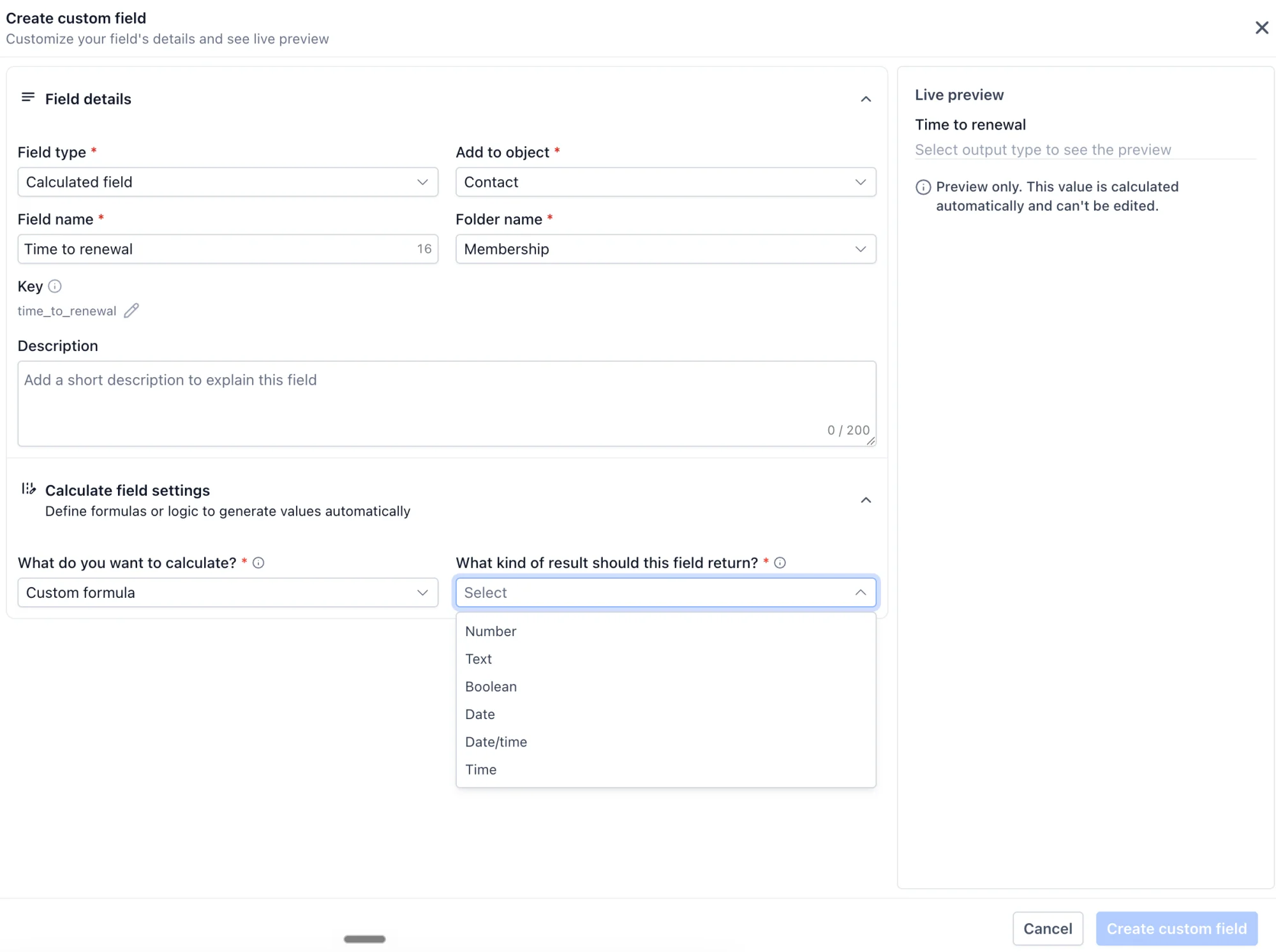
- Custom formula: build your own equation using operators and functions.
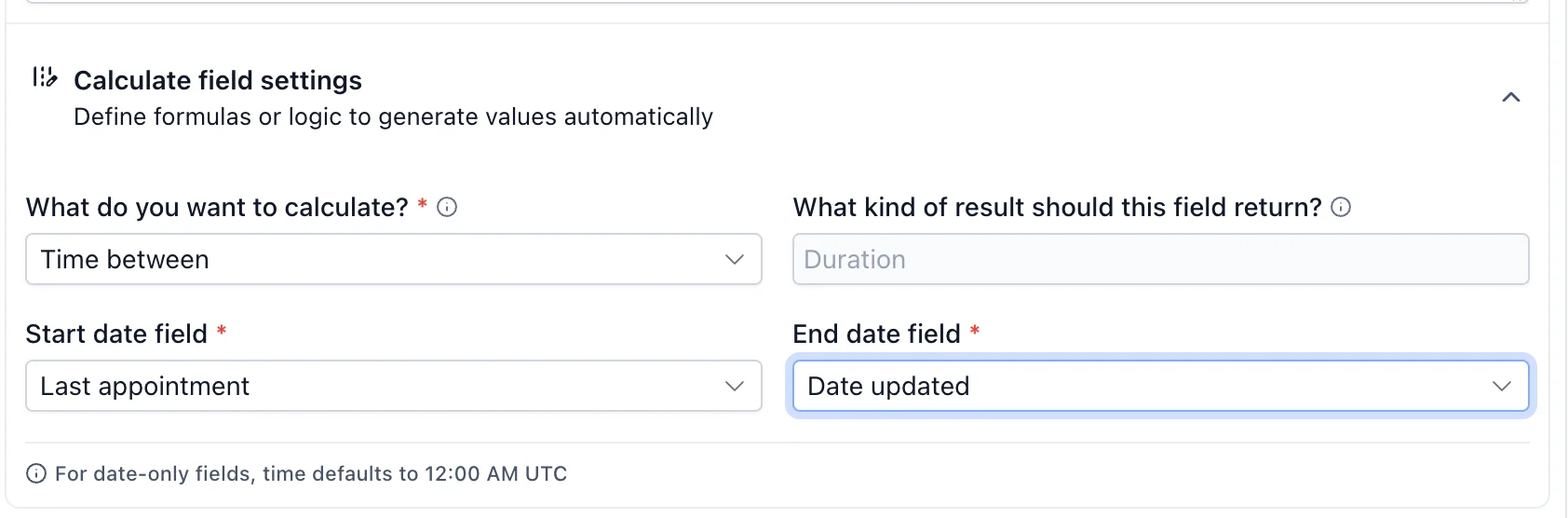
- Time between: the time between two date fields.
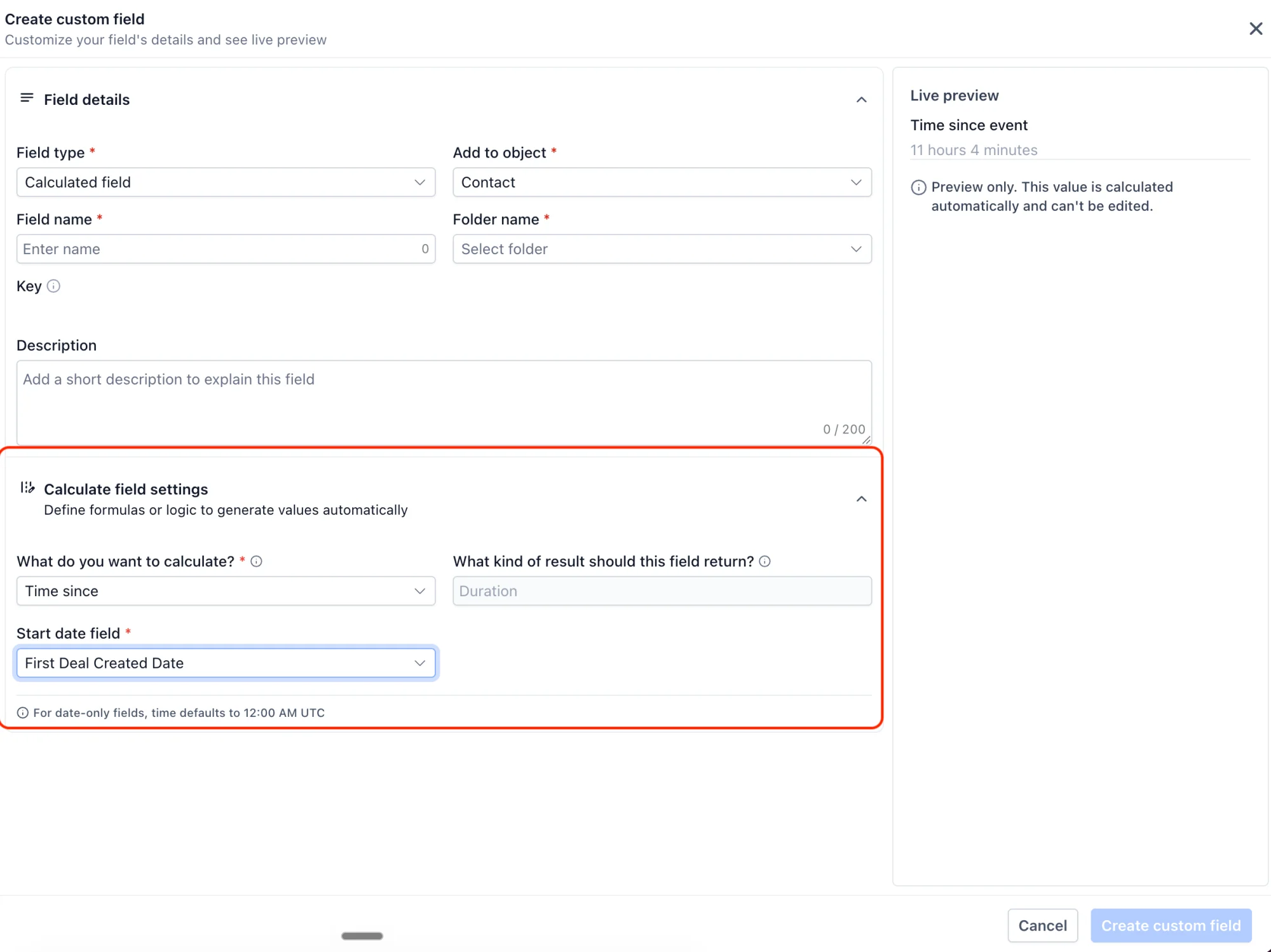
- Time since: the time elapsed since a date, such as days since last purchase.
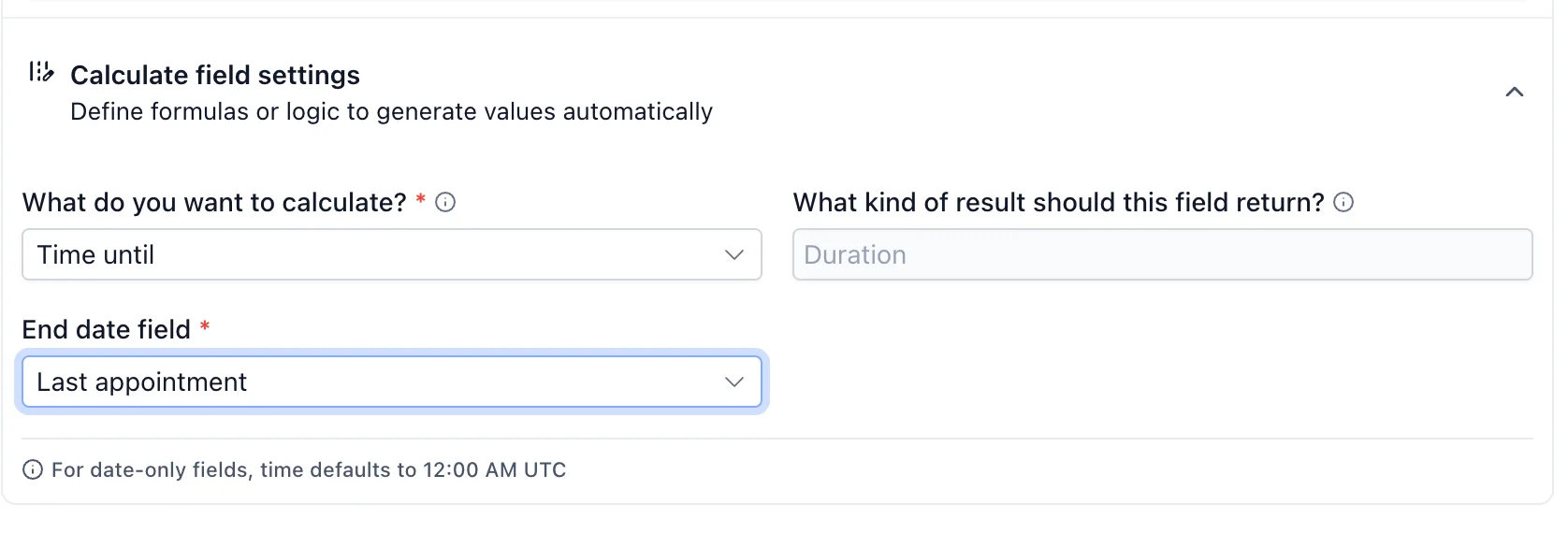
- Time until: the time left until a date, such as days until renewal.
-
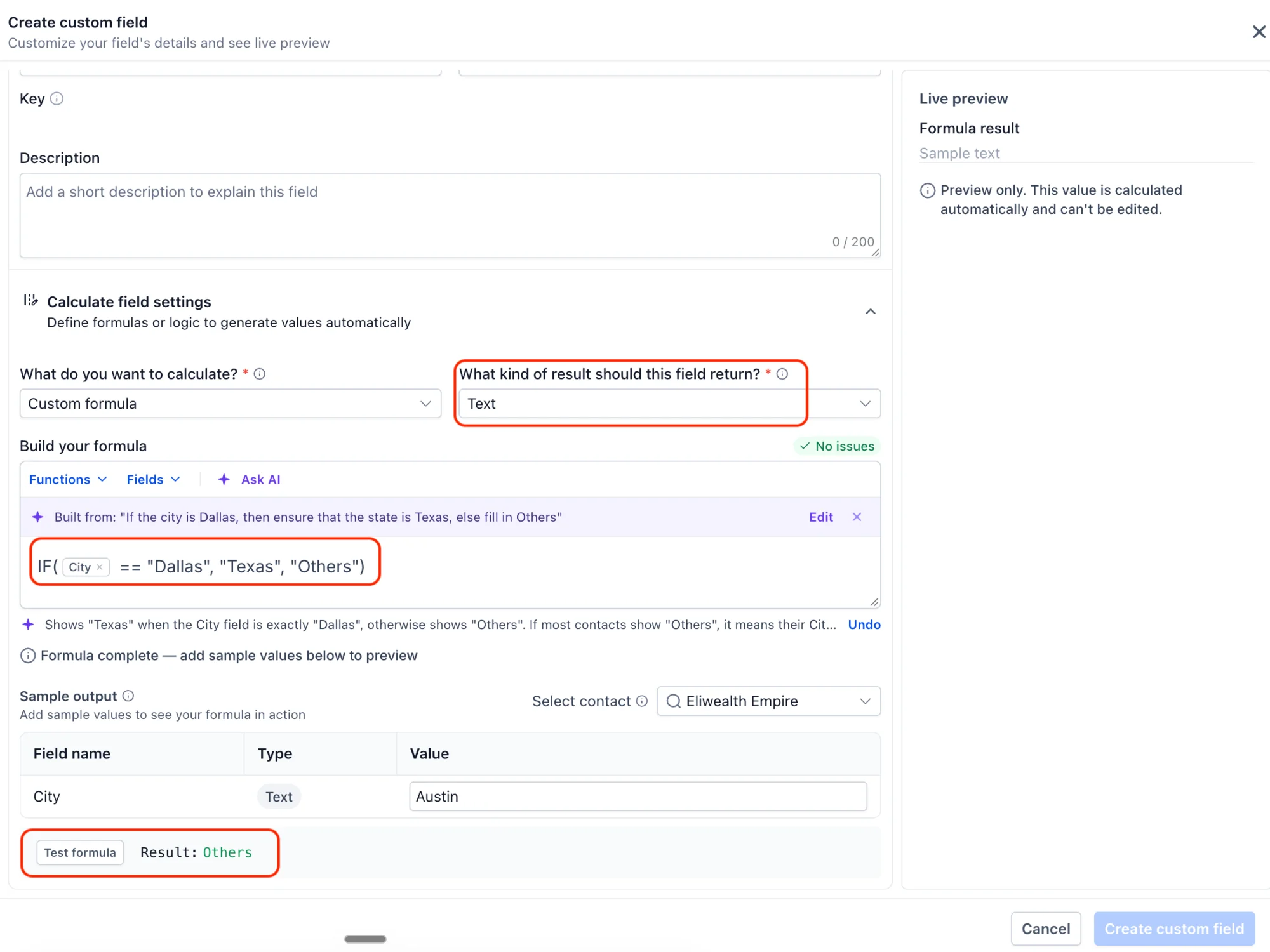
Multiple output types: Results can be a Number, Boolean (true/false), Text, Date or Date-Time.
-
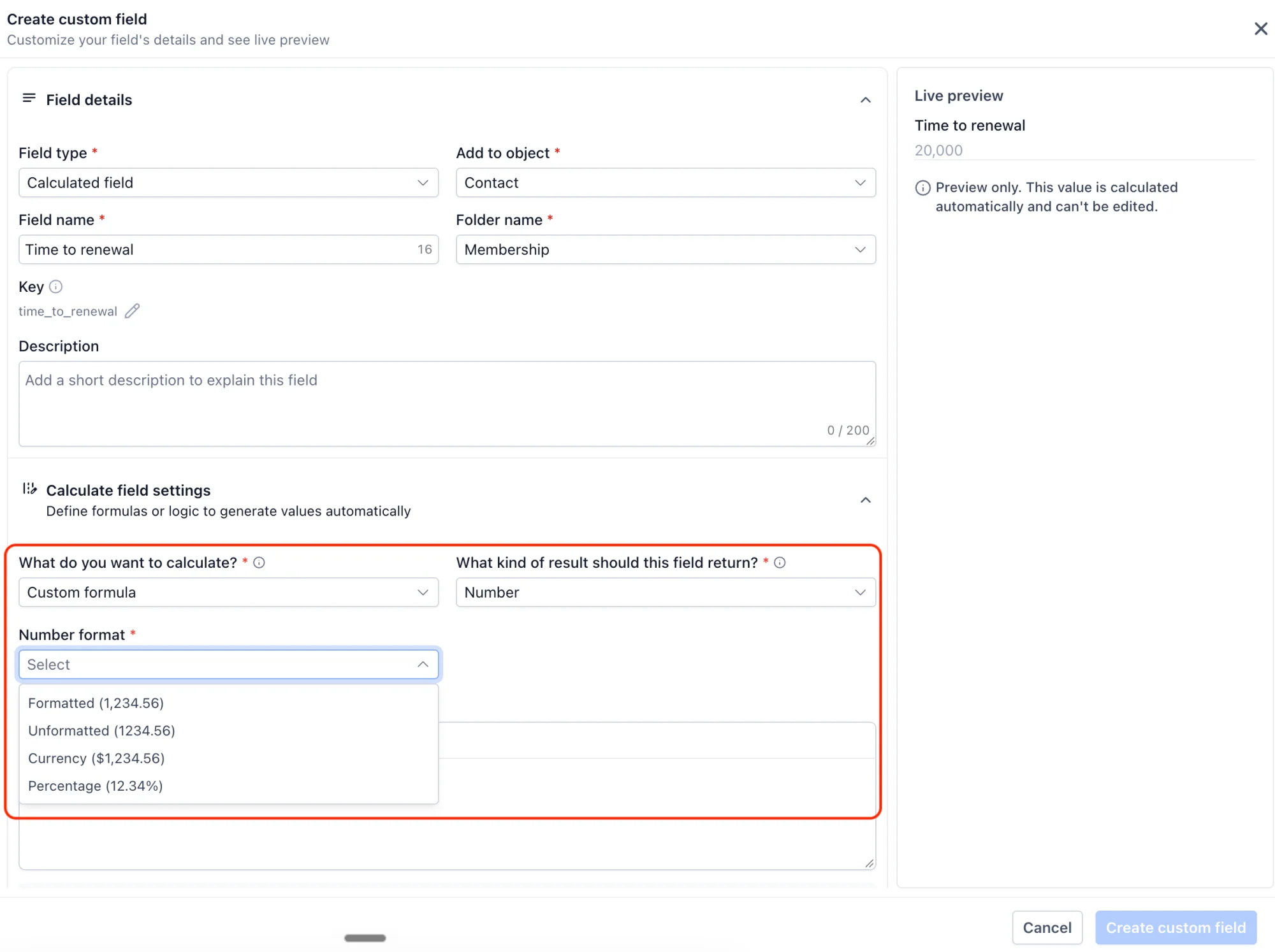
Flexible number formatting: Show a number as a formatted number, unformatted number, currency, percentage or duration (for example, "3 hrs 9 mins").
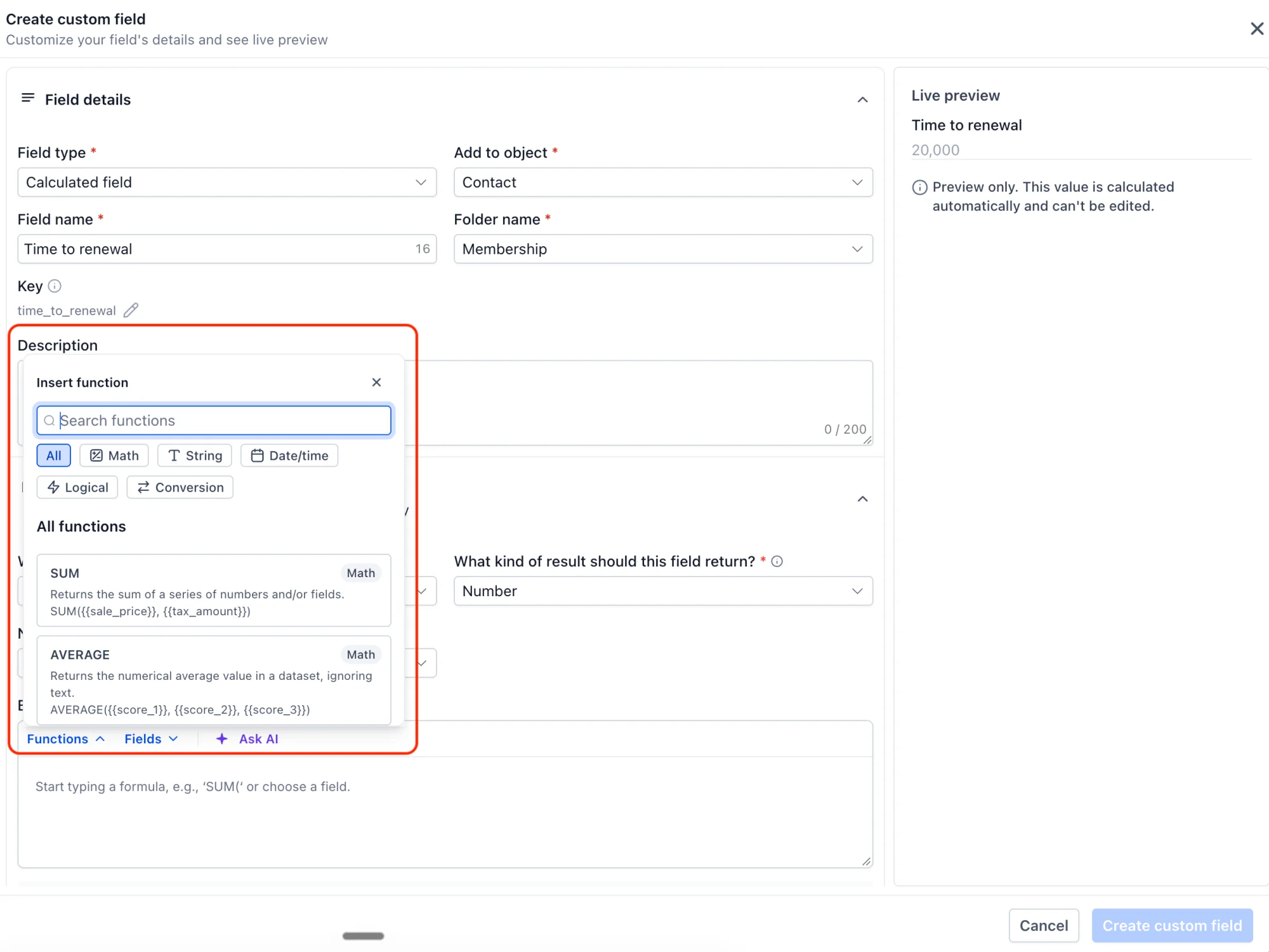
- Built-in function library: Math (SUM, AVERAGE, ROUND, MIN, MAX, ABS and more), Text (CONCAT, UPPER, LOWER, TRIM, LEFT, RIGHT, REPLACE and more), Date/Time (ADD_TIME, YEAR, MONTH, DAY, WEEKDAY and more) and Logic (IF, AND, OR, IS_KNOWN).
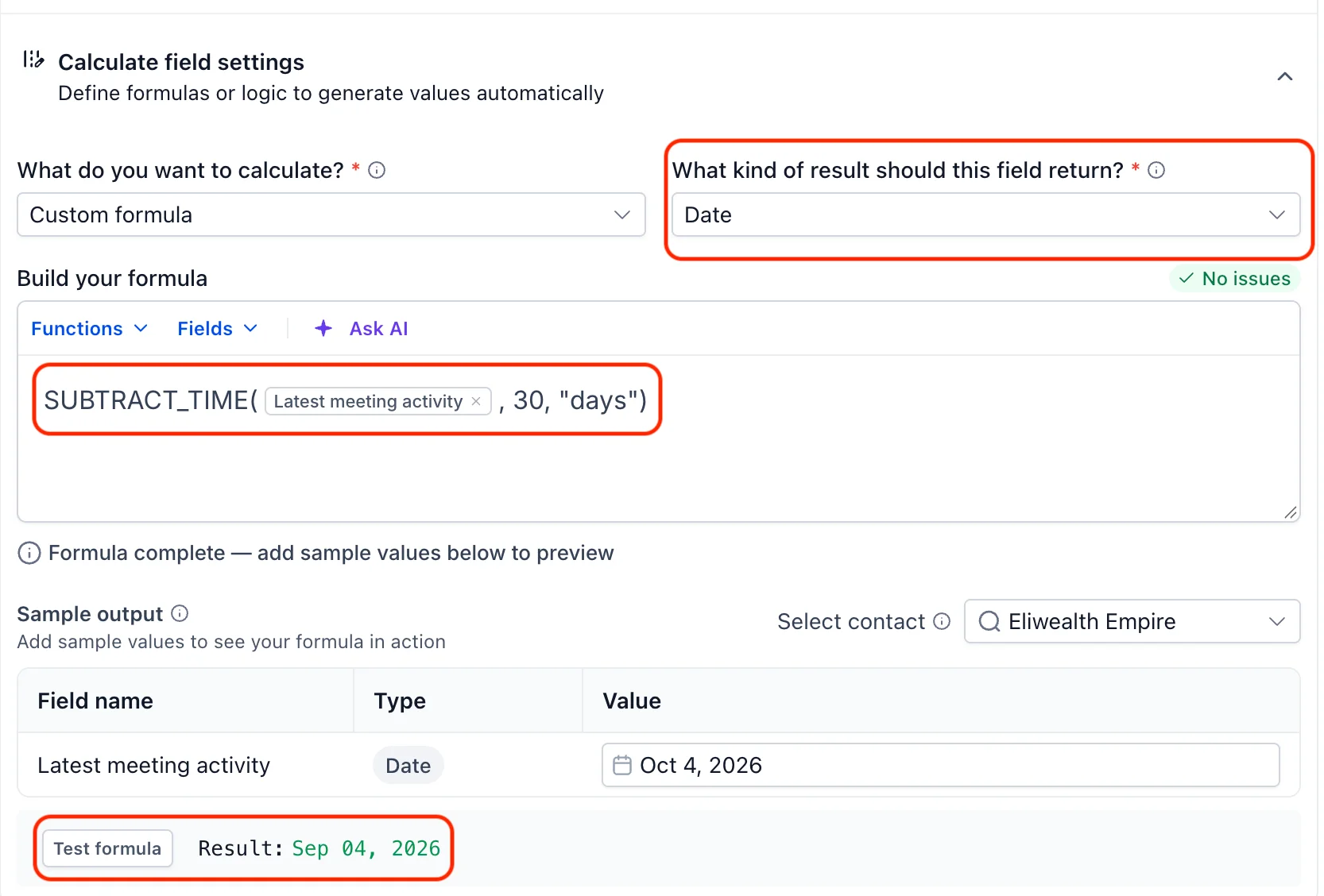
- Test before you save: Try your formula with sample values. If something's wrong, you get a clear error message that helps you fix it.
- Always accurate: Values recalculate automatically when the source fields change. Calculated fields are read-only, so a manual edit, import or workflow can't overwrite them by accident.
-
Available for opportunities and custom objects: Create calculated fields on contacts, opportunities and custom objects. All three are part of the private beta.
-
Filter smart lists by calculated fields: You can now filter your smart lists using calculated fields, so you can build more focused segments and views.
-
Use them across your CRM: Add calculated fields as smart list columns and filters, and use them in workflows, and trigger actions when their values change.