Host Your Existing Number for SMS with Hosted Numbers
Hosted Numbers is now available in Labs, allowing Reseller Agency Owners and Admins to host an eligible US local or toll-free number for SMS in Web Wisconsin's Connect CRM while keeping voice service with the existing carrier.
✨ What’s new?
Businesses can retain the phone number their customers already recognise and use it for SMS in Web Wisconsin's Connect CRM, without porting the number or changing their voice provider.
The guided experience enables Reseller Agency Owners and Admins to:
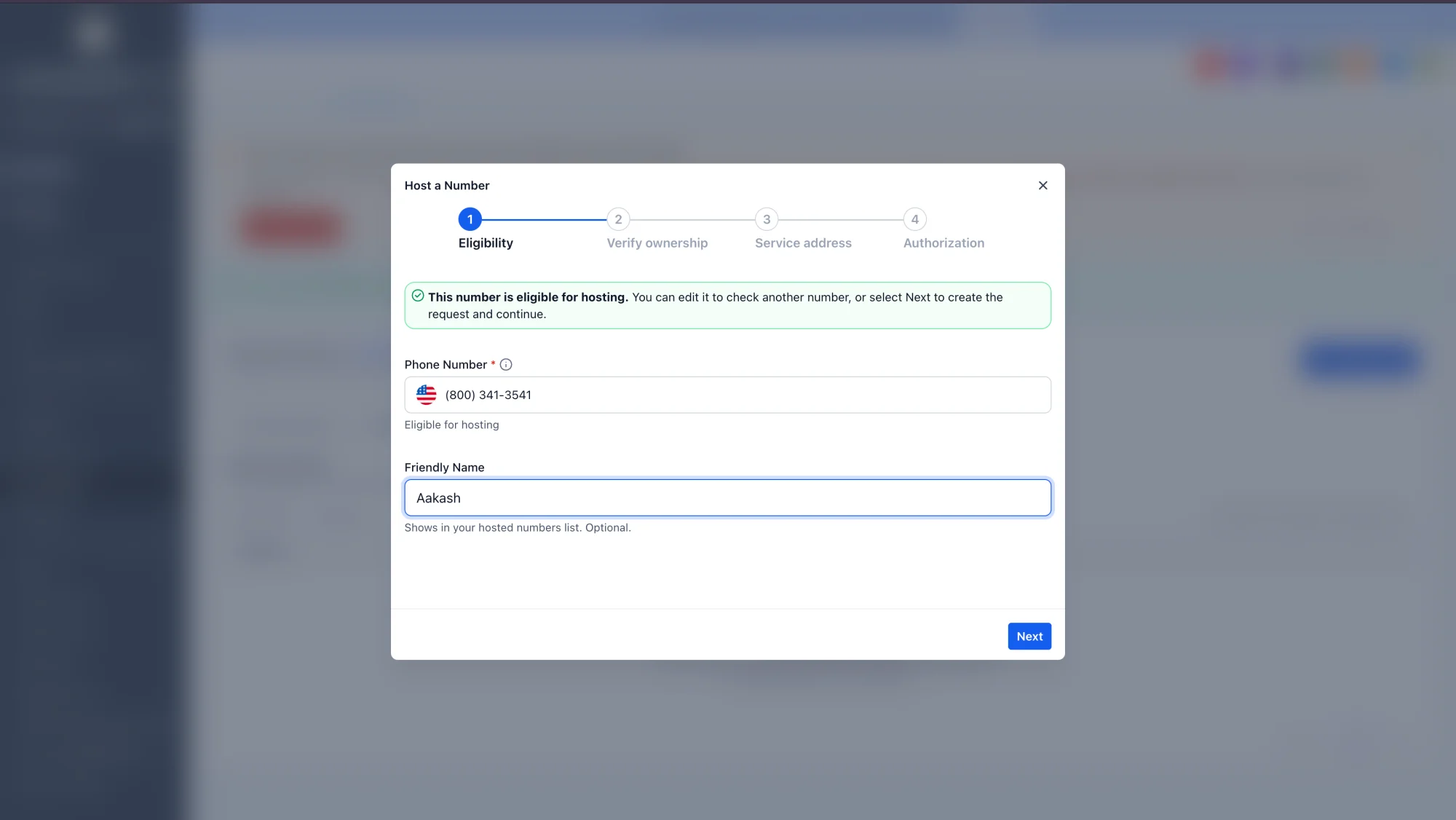
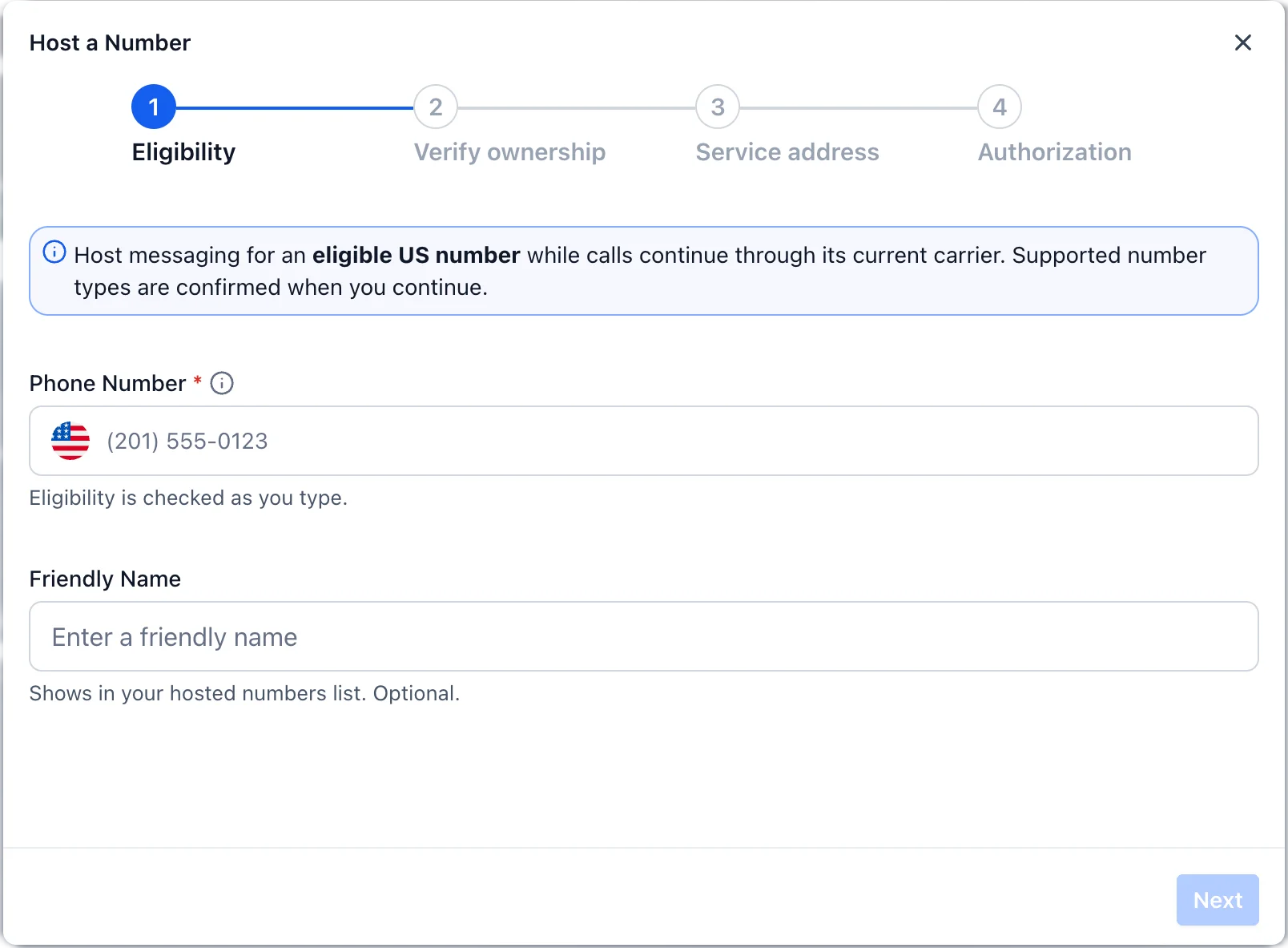
- Check whether a US local number is eligible
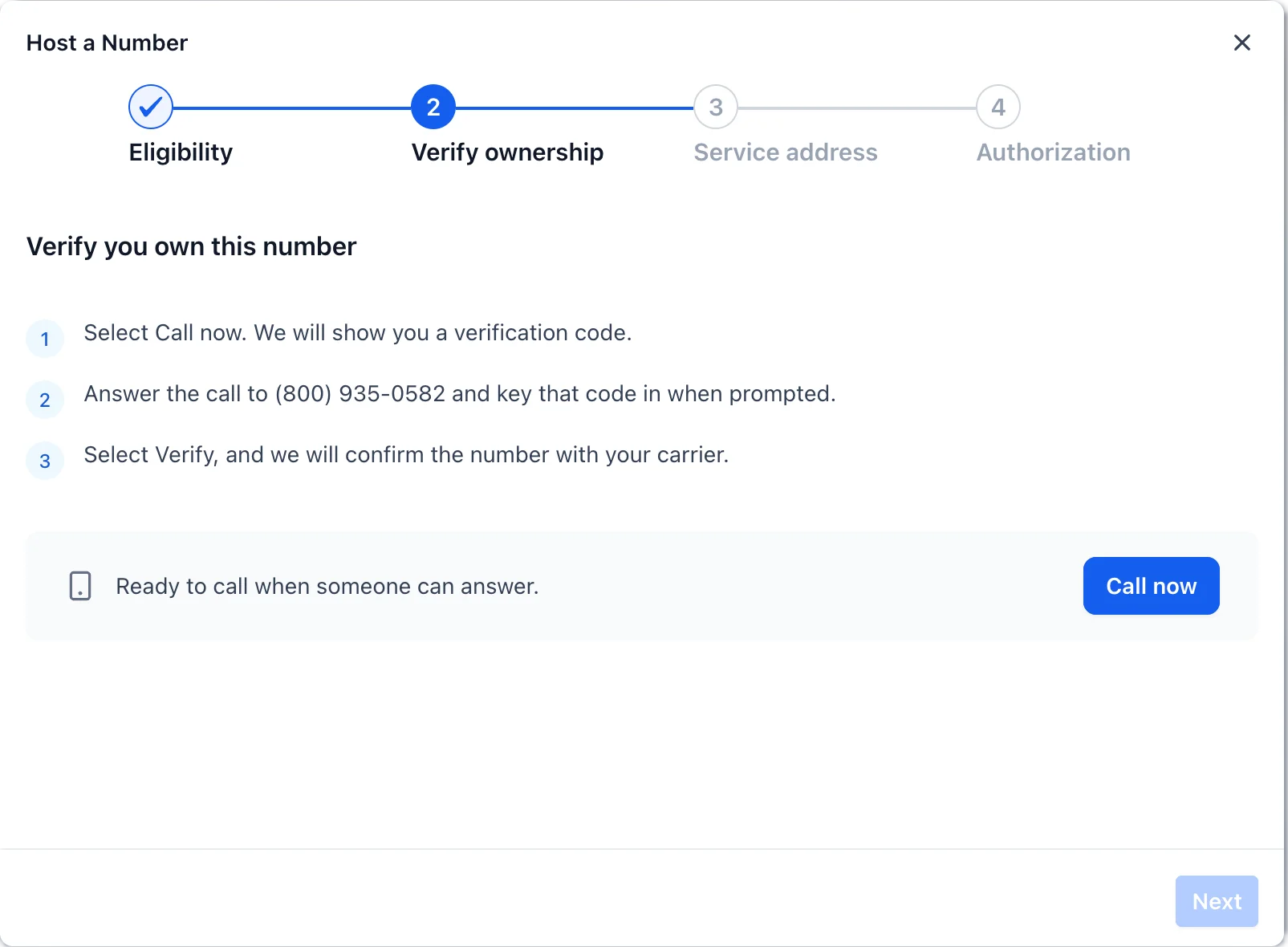
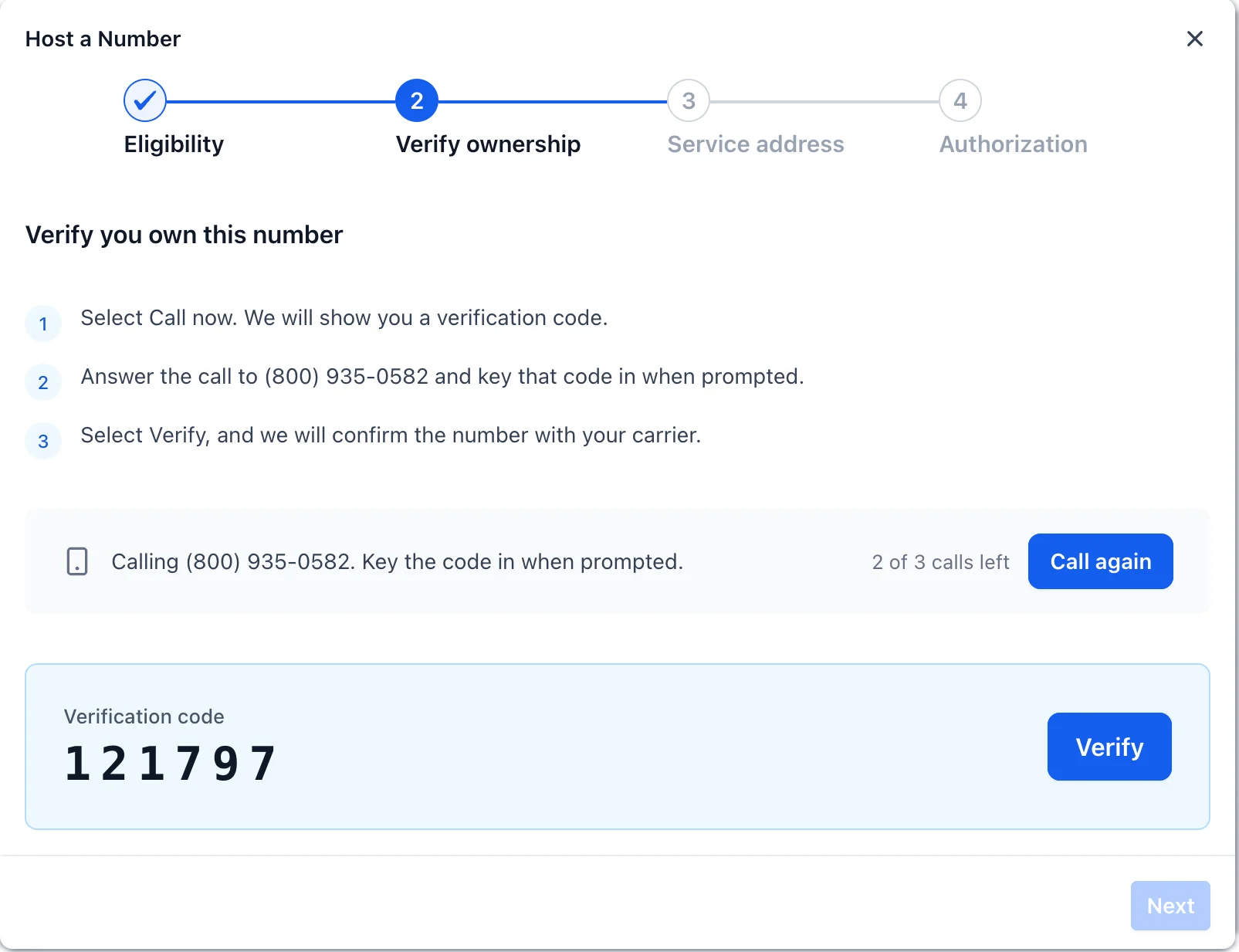
- Verify ownership through an automated call
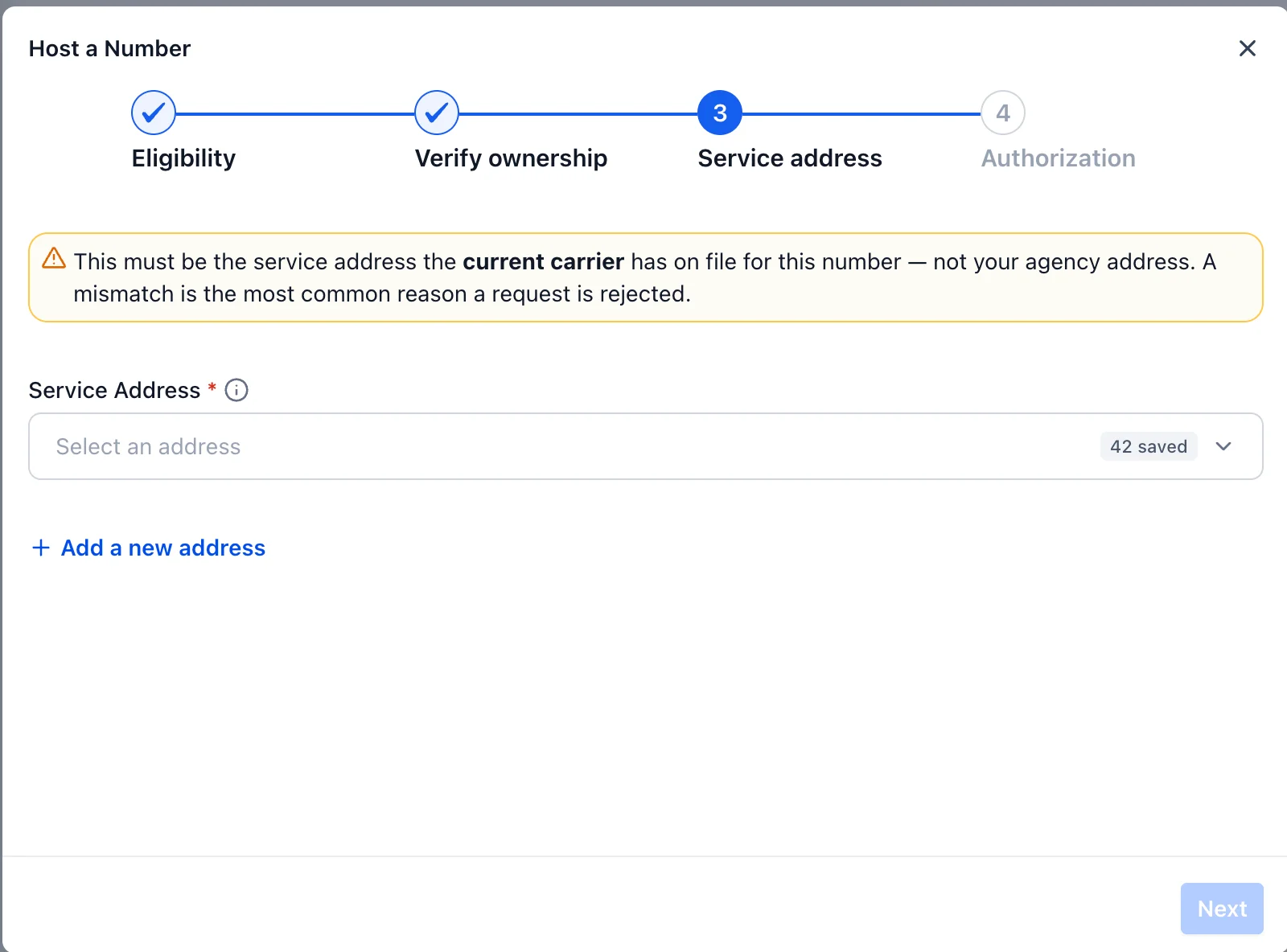
- Select or add the number’s service address
- Send an authorization letter for electronic signature
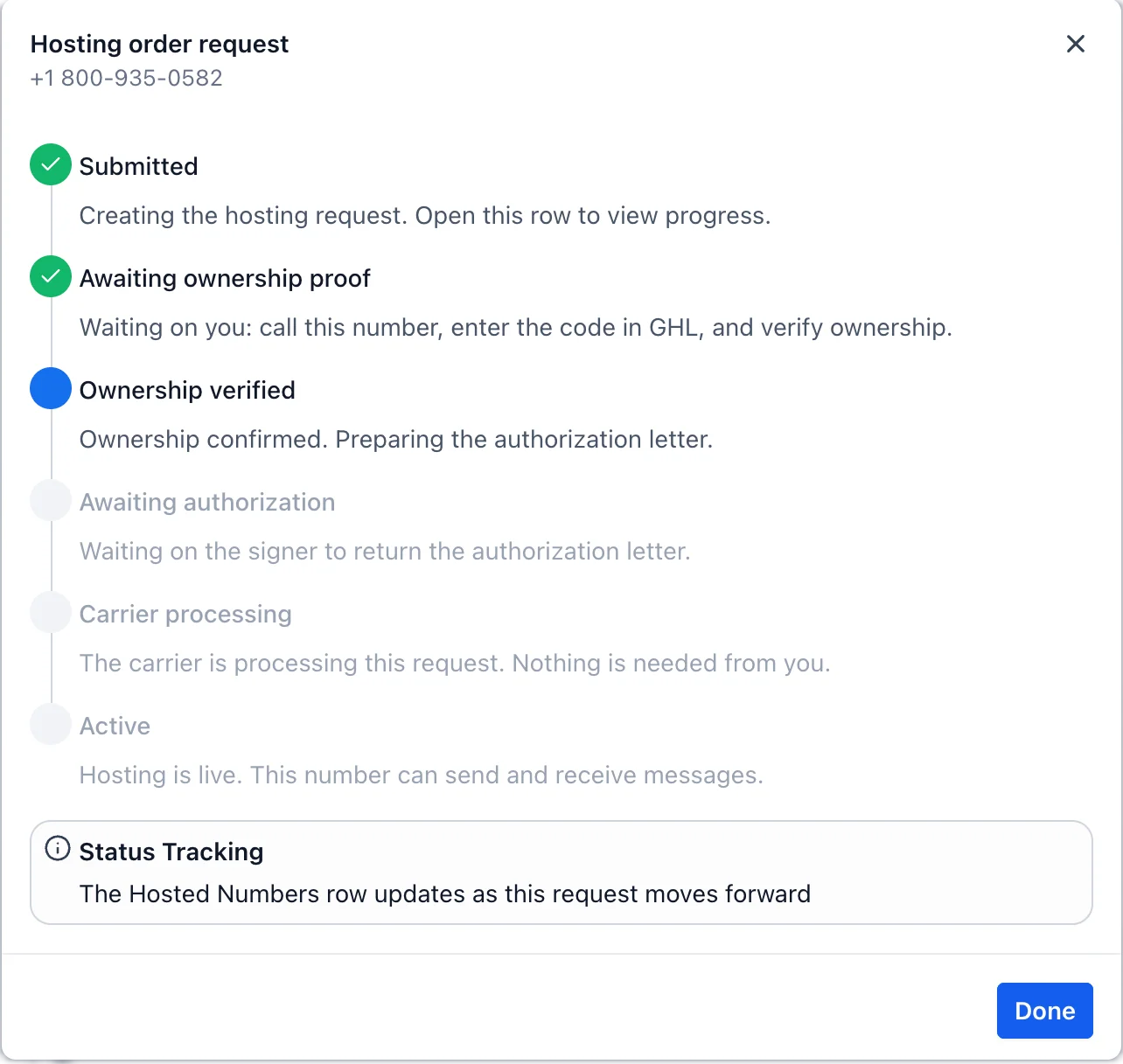
- Track the request through verification, authorization, processing, and final checks
- View hosted and in-progress numbers from both Hosted Numbers and Phone Numbers
✅ Hosted vs. SMS ready
A number marked Hosted has successfully completed the hosting process. It becomes SMS ready once all readiness requirements are completed:
- Location identity verification, where required
- Location-level A2P registration
- Messaging sender setup
If the Location already has an applicable approved A2P registration, Web Wisconsin's Connect CRM reuses it, users do not need to complete A2P again.
Toll free verification would be required in case if the number hosting is attempted for such a number.
Voice calls continue through the number’s current carrier throughout the process.
👥 Who can use it?
Reseller Agency Owners and Admins can initiate and manage hosting requests.
Sub-account users can discover Hosted Numbers and view requests for their Location, but a Reseller Agency Owner or Admin must initiate them.
Users with existing permission to complete identity or A2P requirements can perform those readiness steps.
🧪 Availability
Hosted Numbers is available under Labs for eligible accounts.
The initial Labs release supports eligible US local numbers, SMS hosting, one number per request, and a guided experience in which the number’s owner verifies the request.
🚀 How to get started
-
Enable Hosted Numbers from Labs.
-
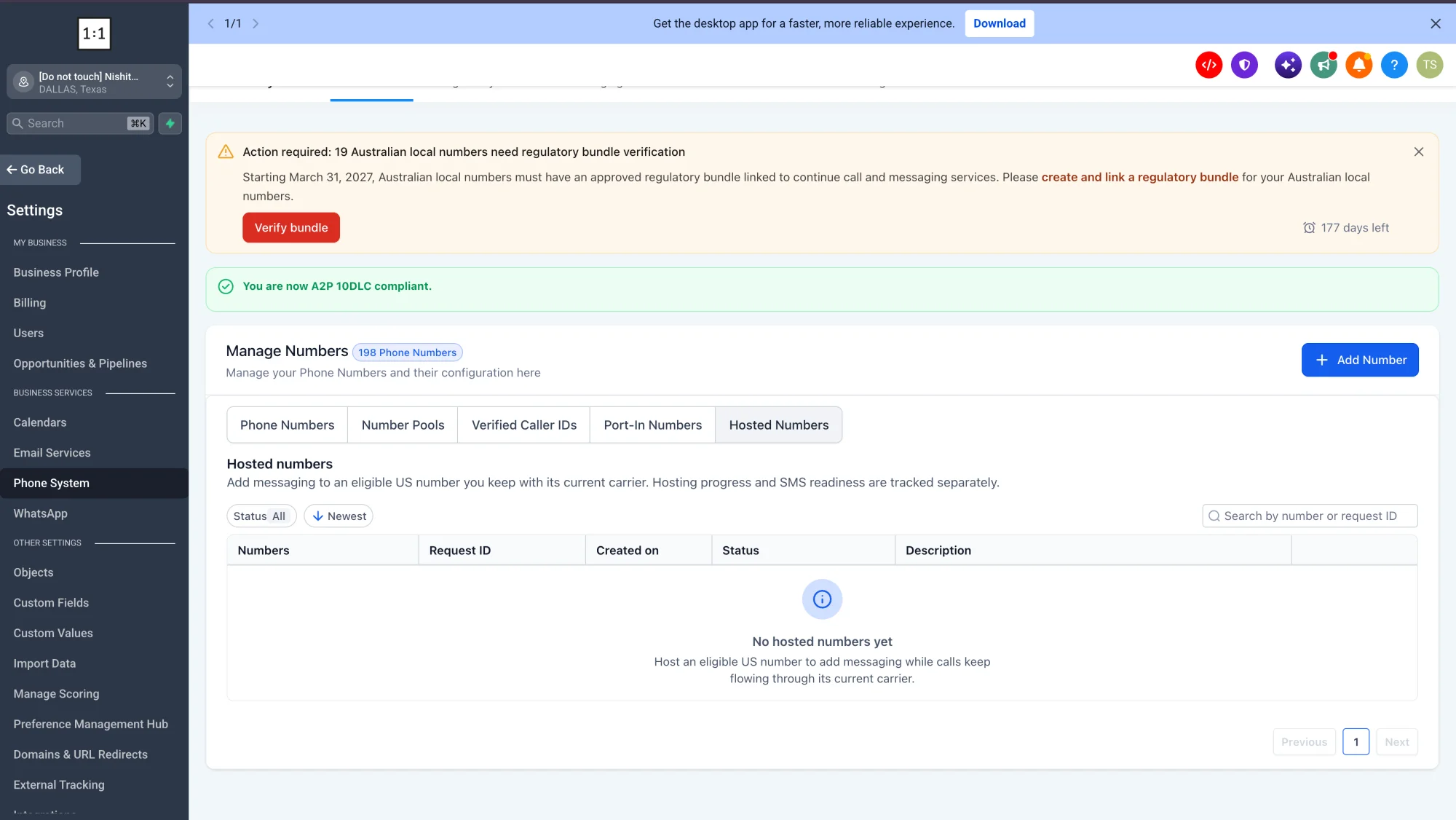
Go to Settings → Phone System → Manage Numbers.
-
Select Add Number → Host a Number.
-
Enter the US local number and follow the guided setup.