Graphic Library in Funnel, Website, Store, and Webinar Builders
👀 What's New?
- 11,000+ icons, emojis, and illustrations: A native Graphic Library is now available inside the Funnel, Website, Store, and Webinar Builders, with category browsing and search.
- Color customization for icons: Icon colors can be customized to match your page design.
- AI-generated and custom uploads: Beyond the built-in library, you can generate new illustrations with AI or upload your own graphics.
- Attach to elements or drop as standalone: Add graphics as standalone elements on the canvas, or attach them to existing elements, such as a leading icon on a button or heading.
🌟 Why This Matters:
Native icons and emojis are among the most requested builder capabilities - users previously had to source graphics from third-party sites and upload them, or rely on workarounds like the SVG element or buttons with hidden backgrounds. The Graphic Library removes that friction and lets you create custom illustrations with AI whenever the library doesn't have what you need.
👷 How It Works:
1. Open a page in the Funnel, Website, Store, or Webinar Builder.
2. Open the Graphic Library from the left panel, from an element's settings, or by typing ":" while editing text.
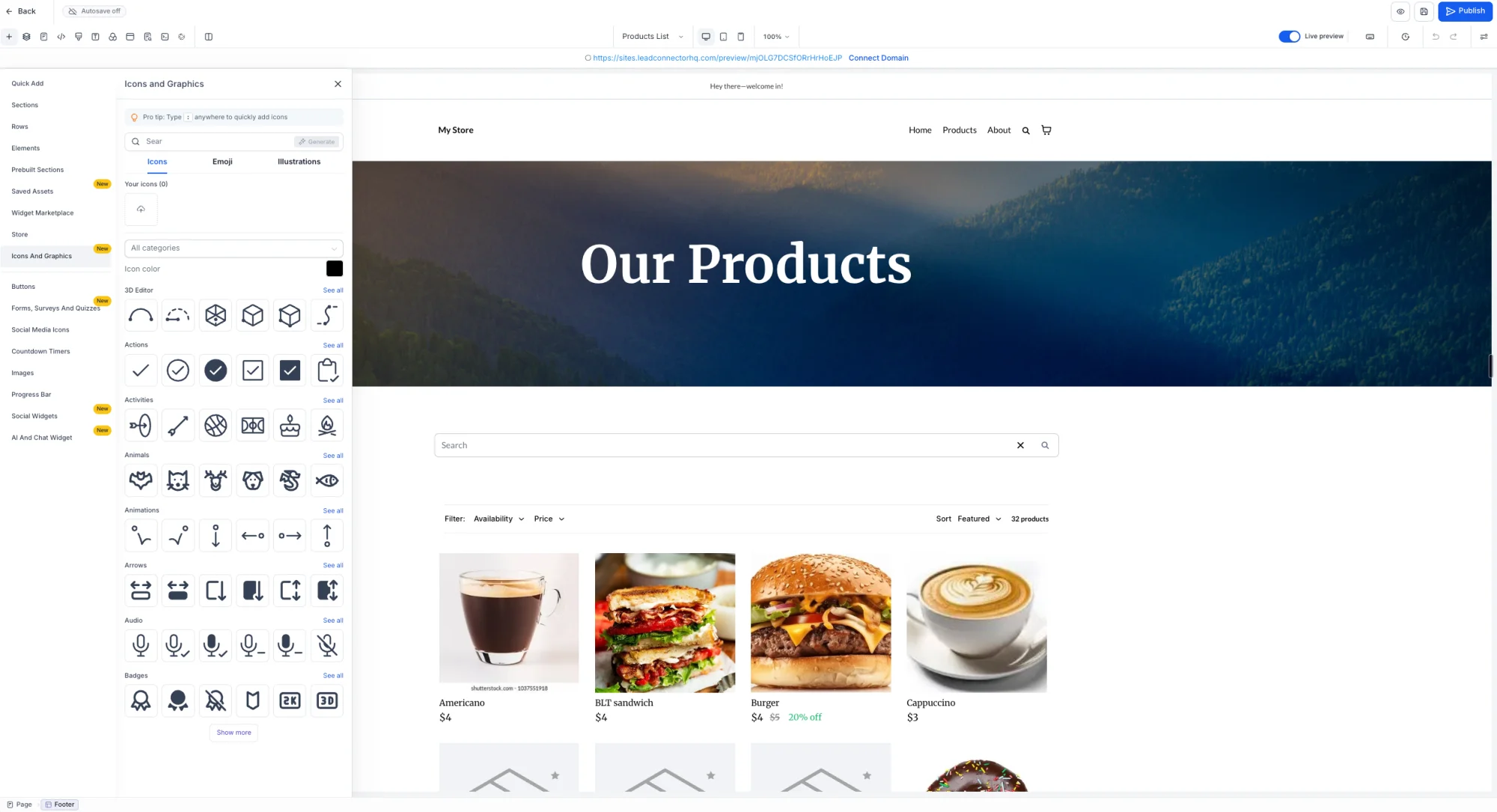
3. Switch between Icons, Emojis, and Illustrations tabs, browse by category, or search.
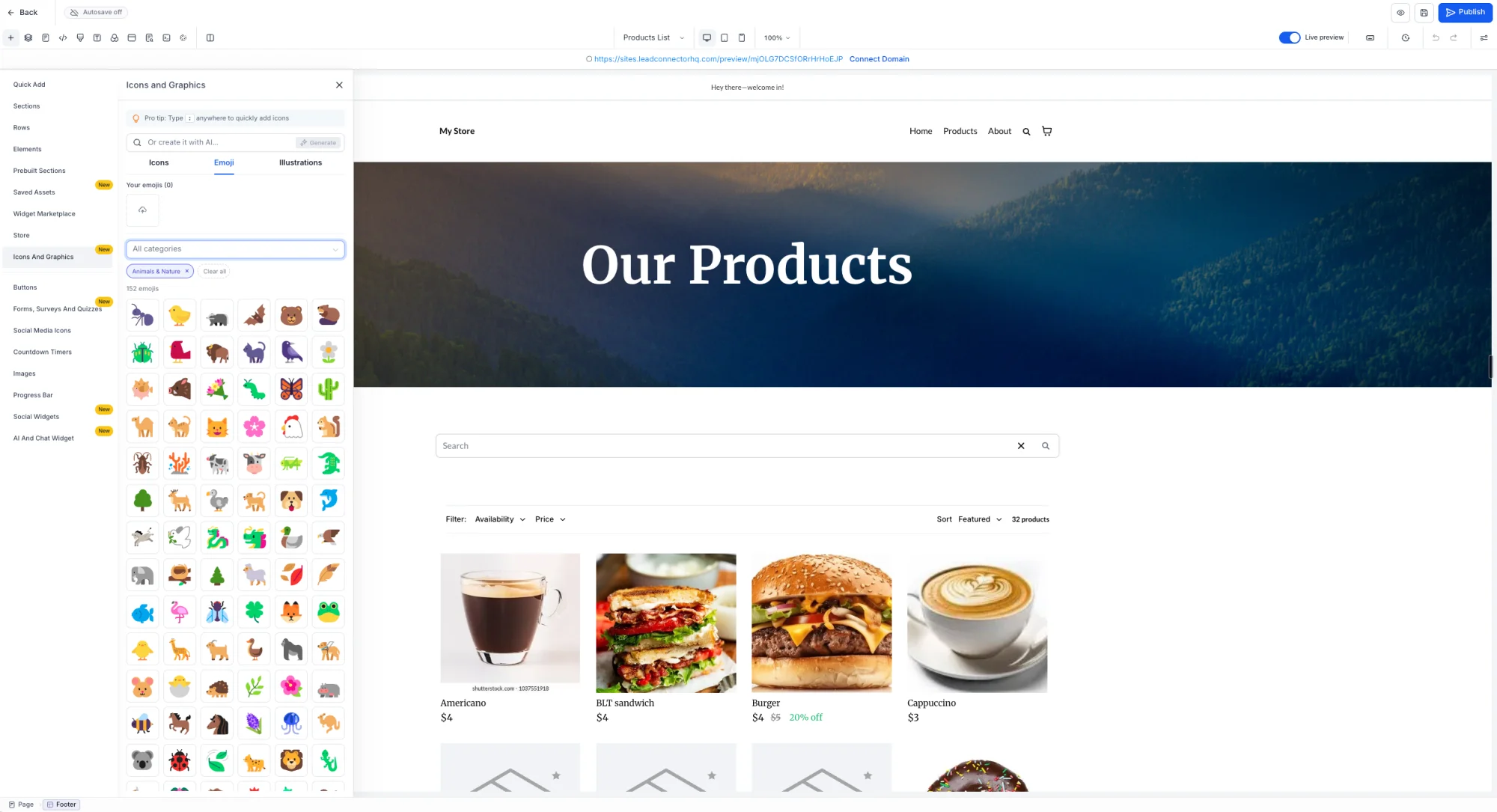
4. Click or drag a graphic onto the canvas, and change its color if needed (icons only).
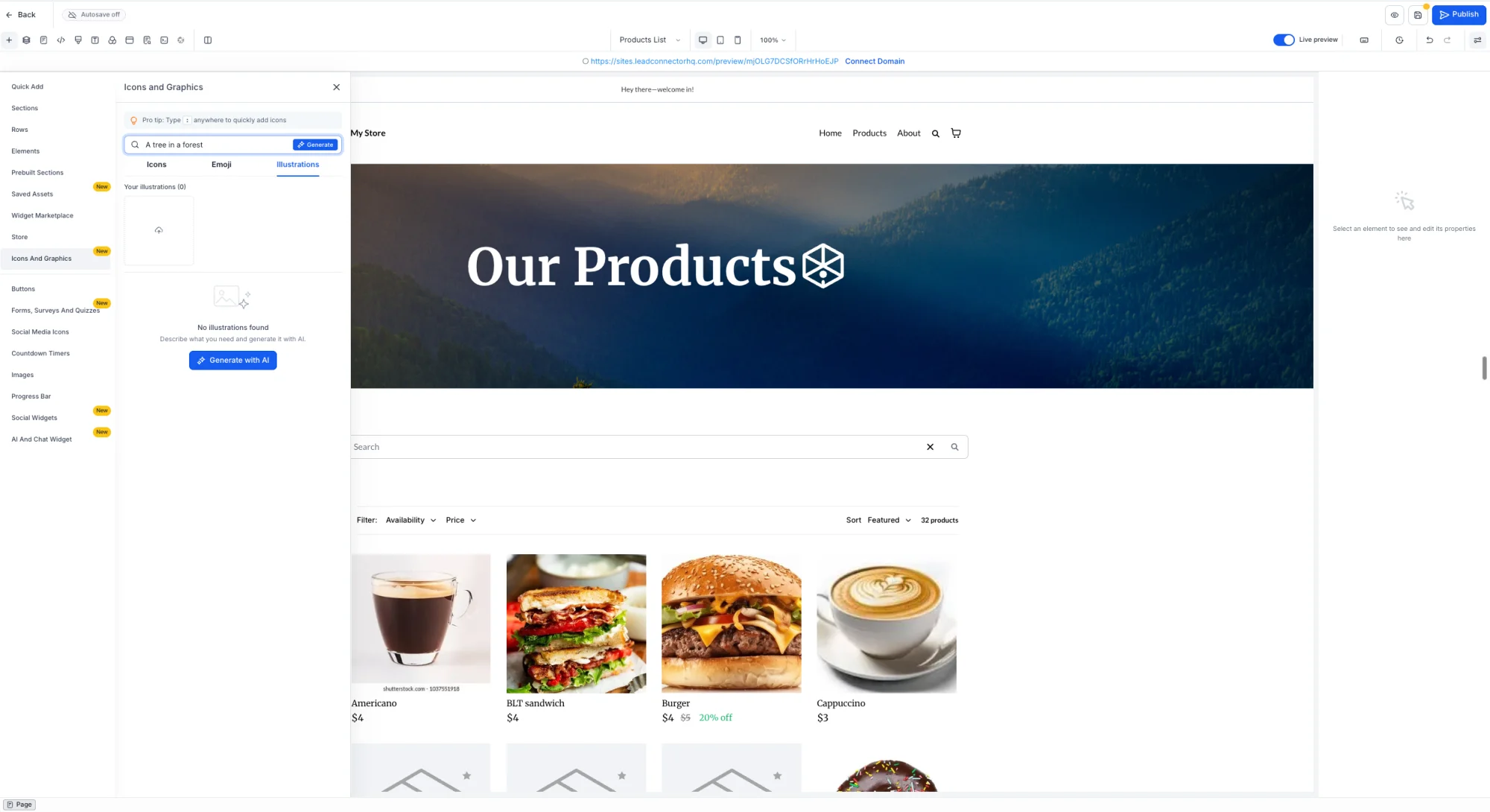
5. To create a custom illustration, generate one with AI or upload your own. You can see the Generate with AI button in the screenshot below:
📝 Notes:
- Color customization is available for icons only, not illustrations.
- Available now in Funnel, Website, Store, and Webinar Builders.
- Bringing this to other builders including emails soon.