Email Marketing Gets a Fresh Look and a Faster Start
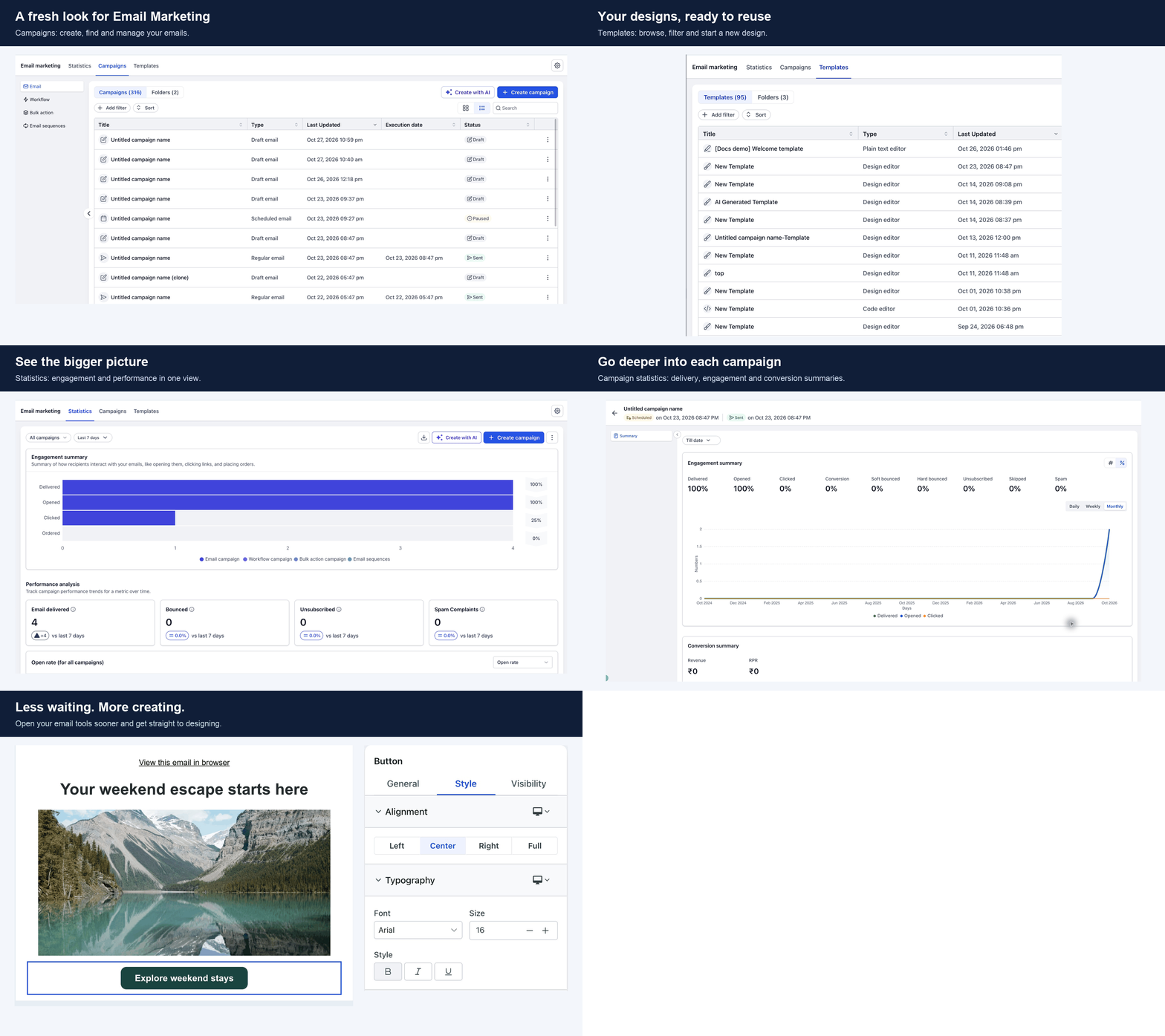
Email marketing has a fresh look and a faster start. The email builder and campaign setup have been redesigned to help you create and send campaigns with fewer steps, so you can get your message out sooner.
👀 What's New?
- A cleaner email builder: The builder has a fresh look, with tools and settings placed where you expect them.
- Faster campaign setup: Start a campaign in fewer steps, with a clearer path from template to send.
- Easier templates: Templates are easier to find and customize, so you can start from a design that already looks good.
🌟 Why This Matters
- Send sooner: Fewer steps between your idea and a sent campaign.
- Stay focused: A cleaner workspace keeps your attention on the message, not the tools.
🛠️ How It Works
- Go to Email Marketing, then click Create campaign.
- Choose a template or start from scratch in the refreshed builder.
- Add your content, preview it, and send or schedule the campaign.
📝 Additional Notes
- The new look applies to new campaigns and templates.
- Existing campaigns and templates are unchanged.