🚀 Discover Courses & Offers — Turn Your Client Portal Into a Storefront
Your learners can now discover and purchase new courses and offers directly from the Client Portal! With Discover, showcase your courses, bundles, and communities in one place, making it easier for learners to explore and purchase more of your content.
✨ What's New?
Discover Courses & Offers — Showcase courses and published offers alongside communities in a dedicated Discover section within the Client Portal.
Control What's Discoverable — Use the new Show in Discover toggle to choose which courses and offers learners can explore.
Explore Courses & Bundles — Learners can browse course thumbnails, pricing, descriptions, and tags, while offers appear as bundles.
Search & Filter — Help learners find relevant content using search and filters for Free, Language, Difficulty, and Topic.
Seamless Checkout — Learners can go directly from discovering a course or bundle to its checkout page.
Flexible Landing Experience — Optionally set Discover as the default landing page in the Client Portal.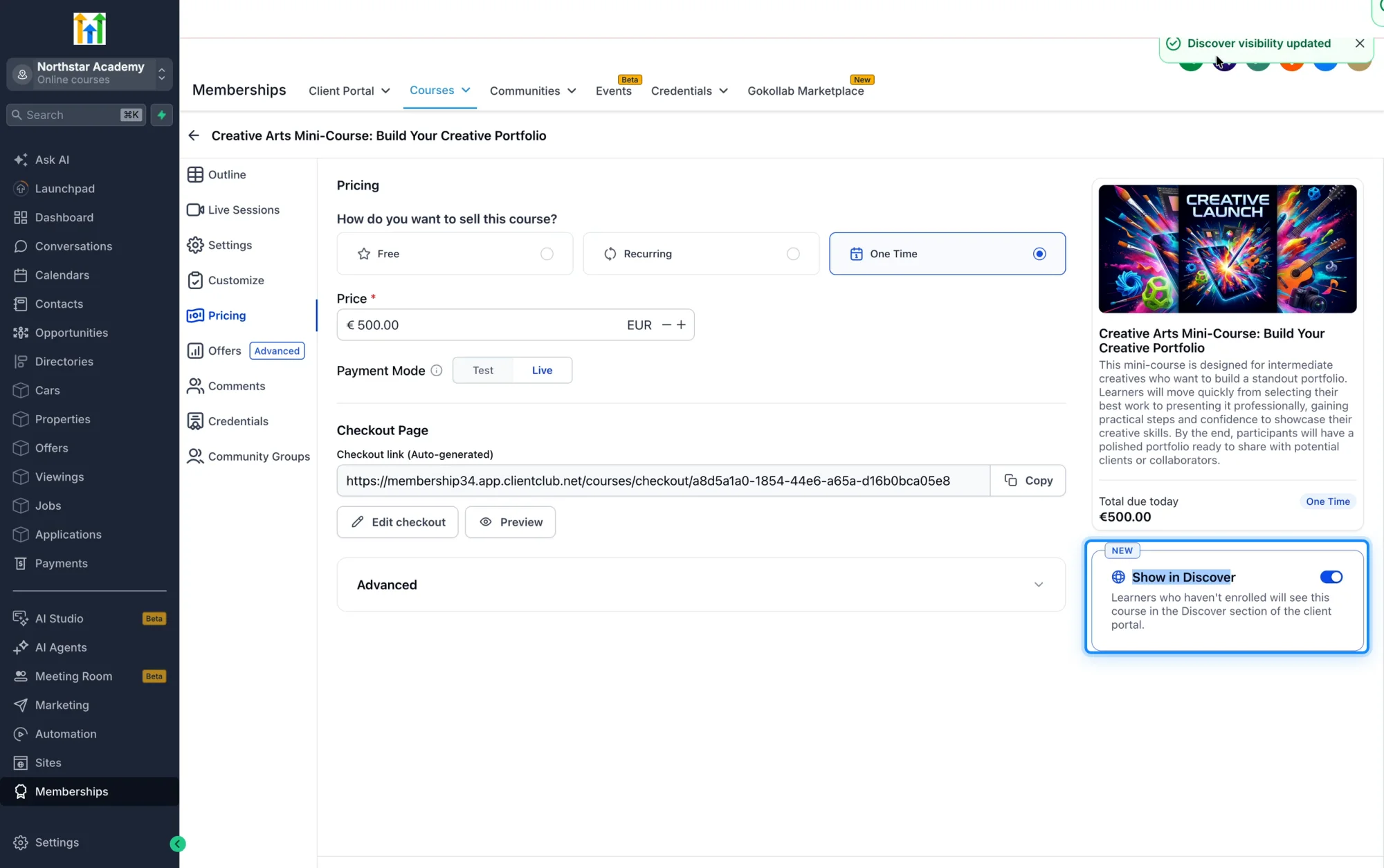
🎯 Why It Matters
Previously, learners could only see courses they were already enrolled in, leaving creators dependent on external promotions to drive additional purchases.
With Discover, your Client Portal becomes more than just a learning destination — it becomes a storefront for your content, helping existing learners find their next course or bundle without additional marketing efforts.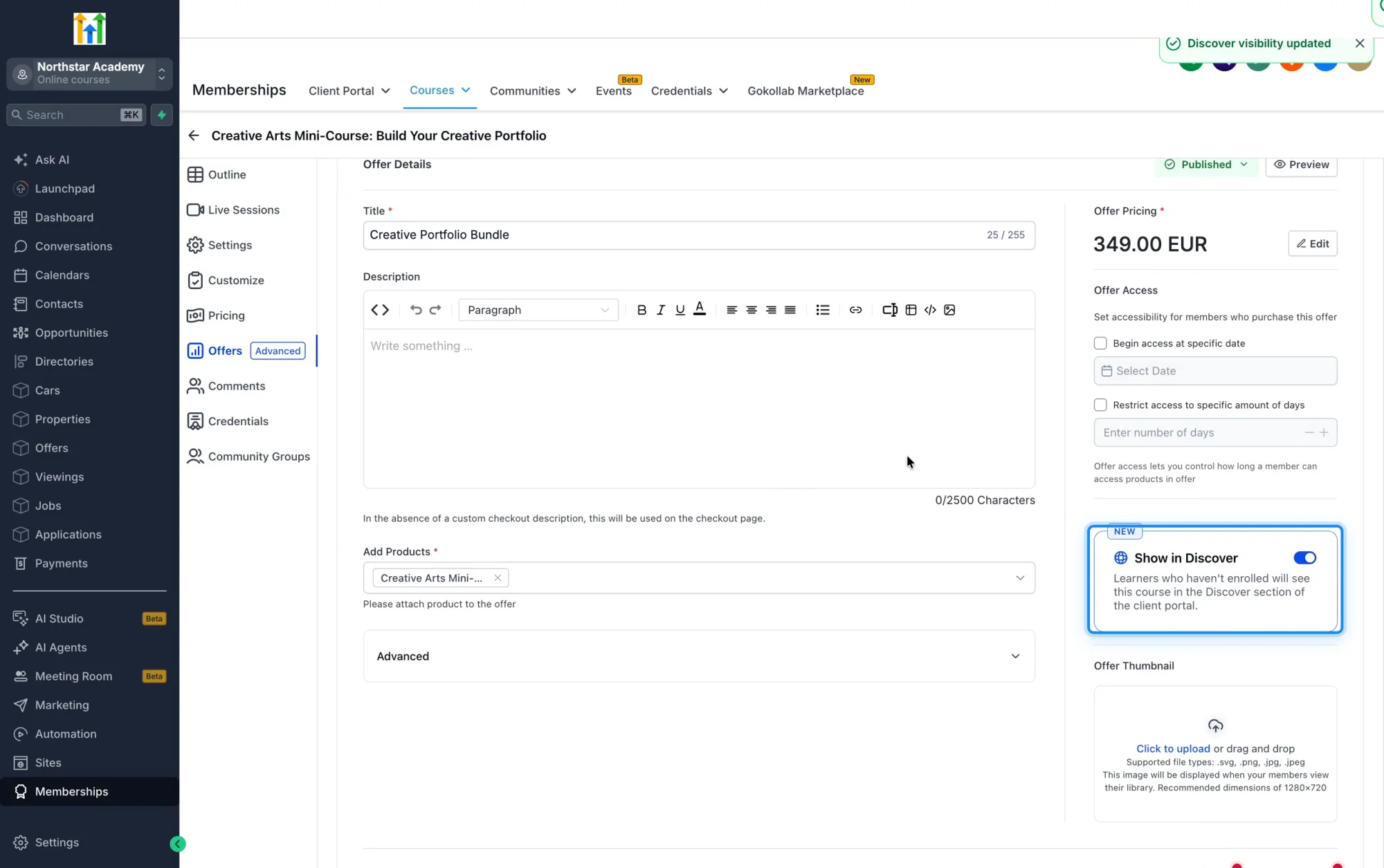
🚀 What You'll Benefit From
Increase Course Visibility — Showcase courses and offers to learners who haven't purchased them yet.
Drive More Sales — Create opportunities for repeat purchases from your existing learner base.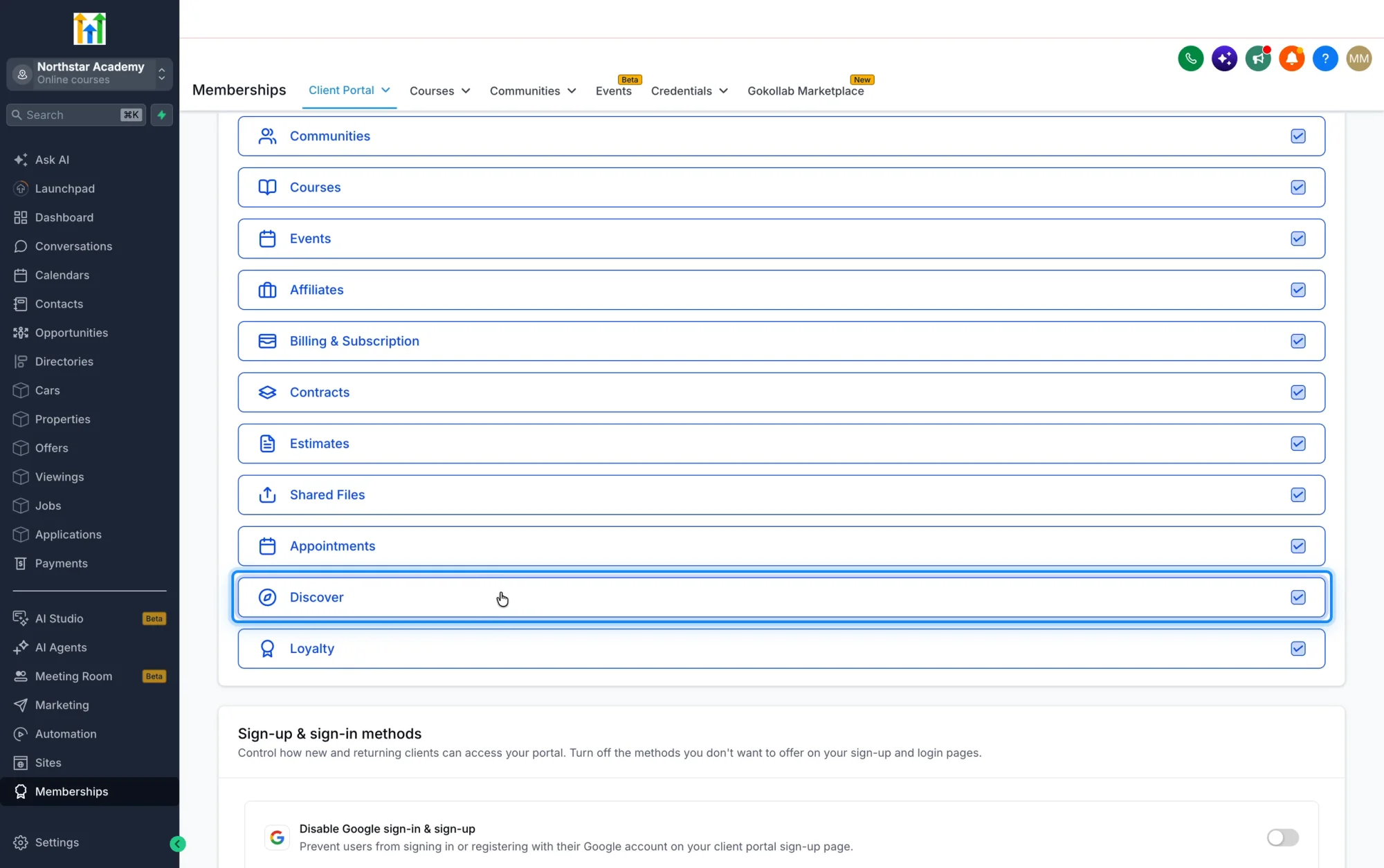
Improve Learner Experience — Provide a storefront experience that helps learners discover and purchase more courses.
Grow Revenue — Unlock new revenue opportunities by selling courses to your existing learner base.
⚙️ Getting Started
Navigate to Labs in your sub-account and turn on "Discover Courses & Offers."
Go to Memberships → Products → Courses and enable Show in Discover for the courses you want learners to find.
Visit the Client Portal to explore Discover and start selling.
Use Search & Filters to help learners find relevant content.
Once enabled, learners can explore, discover, and purchase courses directly from the Client Portal.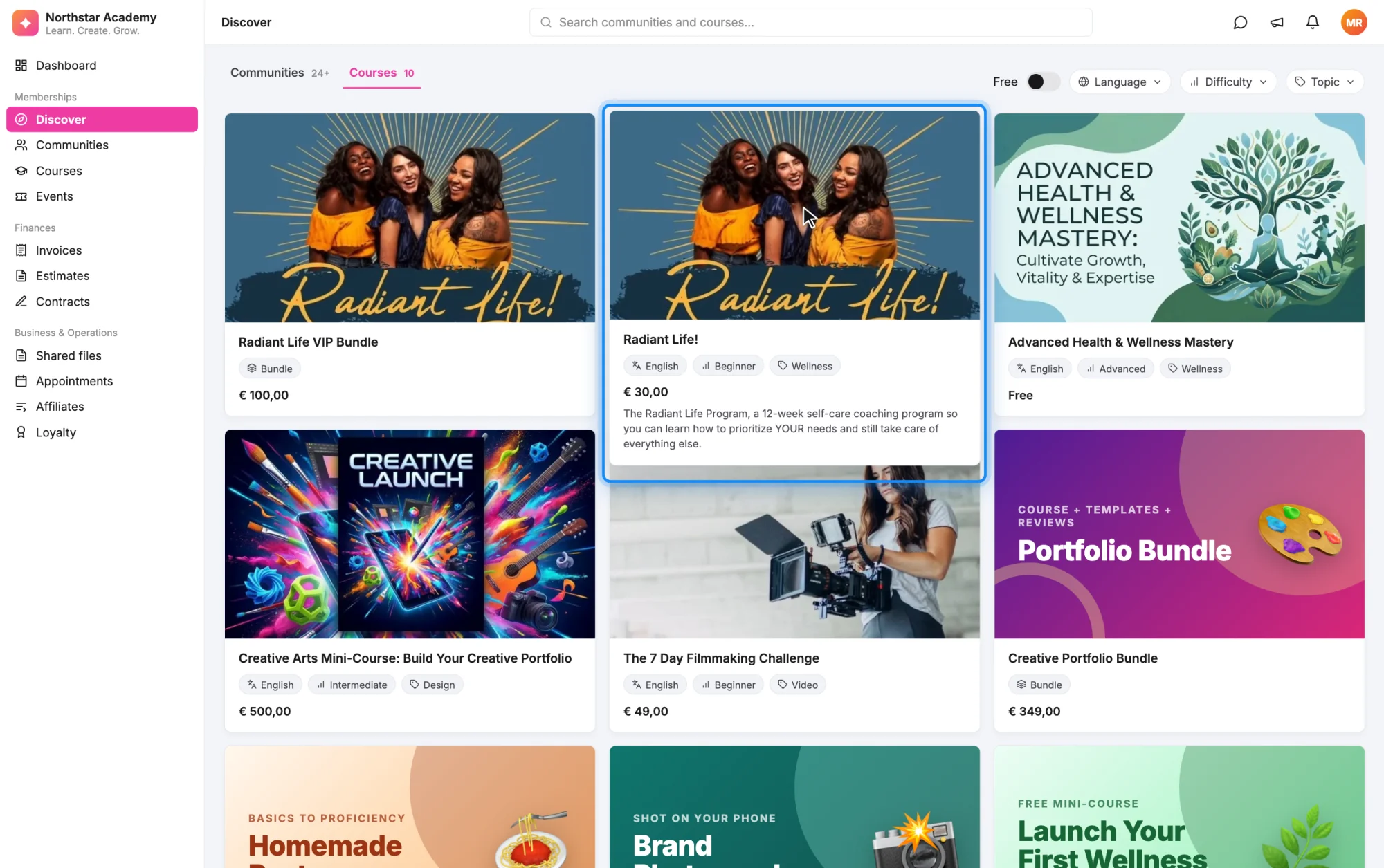 Availability: Discover Courses & Offers is available to all users with access to Courses.