Bulk Delete & Restore Opportunities
⭐ What’s new
You can now bulk delete and restore opportunities—making large-scale pipeline cleanups faster, safer, and fully reversible.
Instead of deleting opportunities one by one, you can remove multiple records at once and restore them later if needed.
🛠️ How it works
Bulk Delete Opportunities
- Go to Opportunities
- Select multiple opportunities using checkboxes
- Click Delete
- Type DELETE to confirm the action
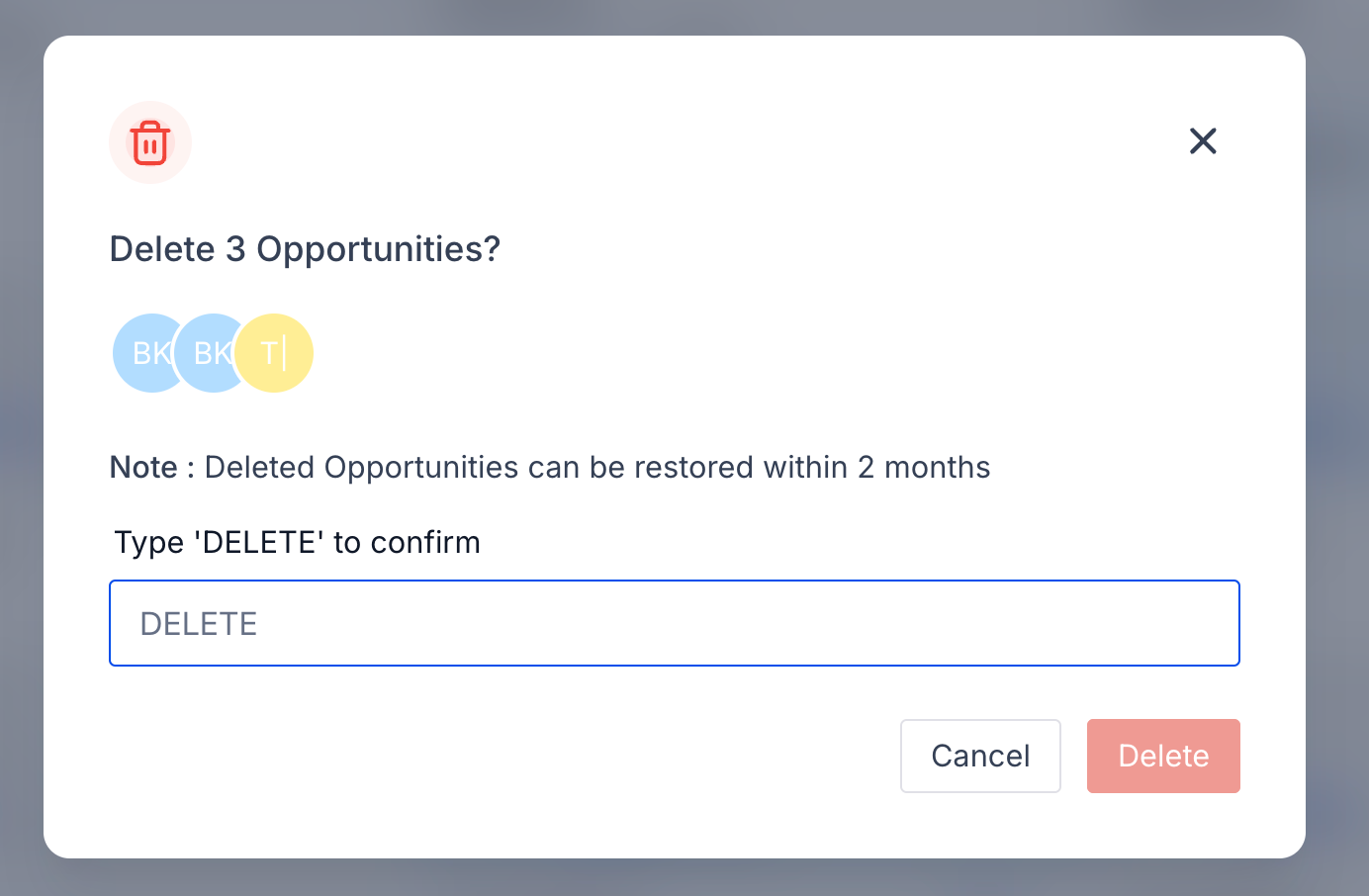
Bulk deletions run asynchronously, so you can continue working while the process completes.
Restore Deleted Opportunities
- Open the Bulk Actions page
- Locate the deleted action and click on the 3 dots on the right
- Click Restore to recover the opportunities
⚠️ Opportunities linked to deleted contacts cannot be restored.
Bulk Actions Tracking
- View real-time status of bulk delete and restore actions
- See who initiated the action, when it ran, and how many records succeeded or failed
- Access detailed, per-opportunity results for full transparency
💡 Why it matters
Bulk Delete & Restore helps teams:
- Clean up large volumes of stale or invalid opportunities in seconds
- Reduce risk with explicit confirmation and a 60-day recovery window
- Maintain full visibility into destructive actions via audit-friendly tracking
- Confidently declutter pipelines without fear of permanent data loss