AI Agent Action: Knowledge Base Search
What's New
The AI Agent action now supports Knowledge Base Search as a built-in tool. During execution, the agent can search your native knowledge base in real time — pulling in relevant business context to improve decision-making and response accuracy.
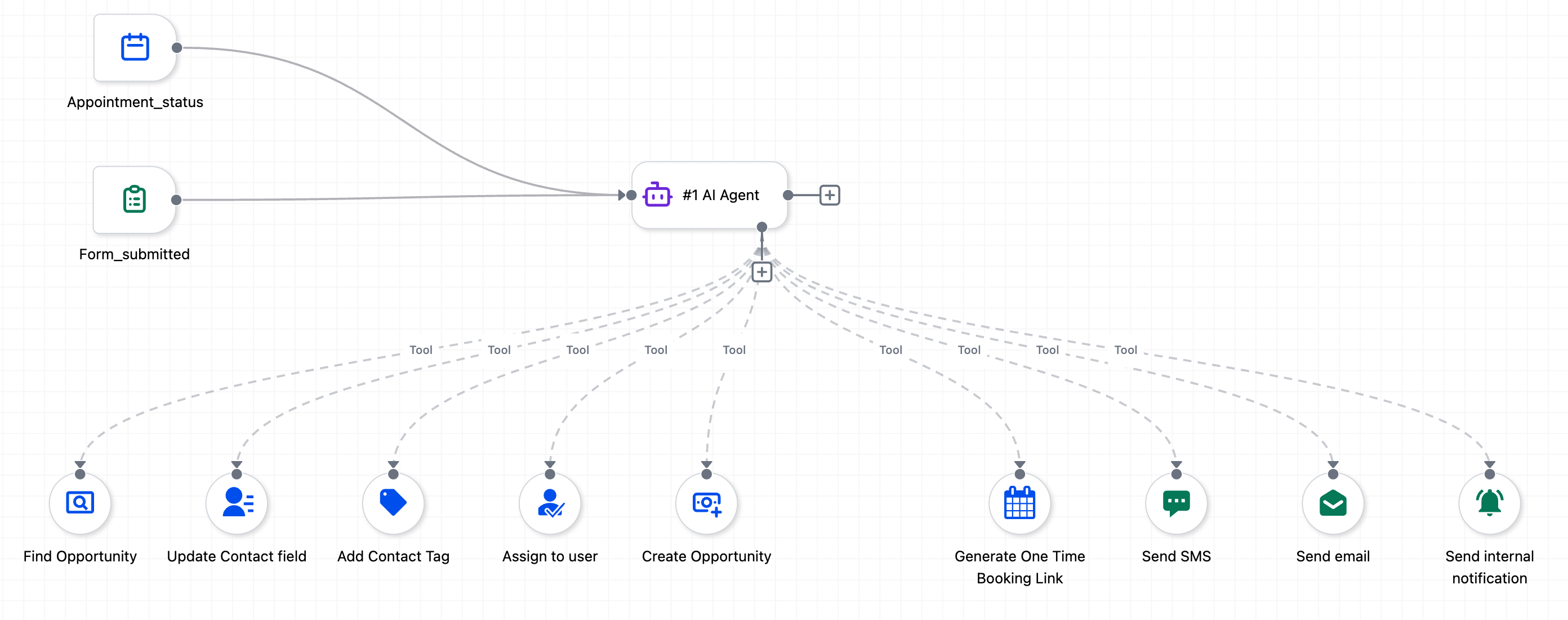
- Connects directly to your native knowledge base, where your business context already lives: service details, pricing, offerings, booking rules, service menus, availability, FAQs, and more.
- Retrieves only the relevant information when needed, instead of loading the full system prompt with static content.
- Replaces the common workaround of pasting entire FAQ lists and business details into the prompt — which inflated the context window and produced less accurate results.
How to Use
- Select Knowledge Base Search as a tool inside the AI Agent action.
- Choose which knowledge bases the agent should search.
- Define a static search query, or let the AI decide the query dynamically based on the conversation.
- Set the number of chunks the agent retrieves from the knowledge base.